The Images a Retailer Needs Before a Range Can Go Live
An accurate image for every fabric, lifestyle imagery, close-ups and a dimension drawing: what a strong listing has, what each destination actually requires, and why imagery decides how much of a range gets listed.
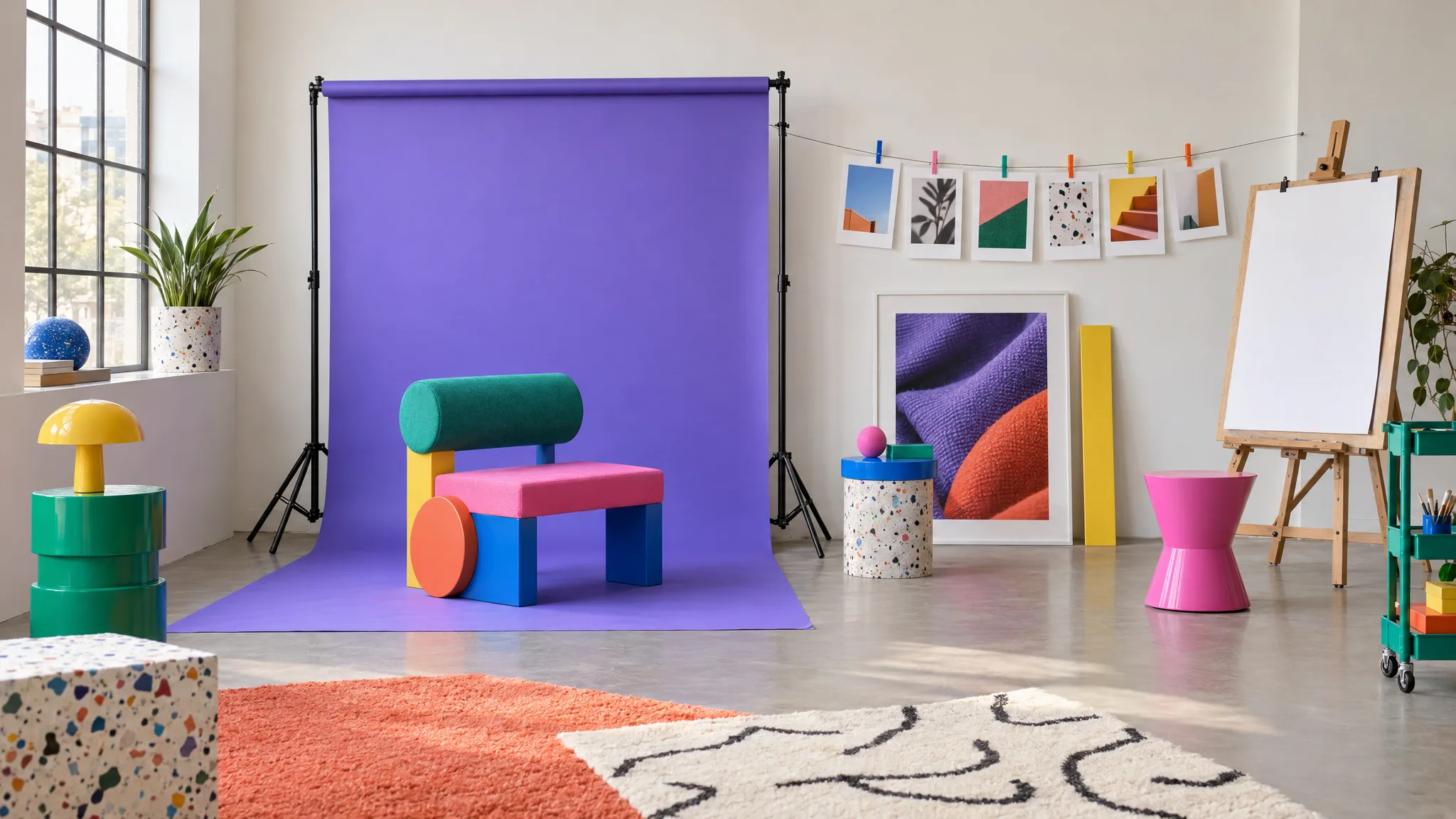
Work out the intended image count for one range and the scale of the imagery task becomes clearer. A chair in seven fabrics, if you want each fabric shown accurately with a room shot, is 14 images before close-ups or a drawing. A range of 40 products in several fabrics runs to several hundred. Suppose the supplier sent you nine.
What a strong listing has
These are merchandising recommendations, not a universal launch requirement. Each destination sets its own mandatory image rules, and you should check those separately for every channel you sell through.
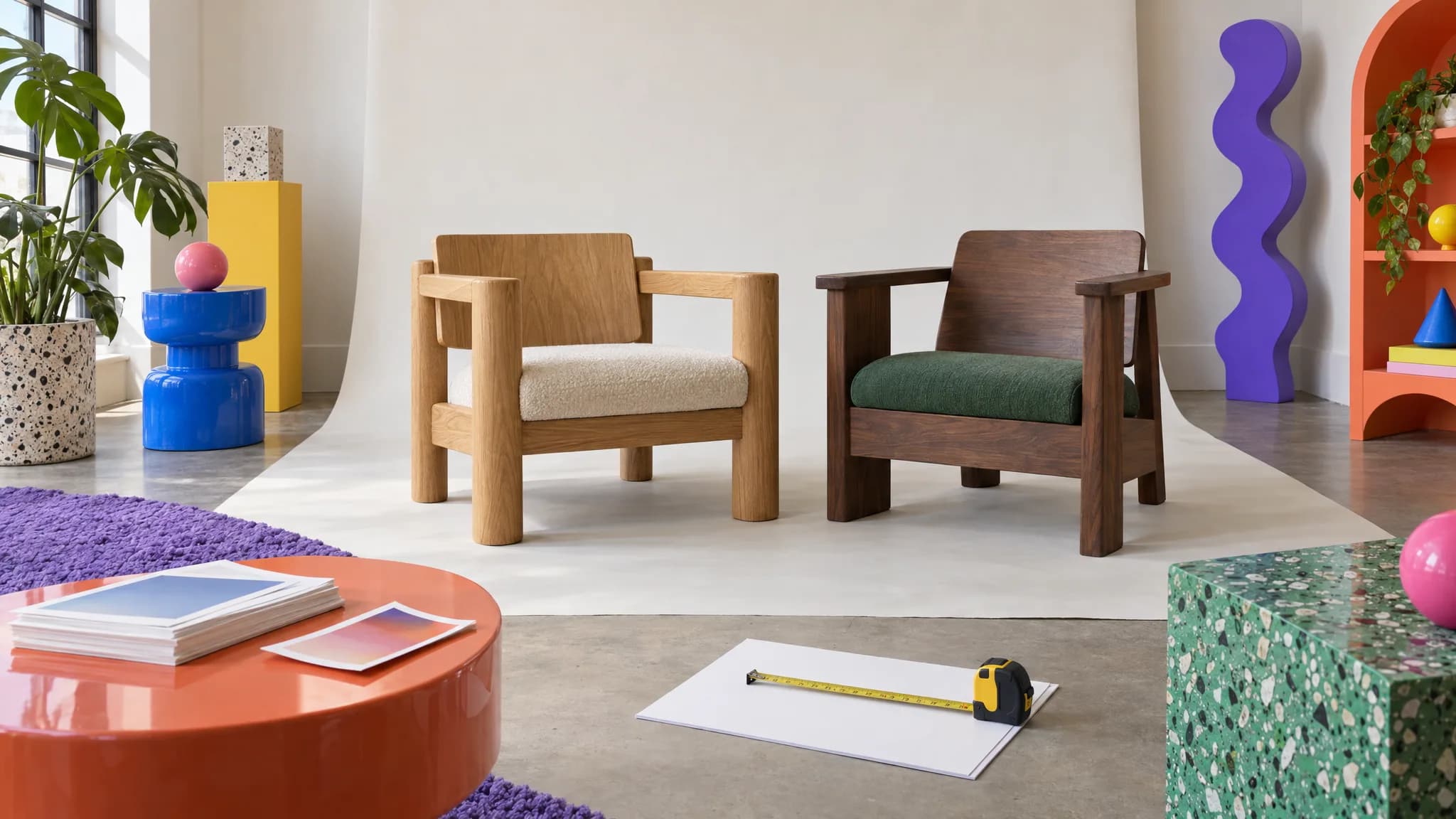
An accurate image for each fabric. The product on a plain background, consistent angle, consistent crop. This is the thumbnail and the search result. If Cobalt has no image of its own, Cobalt is a dropdown option showing Oatmeal's picture, and customers notice.
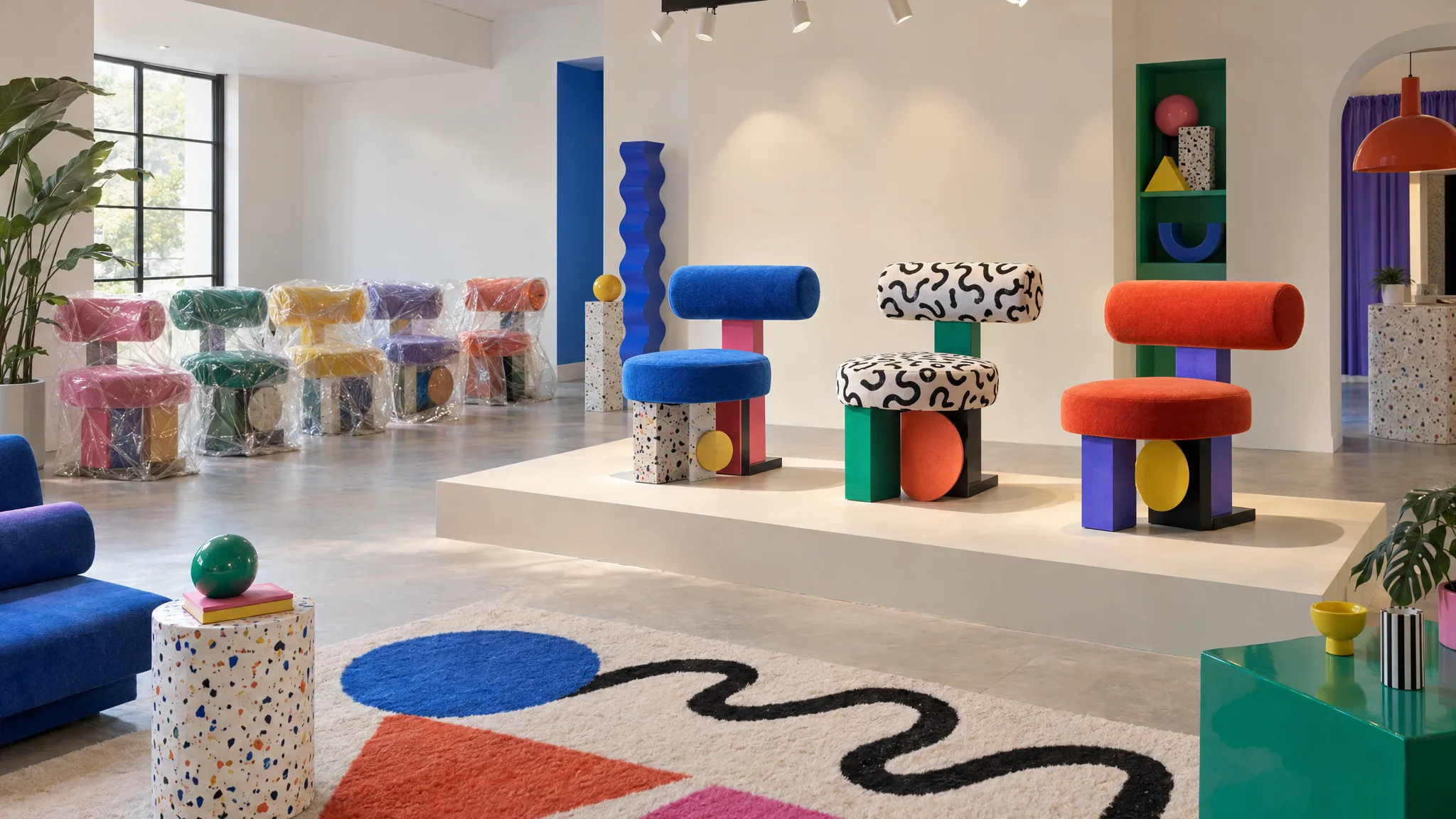
Lifestyle imagery. The product in a setting that shows scale and style. Ideally per fabric, because a room shot of the hero color doesn't help someone deciding on Jade. This is the image almost no supplier provides for more than one or two fabrics.
Close-ups. Fabric texture, a leg joint, the stitching. They matter more for upholstery than for case goods.
A dimension drawing. A line drawing with the key measurements marked. Customers planning a room use it; some retailers ask for it. The measurements on it have to come from verified product data; a photo alone can't establish them.
Channel sizes. Each of the above at each channel's aspect ratio and resolution, named the way that channel expects. One image becomes several files.
What you actually get
A limited supplier image set might contain one hero shot per product in the photographed fabric, perhaps another colorway or a lifestyle shot, but no complete set for every option. Other suppliers provide much more. Image links hosted by the supplier can also stop working if files are moved or removed.
So the range you can show properly is often limited to the fabrics you have photographed. Other sellable fabrics may appear in a dropdown with the hero fabric's picture, or may not be listed at all.
Why imagery decides range coverage
Most preparation steps scale with effort. Imagery has a cost attached to every fabric, whether that's a studio day, a CGI commission or generation credits, so it's where the budget conversation happens and where "we'll list the whole range" tends to become "we'll list the fabrics we have shots of". That is the mechanism behind which products go live first, and why the rest wait.
What changes when images come from the record
If an accurate image per fabric can be made from an approved product photo and fabric swatch, the image set becomes work that can be planned across the catalog rather than commissioned one colorway at a time. Generation credits and human review still apply, so teams can prioritize the combinations that are valid and commercially useful.
Furniture Connect can fill image fields from product references across selected products [1][2]. Review generated or edited imagery against the approved product references for product presence, silhouette, proportions, construction, material, finish and color. Resolve mismatches or uncertainty before publication; a generated image is not proof of a product specification. A generated dimension drawing needs verified dimensions as inputs, and its labels, units and geometry must still be checked against the specification before publication.
Then the channel sizes: set the pixel dimensions, pad to fit or crop to fill, convert to JPG, PNG or WebP, name cut-outs, lifestyle shots and close-ups differently, save a preset per retailer, and download the ZIP [3]. The channel's spec is yours to supply; the catalog doesn't detect each marketplace's image rules on its own.
Count yours
For your last range: products in the file, sellable variants per product, and the images you want per variant. If every product has the same number of variants and planned shots, products × variants per product × images per variant gives the planned image placements. Otherwise, add the planned shots for each variant. Subtract legitimately shared assets to estimate unique files, and count destination-specific exports separately. Compare that plan with the accurate assets you already hold; the shortfall is your imagery brief.
Barker and Stonehouse's Daniel Williams described getting "over 100 products online, with thousands of images" in a week, where the process previously took months [4]. For how the rest of the preparation fits around imagery, see getting a new furniture range online.
Sources
- Furniture Connect Help Center: How to create image fields for your products
- Furniture Connect Help Center: How to fill product data with AI Autofill
- Furniture Connect Help Center: How to export product images at any size
- Furniture News: Barker and Stonehouse reports over 100 products online in a single week