3D Furniture Modeling for Product Catalogs: A 2026 Operator's Guide
How catalog operators should think about 3D furniture modeling in 2026, and when AI 3D generation from a single product photo replaces traditional CGI.
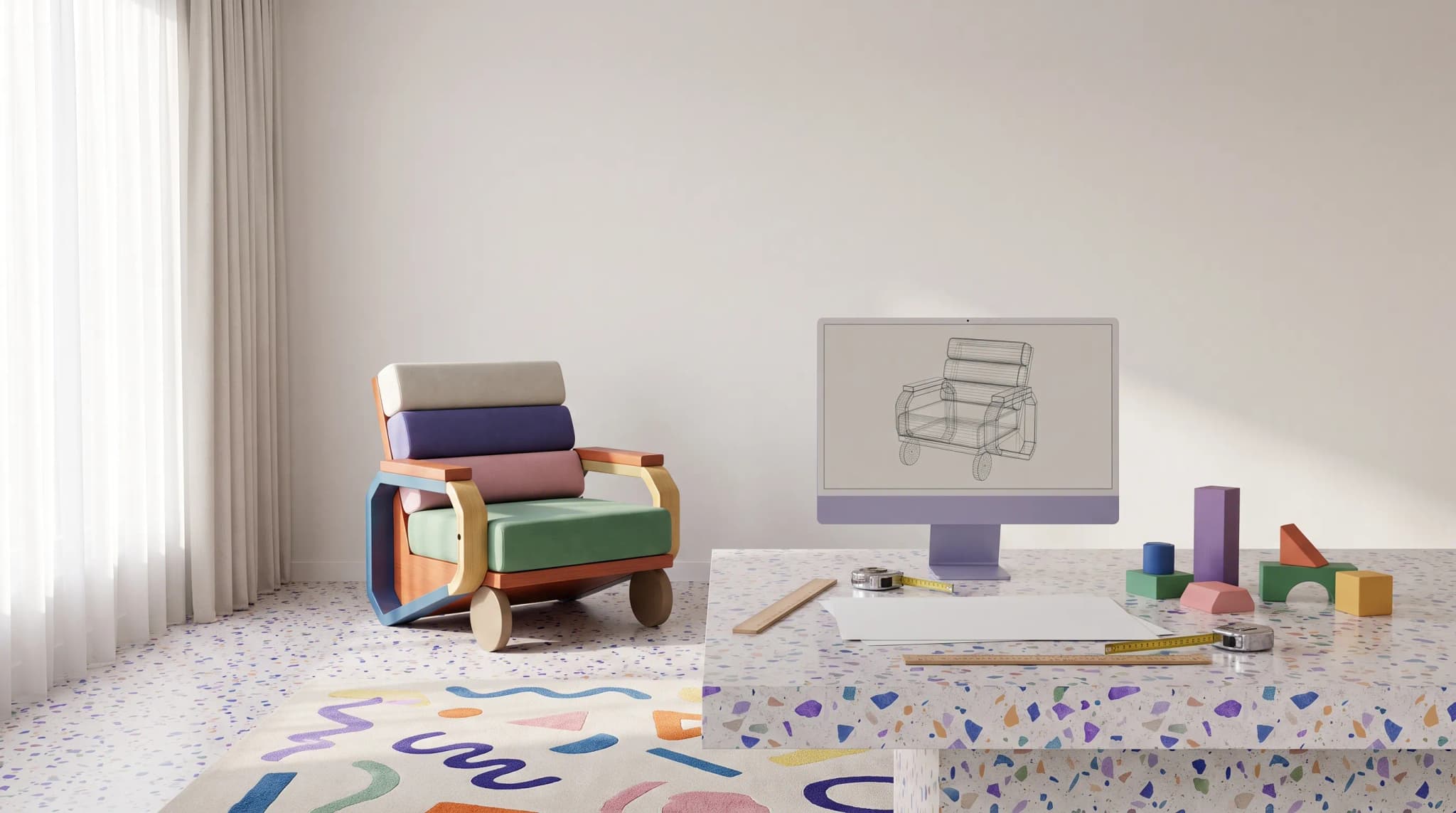
3D models have quietly become a default catalog asset for furniture brands — a baseline expectation for AR, configurators, marketplace 3D viewers, and lifestyle scene generation. The economics, however, have changed. AI 3D generation from a single product photo now produces GLB/glTF/OBJ output in minutes, where traditional 3D modeling studios still quote in days or weeks. This guide is for catalog operators who need to make a sober, vendor-neutral decision about how to model their range — and how platforms like Furniture Connect fit into that decision.
Why do furniture product catalogs need 3D models in 2026?
Furniture is the category where 3D pays back fastest. The buyer is committing to a large, infrequent, physical purchase; conversion lifts from interactive 3D and AR are well-documented, and Google's commerce guidance now treats 3D assets as first-class product media — per Google Search Central's merchant guidance, listings with embedded 3D are surfaced differently than flat imagery.
Four pressures are driving 3D adoption at catalog scale:
- Marketplace viewer parity. Major channels render
model/gltf-binary(GLB) directly in product viewers. Brands without 3D show up as the flat-image option in a 3D-first carousel. - AR try-in-room. iOS ships USDZ, Android ships GLB. Brands supplying both get AR with no app install.
- Lifestyle scene generation. Once you have a 3D asset, you can place it in dozens of room sets without another photoshoot.
- Configurator economics. A single 3D asset replaces the SKU-by-SKU photo grid that used to drive 80% of catalog photography spend.
Brands that resisted 3D in 2022 cited cost. That objection no longer holds in 2026 — the cost curve has flipped.
What are 3D models actually used for in furniture ecommerce?
A 3D model is not a deliverable — it is an input to many downstream assets. Understanding the downstream uses is what tells you which fidelity, format, and topology you actually need. Most operators over-spec, paying studio prices for cinema-grade meshes when channels truncate textures to 2K anyway.
The realistic uses for a catalog 3D asset:
- Product detail page (PDP) 3D viewer. Buyers rotate, zoom, and inspect a single SKU on the brand site. GLB is the default; file size matters more than poly count.
- AR placement in the buyer's room. USDZ for iOS Quick Look, GLB for Android Scene Viewer. Same model, different containers.
- Configurators. Material, fabric, and finish swaps on a shared base mesh. Requires PBR-ready UVs and a material library tied to the product information system.
- Marketplace 3D viewers. Channel viewers each have their own size, texture, and topology rules. The model needs to survive aggressive recompression.
- Lifestyle and room-set rendering. The same mesh, dropped into varied scenes, replaces multi-week CGI projects. This is where pairing 3D with AI imagery workflows compounds.
- Catalog and printed media. High-resolution stills extracted from the 3D scene.
- Internal merchandising. Sales teams drop accurate dimensional models into customer floor plans.
Each use cares about different parts of the asset. A perfect AR model can be a useless print model, and vice versa. The choice of provider is downstream of the choice of use case.
Traditional 3D modeling: cost, time, and where it breaks at catalog scale
Traditional 3D modeling — produced in-house with desktop CAD applications, outsourced to a CGI studio, or sourced from a 3D marketplace — has been the default for fifteen years. It still produces beautiful work. It also still costs what it cost in 2018. Managed services such as Rendify cover the outsourced route, building 3D models and renders from CAD and reference files; see managed CGI versus Furniture Connect.
Industry rate cards from studios serving the furniture sector typically fall in this range:
| Asset type | Typical price per SKU | Typical turnaround |
|---|---|---|
| Photoreal hero model (cinema-quality) | £400–£1,200 | 2–4 weeks |
| Configurator-ready PBR model | £250–£600 | 1–3 weeks |
| AR-optimized GLB/USDZ pair | £150–£400 | 1–2 weeks |
| 3D marketplace pre-built model (close match) | £20–£150 | Hours |
| Revisions and consistency rounds | 15–30% surcharge | +1 week |
These are vendor-neutral medians from public studio price sheets and freelancer marketplaces — the bill operations actually pays after revisions.
Where the traditional model breaks:
- Volume. A 2,000-SKU catalog at £300 average runs £600,000 and sixteen elapsed months even with parallel modelers.
- Reference fidelity. Studios produce what the brief said, not what the product is. Discrepancies in welt detail, leg taper, or stitching are caught only after returns.
- Iteration speed. A new colorway requires a re-render. A new fabric requires a new material round. Per-variant economics get crushed.
- Onboarding. New SKUs trickle in monthly. The studio's capacity is committed to other clients. The catalog falls behind launch.
- IP and continuity. When the studio churns, source files often go with them.
None of these are flaws of any particular studio. They are structural properties of the human-labor 3D production model — what AI 3D generation was built to disrupt.
AI 3D model generation: photo in, model out
AI 3D generation is the technique of producing a textured 3D mesh from one or more product photos, using a mix of underlying AI models with intelligent routing. The output is a standard 3D asset — GLB, glTF, or OBJ — that drops into the same downstream pipelines a hand-built model would feed.
Furniture Connect's AI 3D generation works from a single product photo and returns GLB or glTF in minutes rather than days or weeks. The platform is purpose-built for furniture catalogs, pairing the 3D output with PIM write-back, DAM storage, and downstream lifestyle scene generation in one workflow.
The economic shift is genuine. A SKU that cost £300 and two weeks now costs pennies and minutes. That order-of-magnitude change is what makes catalog-wide 3D coverage affordable, instead of stopping at the hero SKUs.
What AI 3D generation does well today:
- Convex, rigid forms. Case goods, dining tables, clear-silhouette chairs, lamps, shelving — the bulk of a typical catalog.
- Texture transfer. The product photo's material reads through to the mesh with PBR-compatible texturing.
- Multi-view consistency. Modern systems generate a 360° mesh from a single front view with reasonable back-side inference.
- AR-quality output. Mesh complexity is well within mobile AR budgets out of the box.
What it does less well:
- Deep upholstery folds and high-frequency soft-good detail.
- Mechanical detail like exposed hinges, drawer slides, or tension hardware on reclining furniture.
- Unusual silhouettes outside the training distribution — sculptural one-offs benefit from human modeling.
The honest framing is: AI 3D generation is now the right default for the bulk of a furniture catalog, with traditional 3D reserved for the cases that genuinely need it.
What output formats matter — GLB, glTF, OBJ, USDZ?
Format confusion is the single biggest reason catalog 3D projects stall. In reality there are only four files an operator needs to understand, and three are governed by the same open standard — the Khronos Group's glTF specification, the dominant open 3D format for the web.
- glTF (
.gltf+ textures). The "JSON for 3D" format. Human-readable, slightly larger on disk, useful for editing and inspection. Most pipelines convert from glTF to GLB before shipping. - GLB (
.glb). The binary, single-file packaging of glTF. This is the format almost every modern web viewer, AR system, and marketplace viewer expects. If you only buy one format, buy GLB. - USDZ (
.usdz). Apple's preferred AR format, derived from Pixar's USD. Required for iOS Quick Look AR. Most AI 3D generators output GLB and convert to USDZ as a downstream step. - OBJ (
.obj+.mtl). The old industry workhorse. Useful for compatibility with legacy 3D pipelines and for editing in traditional 3D tools. Larger files, no animation, no PBR materials natively. Still asked for by some print and CAD pipelines.
Other formats — FBX, STL, STEP — are CAD-pipeline assets, not catalog assets. If a buyer requires them, they belong to a different workflow.
Rule of thumb: ship GLB for web and Android AR, ship USDZ for iOS AR, keep glTF or OBJ on hand for downstream editing, and stop worrying about everything else.
When manual CAD/3D still wins
This guide is not anti-traditional-3D. Three categories still favour traditional 3D modeling, and operators who ignore the nuance ship worse catalogs.
- Hero pieces with extreme detail expectations. Flagship sofas, signature dining tables, the SKUs printed in every campaign. Cinema-grade modeling is a brand investment, not a unit-cost decision.
- Mechanical or kinetic products. Recliners, sleeper sofas, motion sectionals. The mesh has to articulate, and AI 3D generation does not yet model articulation reliably.
- Pre-production visualization. When the product does not exist yet, there is no photo to feed the AI. Traditional 3D is still the right option.
For everything else — the eighty to ninety percent of a catalog that is in-production SKUs with available photography — AI 3D generation is now the default. We have argued the same logic from the imagery side in the anatomy of a perfect product listing.
When the output needs a commissioned production pipeline, the operator's guide to furniture CGI helps define the brief and acceptance criteria.
The catalog-scale economics: cost per modeled SKU
Operators do not buy 3D models; they buy catalog coverage at a target cost per SKU. Re-framing the decision this way changes which questions matter.
The honest unit-economics comparison:
| Approach | Cost per modeled SKU | Time per SKU | Coverage at £100k budget |
|---|---|---|---|
| Traditional CGI studio (hero quality) | £400–£1,200 | 2–4 weeks | 80–250 SKUs |
| Traditional CGI studio (configurator quality) | £250–£600 | 1–3 weeks | 165–400 SKUs |
| In-house team using traditional 3D tools | £150–£400 (fully loaded) | days | 250–650 SKUs |
| 3D marketplace pre-built models (close-match only) | £20–£150 | hours | 650–5,000 SKUs (if matches exist) |
| AI 3D generation from product photo | Pennies to a few pounds per SKU | minutes | Whole catalog |
The McKinsey retail operations research on furniture and home goods has repeatedly identified content production as the single largest line item in ecommerce launch cost. Baymard's usability research on product-page design also notes that interactive 3D and AR availability materially affects perceived product confidence — which is what catalog 3D is ultimately buying.
When AI 3D generation collapses the per-SKU cost by two orders of magnitude, the operator's question stops being "which SKUs deserve 3D" and starts being "what additional uses can we now afford." That is the economics shift. You can run the numbers against your own catalog before committing, and check pricing against your volume.
How a furniture brand should pilot AI 3D generation
A pilot is not a proof of concept. It is a structured comparison against a known baseline. Three weeks is enough to learn whether AI 3D works for your catalog.
Week 1 — baseline.
- Pick 30 SKUs across three product categories (case goods, upholstery, lighting works well).
- Pull existing 3D assets if they exist; otherwise record the historical cost and turnaround of producing equivalent work traditionally.
- Define acceptance criteria upfront: silhouette accuracy, material read, dimensional plausibility, AR usability.
Week 2 — generation and review.
- Generate all 30 SKUs through AI 3D, including GLB and USDZ output.
- Have a senior merchandiser score each model on the four criteria, blind to cost or origin.
- Tag failures by category — silhouette, material, dimension, or AR. The category tells you whether the problem is the AI, the input photo, or the SKU class.
Week 3 — channel test.
- Publish a randomised subset to a live channel with the AI 3D model and the rest with existing imagery. Run a two-arm test for conversion, time-on-PDP, and AR engagement.
- Move passing categories to a rolling generation pipeline; route failing categories to a traditional 3D workflow.
The pilot's output is a coverage policy: which categories run AI 3D by default, which run traditional, which run hybrid. That policy is the deliverable. The 3D models are the byproduct.
For brands that have already run this pilot, the result is consistent across our case studies: 80%+ of catalog 3D moves to AI generation, hero SKUs and mechanical products stay on traditional pipelines, and total catalog cost falls by roughly an order of magnitude.
Use the comparison of CGI vs photography for furniture to set a realistic production baseline for the pilot.
The structural point is simple. Traditional 3D modeling was built for an era when human-labor CGI was the only way to produce a usable mesh. That era is over for catalog-volume work. AI 3D generation does not replace traditional 3D — it absorbs the routine ninety percent so traditional 3D can be reserved for the ten percent that genuinely warrants it.
The operators who win the next three years will be the ones with the best coverage policy, clear about which SKUs need which approach. The fastest path to a working policy is to book a demo and walk through your own SKUs with our team.
For wider context, see Furniture Today for industry coverage, Shopify Plus for the commerce-platform perspective, and Statista's furniture datasets for volume trends.
Frequently asked questions
What are 3D furniture models used for in an ecommerce catalog?
A 3D model is an input to many downstream assets rather than a deliverable on its own. In furniture ecommerce it feeds the product page 3D viewer, AR placement in a buyer's room, configurators that swap fabrics and finishes on a shared base mesh, marketplace 3D viewers, lifestyle and room-set rendering, high-resolution stills for print, and dimensional models sales teams drop into customer floor plans. Each use cares about different parts of the asset, so decide the use before the provider.
Which 3D file format should a furniture brand buy: GLB, glTF, OBJ or USDZ?
If you only buy one format, buy GLB. It is the binary, single-file packaging of glTF that almost every web viewer, AR system and marketplace viewer expects, and it covers Android AR. Ship USDZ for iOS Quick Look AR, usually converted from GLB as a downstream step. Keep glTF or OBJ on hand for editing in traditional 3D tools and for legacy print or CAD pipelines. FBX, STL and STEP are CAD-pipeline assets, not catalog assets.
How much does traditional 3D furniture modeling cost per SKU?
Studio rate cards serving furniture typically run £400 to £1,200 per SKU for a photoreal hero model, £250 to £600 for a configurator-ready PBR model, and £150 to £400 for an AR-optimized GLB and USDZ pair, with turnaround measured in weeks and a 15 to 30 percent surcharge for revisions. At a £300 average, a 2,000-SKU catalog runs about £600,000 and 16 elapsed months. AI 3D generation from a product photo brings that to pennies and minutes per SKU.
When is AI 3D generation not good enough for furniture?
Three cases still favor traditional modeling. Hero pieces with extreme detail expectations, where cinema-grade work is a brand investment rather than a unit-cost decision. Mechanical or kinetic products such as recliners, sleeper sofas and motion sectionals, because the mesh has to articulate and AI does not yet model that reliably. And pre-production visualization, where the product has no photo to feed the AI. AI 3D also struggles with deep upholstery folds, exposed hinges and drawer slides, and sculptural one-off silhouettes.