What Belongs in a Furniture Collection Launch Pack?
The product data, imagery, commercial information and supporting documents a furniture collection needs before launch.
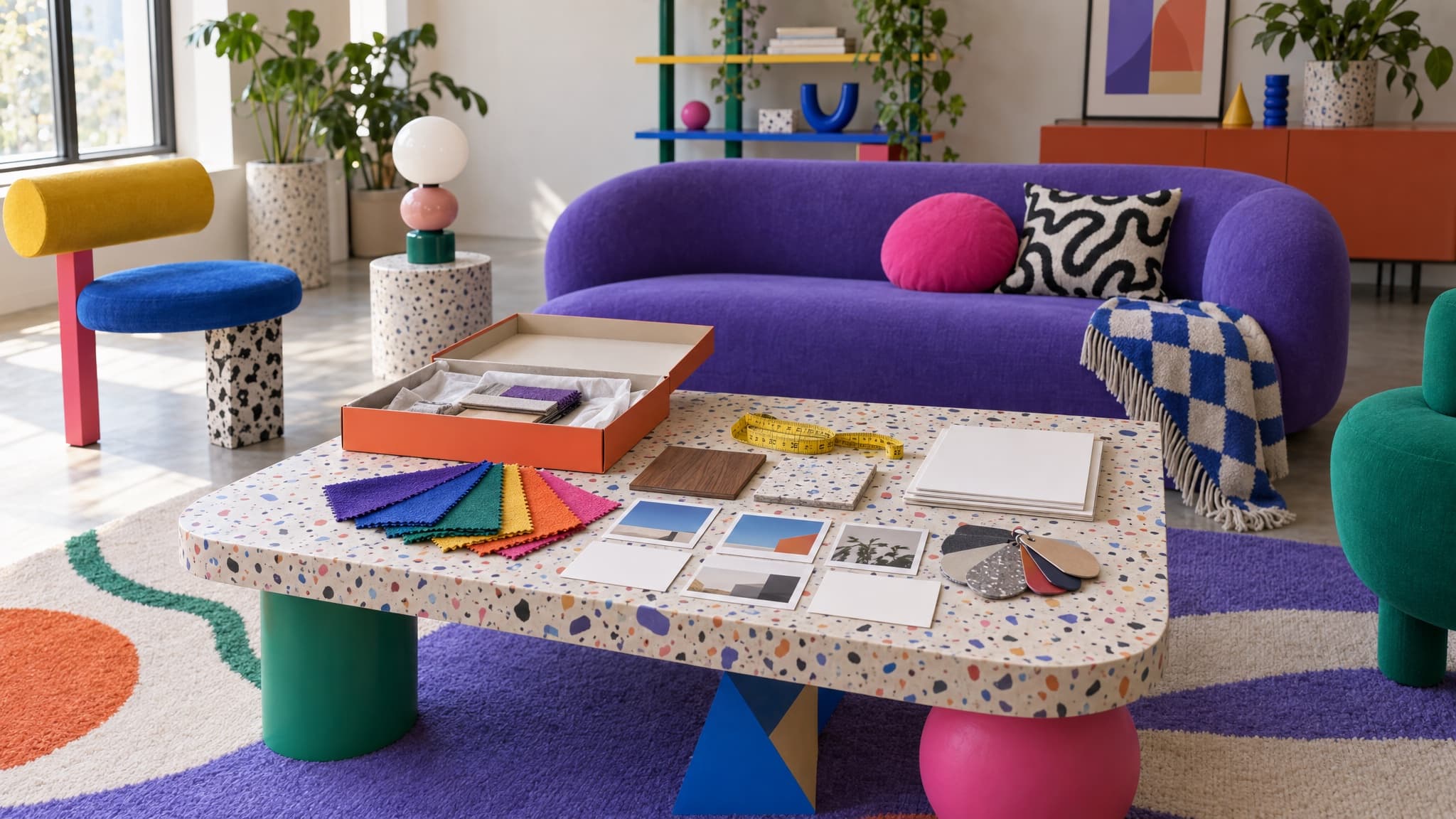
A furniture collection launch pack is the approved set of product information, imagery, commercial data and supporting documents needed to take a new range to market.
It is not necessarily one document. A line sheet, retailer spreadsheet, image folder and compliance file may all be outputs from the pack. What matters is that they describe the same approved products and variants.
1. The approved range list
Begin with what can actually be ordered:
- Parent products and sellable variants
- Internal SKUs
- Sizes, fabrics, finishes and orientations
- Options sampled but not approved for sale, clearly excluded
- Planned launch date and destinations
This is the control list for everything that follows. If the range changes, update it first.
2. Product specifications
The pack needs the facts a buyer, retailer or sales team will rely on. Depending on the product, these may include overall and seat dimensions, materials, construction, care, assembly, packaging dimensions, weights and country of origin.
Keep shared facts at product level and genuine differences at variant level. Do not copy the lead colorway's information across the range unless it is actually identical.
3. Commercial information
Include the approved prices and the context needed to use them correctly:
- Currency and market
- Trade, retail or other channel values
- Effective date
- Tax treatment where relevant
- Minimum order or pack information where applicable
Furniture Connect supports formulas for calculating eligible base-catalog fields. Where the required inputs and output field are configured, a formula can calculate a trade-price value from cost and an approved margin rule. Supported channel-specific values can be maintained separately. The team approves the calculation and determines which commercial value each quote or destination uses.
4. Imagery and visual assets
Define what each asset is for rather than dropping everything into one folder.
Typical roles include hero, cut-out, lifestyle, detail, dimension diagram and material swatch. Each asset should connect to the correct product, variant or material. Record channel crops separately from the source image.
When the Furniture Connect Agent generates or edits imagery using product references, its workflow includes a visual comparison of product presence, silhouette and proportions, material, finish and color. Identified mismatches or uncertainty are flagged for review. This is not publication approval or a guarantee of accuracy. Saving the checked result to a named catalog variant requires user authorization, which may already have been given in the original request.
5. Descriptions and selling content
The base copy should cover the product's useful features, materials, construction and care without inventing claims that are absent from the approved record.
Retail, trade and direct channels may need different lengths or emphasis. Create those as destination versions. Do not maintain three unrelated descriptions of the same product.
6. Compliance and supporting documents
There is no universal furniture compliance pack. Requirements depend on the product, market and sales context.
Attach the relevant test reports, certificates, warnings, label content and instructions to the products or variants they cover. Record who checked them and when. Do not reduce a folder of market-specific evidence to an unexplained "compliant" flag.
For furniture within the scope of the UK Furniture and Furnishings (Fire) (Safety) Regulations, the separate display-label requirement was removed from October 30, 2025. Applicable permanent-label requirements remained. Confirm the requirements for the specific product before release.
7. Channel-ready outputs
Prepare channel mappings and draft outputs while the source pack is being finalized. Release them only after the relevant product facts, commercial values and assets have been approved.
Map the catalog into the retailer file, trade sheet, proposal or direct product page. Apply the requested image ratios and sizes explicitly. Then confirm which products and variants were accepted.
Furniture Connect can hold the connected catalog and support channel-specific values and imagery. It does not silently publish into every retailer portal or decide whether a regulatory document applies to your product.
A useful launch pack gives product, marketing, sales and channel teams one approved place to start. If each team still has to ask which spreadsheet or image is current, the pack is not finished.