How Furniture Brands Produce Lifestyle Imagery That Converts (2026)
A behind-the-scenes look at how furniture brands run lifestyle imagery at catalog scale: briefs, scenes, variants, channels, and unit economics.
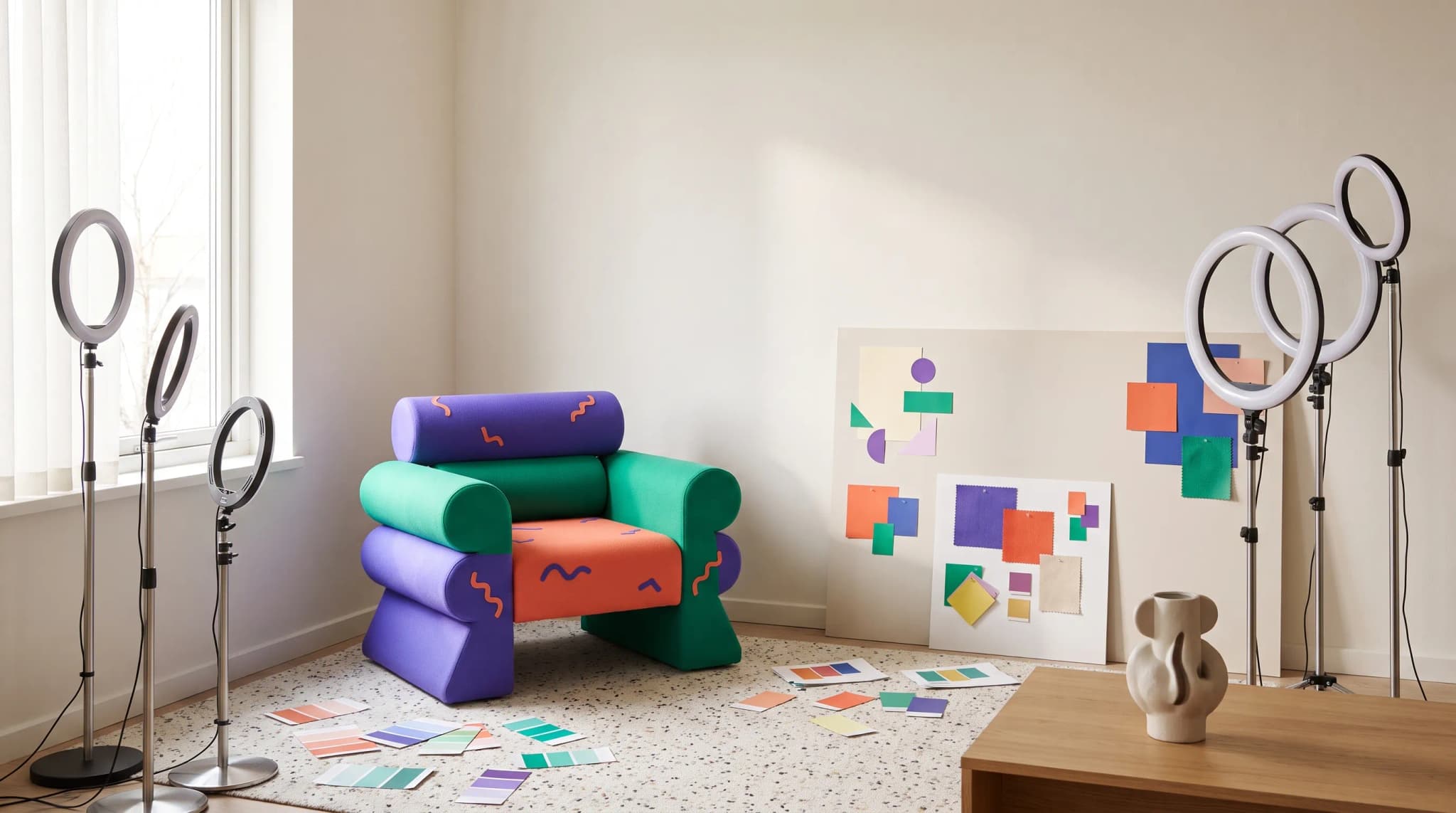
Lifestyle imagery is the part of a furniture catalog that most teams underestimate and most buyers judge first. Walk through the operations behind a brand like FW Style or Furniturebox and you will see something closer to a production line than a photoshoot. Briefs, scenes, variants, channel outputs, and approvals all flow through one workflow — and for an increasing number of furniture brands that workflow runs on Furniture Connect.
What makes a furniture lifestyle image actually convert?
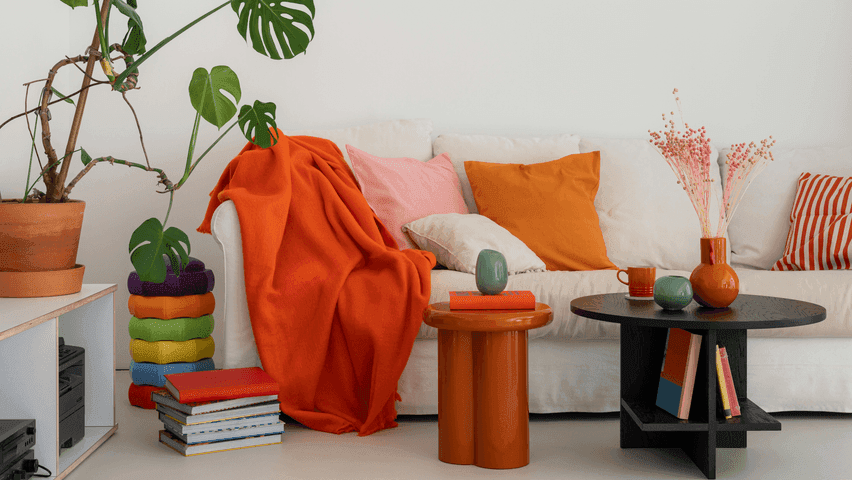
A lifestyle image converts when the buyer can place the product into their own life inside half a second. That sounds soft, but it decomposes into hard signals. The piece sits on the floor with a believable contact shadow. The light direction is consistent across the scene. The room is recognisable but not distracting. The styling implies a use case — morning coffee, hosted dinner, kid-friendly living room — without forcing it. According to Baymard Institute usability research, product imagery that fails to show pieces in realistic contexts is one of the top causes of category abandonment in furniture and home categories.
There is also a quieter signal: the image looks like it belongs to the brand. A buyer who has just clicked through from a paid social ad expects the lifestyle photo on the product page to feel like the same studio shot the ad. When it does not — when the cushion fabric is slightly the wrong tone, or the wood grain is too orange, or the room reads as a different brand entirely — the buyer pauses. Pauses cost conversions. This is the operational problem behind every lifestyle imagery pipeline.
The brief that produces consistent lifestyle imagery
Most lifestyle imagery fails at the brief stage, not the production stage. The brief is where a brand encodes its visual identity into instructions repeatable enough for a team or a workflow to follow. A brand running on Furniture Connect tends to consolidate the brief into three layers: a brand visual specification, a scene library, and a per-SKU lifestyle ask.
The brand visual specification covers the durable rules. Floor materials the brand uses (wide-plank oak, polished concrete, terrazzo, never glossy laminate). Wall finishes (limewash, plaster, painted shiplap). Light temperature in Kelvin. Accessory density (sparse, lived-in, magazine-busy). Camera height and lens character. This document changes once or twice a year. Brands like NOIR and Gabriella White tend to keep this layer tight because their visual identity is the product.
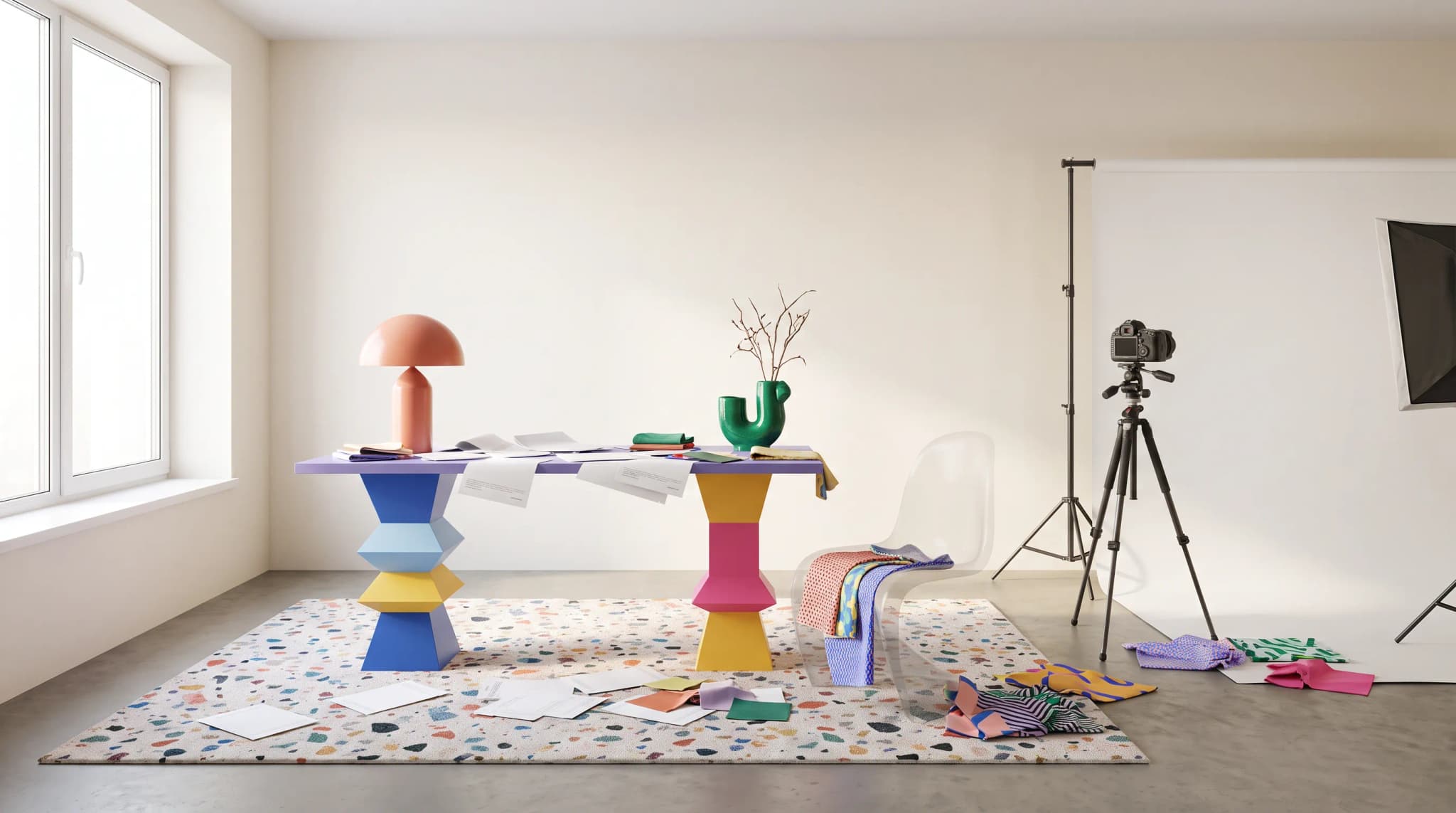
The scene library is the brand's shortlist of rooms. A typical mid-sized catalog needs ten to twenty named scenes — "Brooklyn loft morning," "Cotswold cottage living," "warm minimalist dining," "Mediterranean terrace." Each scene has a fixed window position, time of day, palette, and prop kit. Reusing scenes is what gives a catalog the feeling that it was shot in a single coherent world, even when the underlying images were produced over months.
The per-SKU lifestyle ask is the smallest unit: which SKU, which scene, which variant, which channel. This is what an operator actually queues. The first two layers do the heavy lifting; the per-SKU ask is usually two or three lines.
Cutout in, scene out: the workflow that scales
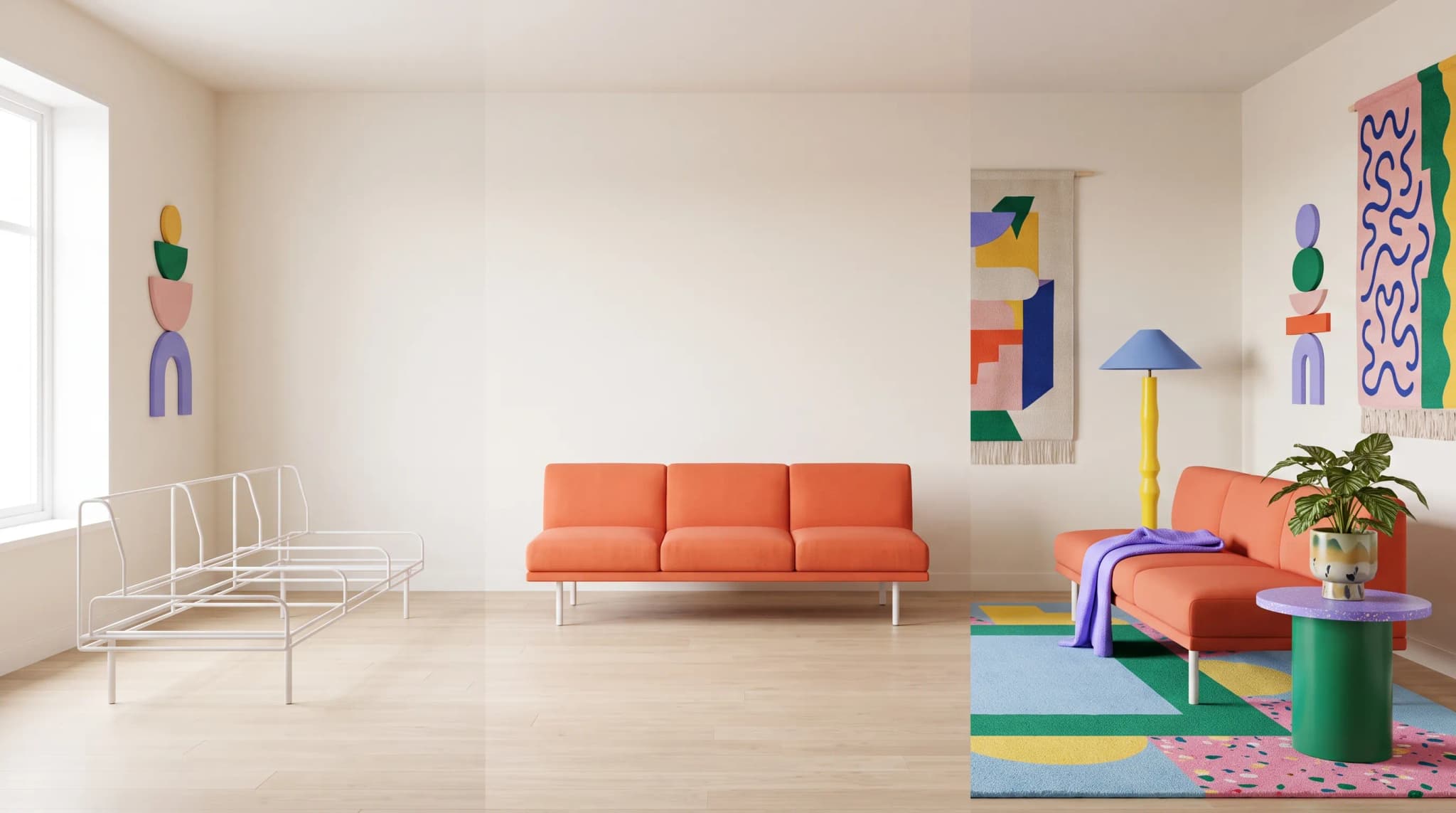
The dominant workflow pattern across furniture brands running at scale today looks like this: a clean cutout (or a manufacturer-supplied transparent PNG) goes in; a fully composed lifestyle scene comes out. The reason brands have converged on this pattern is simple — cutouts are the one asset most factories and 3D vendors already produce reliably, and they are the cheapest input to keep clean across a 2,000-SKU catalog.
| Stage | Input | Output | Owner |
|---|---|---|---|
| Ingest | Manufacturer photo or render | Cutout on transparent background | DAM / PIM |
| Compose | Cutout plus scene selection | Lifestyle render | Studio operator |
| Variant | Base lifestyle plus colorway list | Per-variant lifestyle set | Studio operator |
| Approve | Lifestyle set plus brand spec | Approved master | Brand / merch lead |
| Distribute | Approved master plus channel preset | Channel-ready exports | DAM |
The brands that move fastest are the ones that treat each of these stages as a queue, not a project. A new SKU lands in ingest. A few minutes later it appears in the compose queue. An operator approves the scene selection. The variant fan-out runs automatically. Approvals happen in batches at the end of the day. The next morning the channel exports are already sitting in the DAM, tagged and named.
Brand consistency across hundreds of SKUs
Brand consistency at catalog scale is the problem that breaks most internal photo studios. A photographer can shoot ten pieces in a day with perfect consistency. Shooting two hundred pieces over two months across three locations with the same light, the same floor, and the same accessory styling is operationally extremely hard. This is where workflow-driven imagery makes its sharpest case.
Inside Furniture Connect, brand consistency is enforced as a constraint on every job. The brand layer holds the floor, wall, light, and palette rules; the scene library holds the named rooms; the operator picks a scene; the platform renders within the brand constraint. The output does not drift even when the operator changes, the SKU changes, or the variant changes.
A brand like FW Style benefits from this because the visual identity is built around a very specific kind of warm minimalism — getting the wall plaster slightly wrong reads immediately as off-brand. Furniturebox benefits for a different reason: it runs an extremely broad catalog and needs the same scene library to absorb everything from a flat-pack dining table to a velvet armchair without any of the lifestyle images looking out of place next to each other. Both problems are constraint problems, and constraints are exactly what workflow-driven systems are good at.
Variant lifestyle imagery: fabric, finish, configuration
The hardest part of a modern furniture catalog is not the hero SKU. It is the variant fan-out. A single sofa might come in twelve fabrics, three leg finishes, and two arm configurations — seventy-two combinations. Shooting all of those traditionally is impossible at any reasonable budget. Even running them through a generic AI image tool is impossible, because the brand consistency drifts on every render. See AI vs real photography for a deeper breakdown of where each approach pays off.
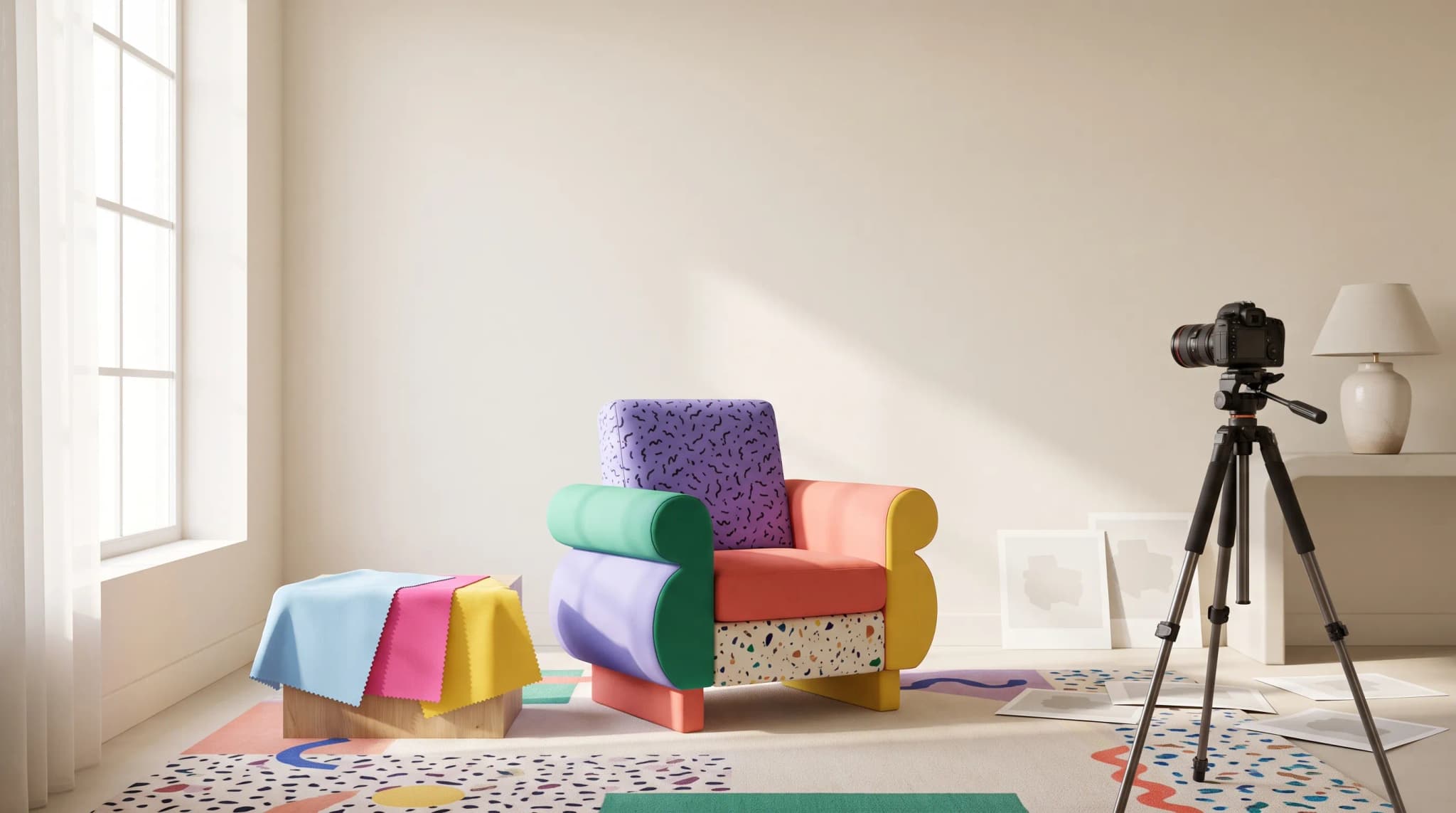
Variant lifestyle imagery has three operational requirements. The piece must stay in exactly the same position in exactly the same scene across all variants — buyers comparing fabrics will not tolerate the camera shifting. The non-product elements of the room (walls, floor, accessories, light) must stay pixel-identical. Only the targeted attribute changes. And the variant render must reproduce the actual swatch the buyer will receive, not a generic interpretation. Furniture Connect uses a mix of underlying AI models with intelligent routing and a furniture-specific workflow to handle this constraint — the material picker keeps the swatch reference attached to every variant render rather than re-prompting the color each time.
Brands like Maxfurn and Bentincks lean on this heavily. A typical week for either brand involves a few dozen new SKUs, each with eight to twenty variants, all needing the same scene staging. Without variant fan-out, the lifestyle catalog cannot keep up with the product catalog, and the listings sit incomplete on the site for weeks.
How brands like FW Style and Furniturebox run their lifestyle pipeline
Walking through the operational shape of a typical week for these teams is instructive.
FW Style's workflow is brand-density-led. The team starts the week with a brand review — a small set of new scenes proposed against the visual spec, approved or rejected by the merch lead. Approved scenes enter the library. New SKUs ingest from the manufacturer's PDF as transparent PNGs (a PIM workflow many of these brands have standardized on). The studio operator composes hero lifestyles first, then variant fan-outs in a batched queue. Approvals happen Wednesday and Friday. Channel exports run automatically out of the DAM.
Furniturebox's workflow is volume-led. The catalog is broad and refresh velocity is high. The same workflow shape applies, but the operator runs three or four times the SKU throughput by leaning harder on the scene library and pre-approved brand presets. New scene additions are rare; reused scenes are the rule. The constraint here is not "is this a beautiful new shot" — it is "can the listing go live this week with a lifestyle image that does not look out of place." Different objective, same pipeline shape.
NOIR's workflow is closer to the brand-density-led pattern but with an additional layer of art direction on hero pieces. Bentincks runs a hybrid — premium hero pieces get bespoke scene work; long-tail SKUs ride the scene library. Gabriella White, with a strong directional visual identity, runs almost entirely on a controlled scene library to preserve consistency across collections. Upstairs Downstairs operates closer to the Furniturebox shape, optimizing for catalog completeness across a wide product mix. The pattern that holds across all of them: lifestyle imagery is treated as an ongoing operation, not a campaign. See our case studies page for more detail on how these workflows are structured in practice.
Channel-specific imagery: Shopify, Amazon, wholesale, social
A lifestyle image is rarely consumed in one place. The same approved master gets exported to a brand's Shopify Plus storefront, an Amazon listing, a wholesale B2B portal, an email campaign, and a paid social channel. Each surface has different aspect ratio, background, and compression requirements. Google's own image best practices reinforce how much channel-appropriate sizing and naming influences discoverability.
| Channel | Aspect | Background | Notes |
|---|---|---|---|
| Shopify product page | 1:1 and 4:5 | Lifestyle | Lifestyle plus cutout, alt text per variant |
| Amazon main image | 1:1 | Pure white | Cutout, no lifestyle allowed in slot 1 |
| Amazon secondary | 1:1 | Lifestyle | Lifestyle slots 2–7 |
| Wholesale catalog | 4:3 | Cutout or neutral | Spec-sheet-ready |
| Paid social | 1:1 or 9:16 | Lifestyle | Often cropped for vertical |
| 16:9 | Lifestyle | Hero-cropped |
The brands running on Furniture Connect handle this by storing the approved lifestyle master in the DAM and generating channel-specific exports from a preset. The export step is mechanical — once the master is approved, the channel variants render without further human input. The brand only needs to manage one source of truth per SKU per variant, not seven. This is where the operational cost savings actually accrue, and our savings calculator is built to model exactly this fan-out cost.
For a deeper look at how lifestyle scene quality interacts with product staging, the guide to product staging walks through the brief-to-scene relationship in detail.
The economics: cost per published lifestyle image
The honest question every founder running a furniture catalog eventually asks: what does a finished lifestyle image actually cost us, fully loaded, and how does that change at scale? Industry context from Furniture Today and analyst commentary from McKinsey consistently points at imagery and content as a material share of furniture eCommerce operating cost.
The traditional photo-studio number, fully loaded with photographer day rate, studio rental, prop sourcing, freight, retouching, and project management, lands somewhere between £180 and £450 per finished lifestyle image at small-to-mid volumes. Bigger brands negotiate this down, but they pay for it elsewhere in scheduling lead time and inventory tied up in shoots. According to data summarised by Statista and BigCommerce on eCommerce visual content, this cost is the single largest non-paid-media line item for many catalog-led furniture brands.
Workflow-led imagery flips the cost curve. The fixed cost of building the brand layer and scene library is higher up front — a real piece of operational design work, not a five-minute setup. Once those exist, the marginal cost per published lifestyle image drops by an order of magnitude. The economic question stops being "can we afford to shoot this SKU" and becomes "should this SKU even be in the catalog" — a much healthier question.
The economics also re-shape the variant problem. Under a studio model, variant fan-out is the line item that gets cut first; under a workflow model, it is essentially free once the base lifestyle exists. That changes what brands can promise on the product page. Buyers see the actual fabric they are about to order, in the room they are about to put it in. Conversion follows.
Three honest caveats. First, the workflow approach only pays off if the brand has a clear visual identity to encode — brands still figuring out who they are will get inconsistent output and should fix the brand first. Second, hero pieces still benefit from a traditional shoot once a year — workflow handles the long tail, photography handles the flagship. Third, the workflow only scales if the team treats lifestyle imagery as ongoing operations rather than a one-time project; brands that try to "set and forget" tend to drift. The pricing page lays out how this scales for different catalog sizes, and a demo is usually the fastest way to see how the operational pipeline lines up with a specific brand's existing process — including a fresh look at our case studies.
The brands producing the best lifestyle imagery in 2026 are not the ones with the biggest studios. They are the ones who have figured out that lifestyle imagery is a workflow problem, not a creative problem, and have built the operational discipline to run that workflow week after week. The product listings that come out the other side feel made — coherent, calm, on-brand, and ready to be bought. For a closer look at what a finished listing looks like once the imagery is in place, see the anatomy of a perfect product listing.
The comparison of furniture photography studios vs AI helps you budget for the mix of shoots and generated assets your range needs. If you are weighing Presti, an AI visual-production tool for product imagery, for the generated side, see our Presti alternative for furniture page.
Frequently asked questions
What makes a furniture lifestyle image convert?
The buyer can place the piece in their own life within half a second. That decomposes into hard signals: a believable contact shadow on the floor, consistent light direction across the scene, a room that's recognizable but not distracting, and styling that implies a use case without forcing it. The quieter signal is that the image looks like it belongs to the brand; a cushion fabric in the wrong tone or wood grain that's too orange makes buyers pause, and pauses cost conversions.
How do furniture brands brief lifestyle imagery so it stays consistent?
Three layers. A brand visual specification holds the durable rules: floor materials, wall finishes, light temperature in Kelvin, accessory density, camera height and lens character, changing once or twice a year. A scene library holds 10 to 20 named rooms, each with a fixed window position, time of day, palette and prop kit. The per-SKU ask is just which SKU, which scene, which variant, which channel. Reusing scenes is what makes a catalog feel shot in one coherent world.
How do brands produce lifestyle images for every fabric and finish variant?
A single sofa in 12 fabrics, three leg finishes and two arm configurations is 72 combinations, which no photoshoot budget covers. Variant fan-out has three requirements: the piece stays in exactly the same position in the same scene, the walls, floor, accessories and light stay pixel-identical, and the render reproduces the actual swatch the buyer will receive rather than a generic interpretation. Generic AI tools fail here because brand consistency drifts on every render; a workflow that keeps the swatch reference attached to each variant doesn't.
What does a finished lifestyle image cost compared with a photoshoot?
Fully loaded with photographer day rate, studio rental, props, freight, retouching and project management, a traditional lifestyle image lands somewhere between £180 and £450 at small-to-mid volumes. A workflow-led approach costs more up front, because building the brand layer and scene library is real operational design work, but after that the marginal cost per published image drops by an order of magnitude and variant fan-out becomes nearly free. Hero pieces still merit a traditional shoot once a year.