Why AI Furniture Images Turn Inconsistent at Catalog Scale (and the Data Fix)
Why AI furniture product photos drift across a large catalog, how incomplete product data causes inconsistent images, and the data, prompt and review fixes that keep imagery consistent across thousands of SKUs.
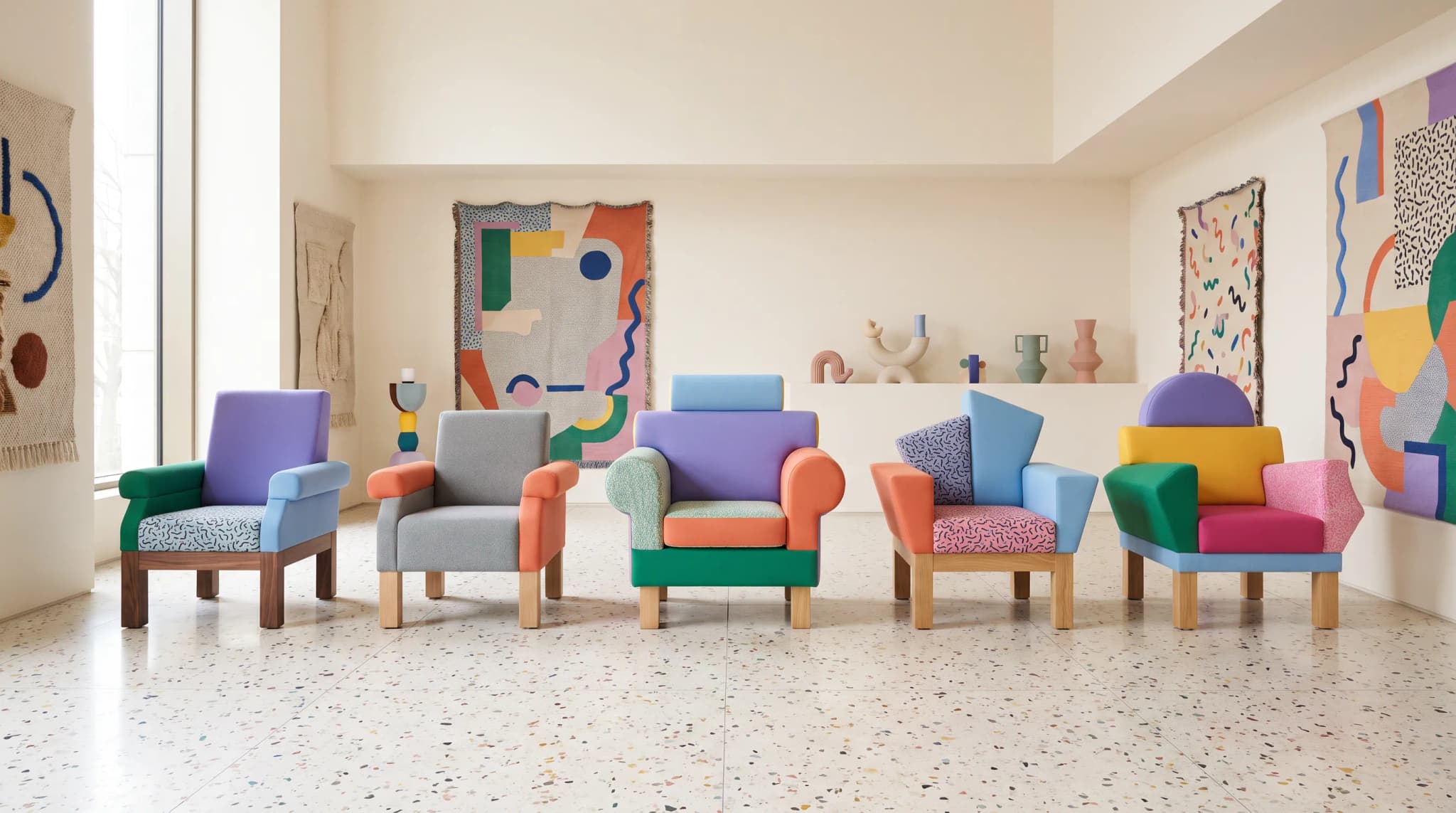
The first 20 AI images look great. The sofa sits in a bright room, the oak legs catch the light, and the team is ready to roll it out across the range.
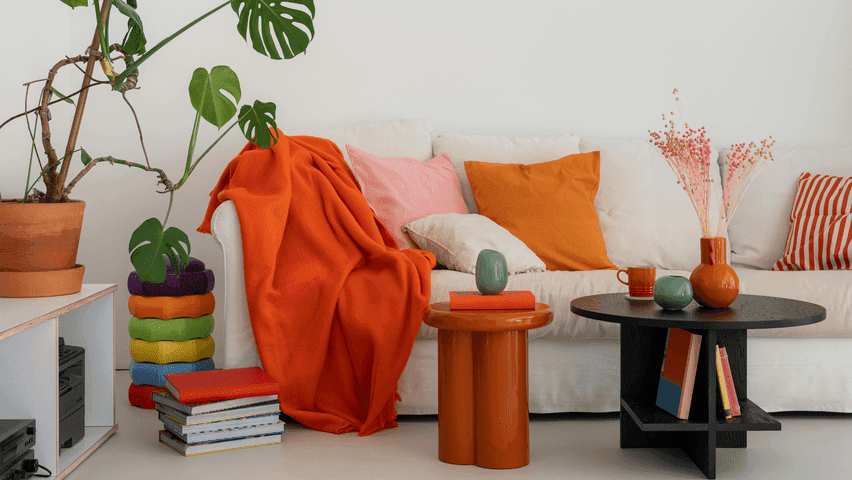
Then the full collection goes up as a category grid. The three-seater looks deeper than the four-seater. The oak legs are walnut in two shots and black in another. "Ivory" bouclé has drifted to gray on the corner unit, and one armchair is sitting in a room twice the scale of the others.
None of those images is bad on its own. Together, they're a catalog nobody trusts. That gap between a good image and a consistent catalog is where most AI imagery projects stall.
Why does AI image generation become hard to manage across a large catalog?
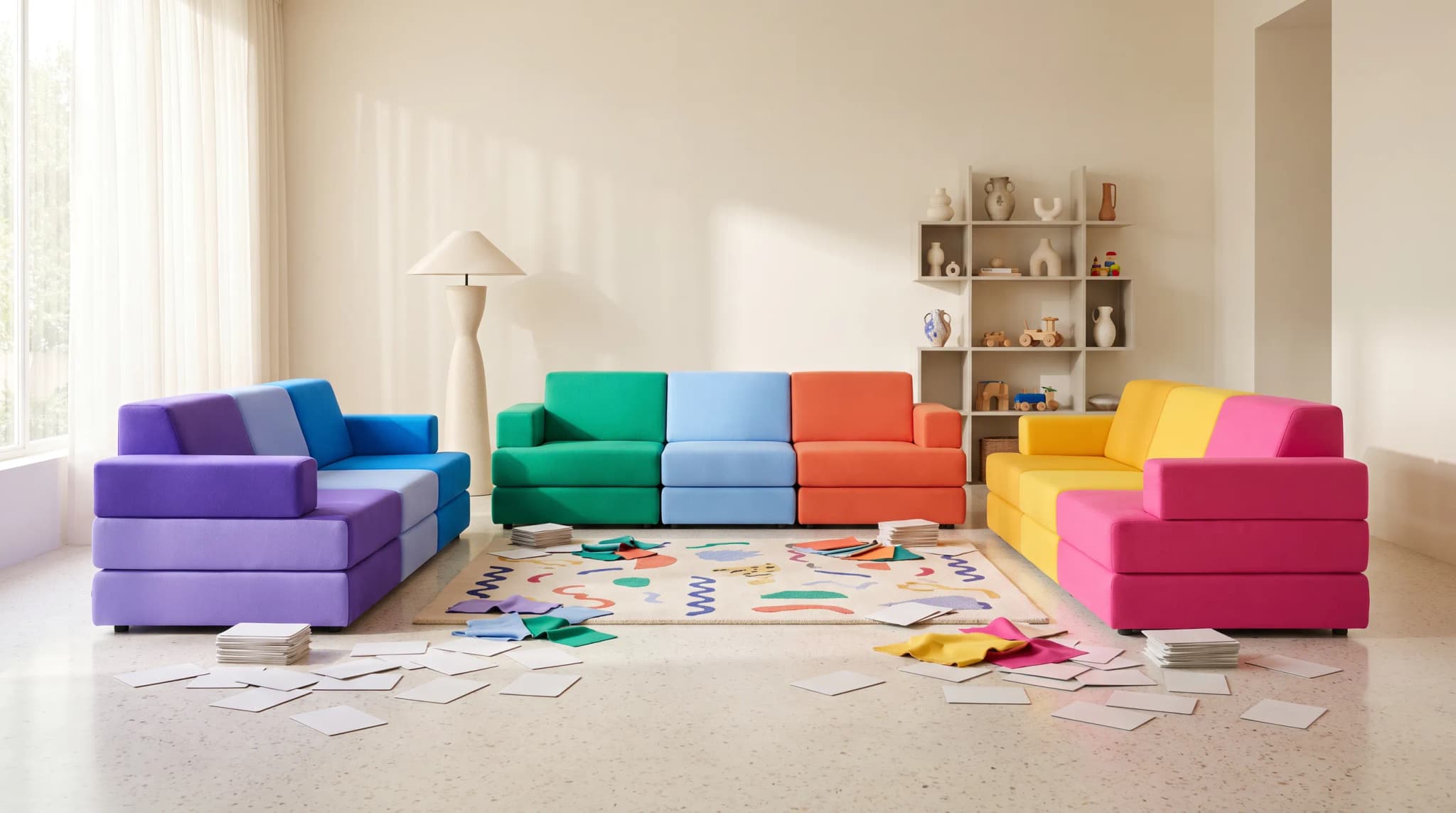
Because the small differences that don't matter in one image compound across thousands. A camera a few centimeters lower, a slightly warmer floor or a leg finish that's nearly right is invisible on a single product page and obvious when 40 siblings sit side by side in a grid, a print catalog or a showroom screen.
Five things make it harder as the catalog grows:
- Every prompt is a new interpretation. Three people writing prompts for the same range produce three house styles, even with the same tool.
- Product knowledge lives in people, not records. The merchandiser knows the corner unit's back is lower. The model doesn't, unless the record says so.
- Variants multiply. Five sizes, 20 fabrics and three leg finishes make 300 combinations. Each one needs an image that shows exactly that combination, and channels such as Google ask for a distinct image per variant[1] and describe variants by properties like color, size and material.[4]
- Review doesn't scale without a workflow. Without a status per image and a record of which variant it was approved for, the team re-checks the same images and still publishes the wrong one.
- Some categories pull toward a rendered look. General image models learn from what's online, and some furniture categories are represented mostly by renders rather than photographs, so outputs drift toward a CGI finish. Our piece on the training data gap in furniture renders explains why.
Teams that switched from general-purpose tools describe the same pattern. FW Style found quality hit-or-miss and batch work a grind across the tools it tried before Furniture Connect. Barker and Stonehouse found general AI tools too slow to produce images at the scale and quality its catalog needed.
Why do AI images become inconsistent when product data is incomplete?
Because the model fills every missing fact with a plausible default, and a default isn't your product. Run the same incomplete brief twice and you get two different defaults, which is exactly what inconsistency looks like across a range.
| Missing data | What drifts in the image | The fix |
|---|---|---|
| Dimensions (width, depth, seat and back height) | Proportions change; a sofa reads too deep, too low or the wrong size for the room | Dimensions in the record, in one unit, with agreed measuring points |
| Leg or frame finish | Oak, walnut and black legs swap between shots of the same product | Finishes linked from a finish library to each variant |
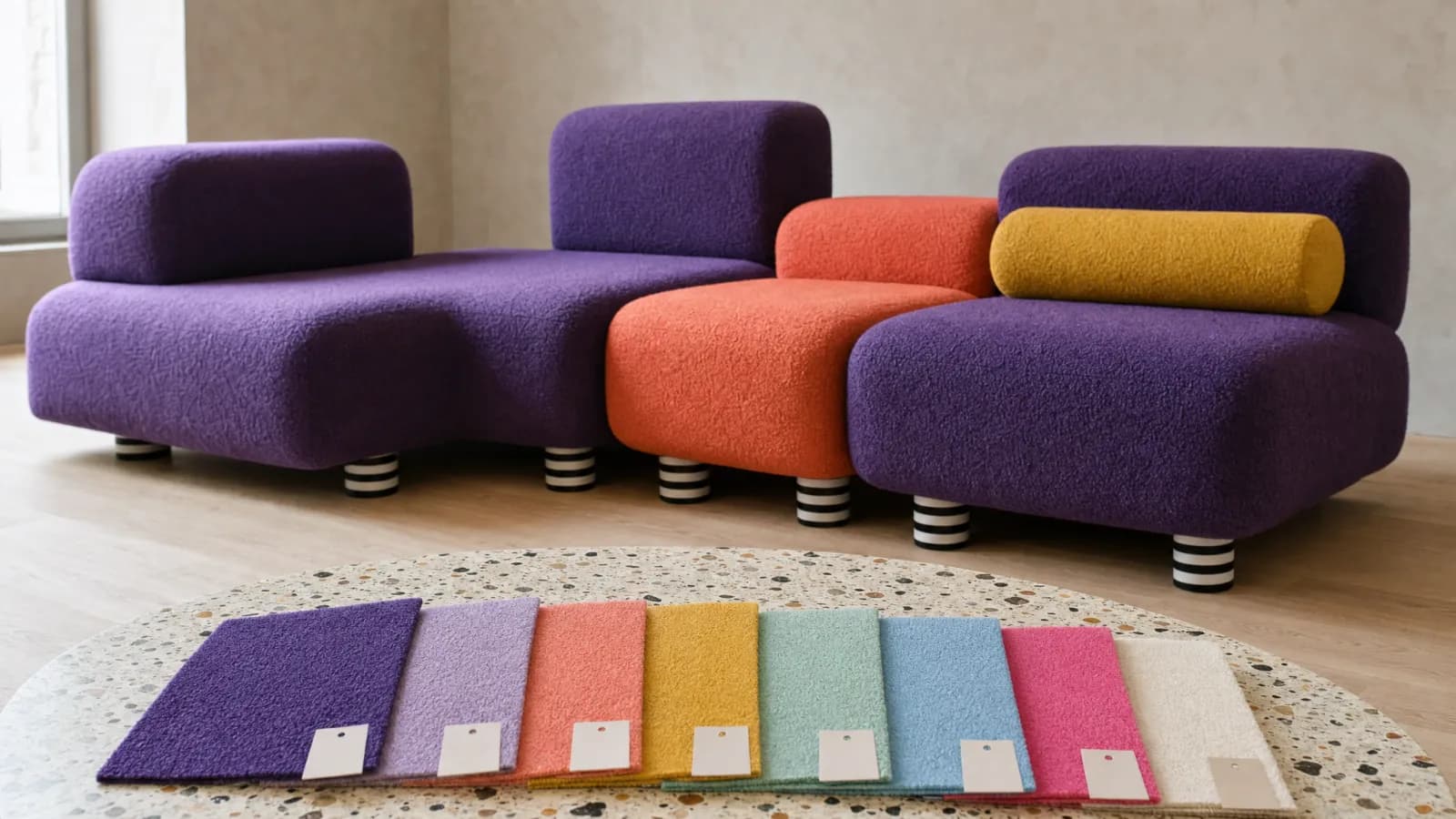
| Fabric name, composition and color | Bouclé reads as velvet; ivory drifts to gray or cream | A material record with composition and a color reference, plus a swatch image |
| Variant structure | Images show fabric and finish combinations you don't sell | Sellable variants defined before any image is generated |
| Reference images per variant | The model invents the back and sides; buttons, stitching and arm shape change | Reference photos for each variant, from more than one angle where possible |
| Product type and room suitability | An outdoor sofa appears in a living room; a dining chair at a desk | Product type and suitable rooms recorded on the product |
| Scene standards (background, camera, light) | Backgrounds and lighting vary across the product grid | Saved team prompts and reference images for each scene type |
Supplier files are where most of these gaps start. Barker and Stonehouse's suppliers often sent a single photograph on a white background, even when a product came in several fabrics, finishes and sizes.[2] Generating from that one image without the rest of the record is how a catalog ends up with fabrics and finishes that don't match the spec sheet. Why supplier data arrives incomplete covers why those gaps recur.
The data fix: generate from the product record, not from memory
The most reliable way to get consistent AI imagery is to make the product record the brief.
When Furniture Connect generates imagery for a catalog product, it builds a block of product facts into the prompt from the record: dimensions (in the catalog's own unit), the fabrics and finishes linked to the product with their composition and color, the description and key features, design style and suitable rooms. The product's own saved Studio prompt is added whenever that product is used. Complete the record once, and every image generated from it afterward starts from the same facts.
Three habits make that work across a range:
- Reference images per variant. Material swaps can be driven from a catalog material, finish or swatch, so the fabric in the image is the fabric in the record rather than a description of it.
- Batches by product family. Running a family together (up to 100 images per batch for edits, background removal, upscaling and resizing) keeps siblings on the same settings.
- One brief per scene type. Background color, camera height and lighting saved once as a team prompt with reference images, rather than rewritten by each person.
Barker and Stonehouse started exactly there: tailored prompts to set one consistent gray background across its product imagery, then seasonal lifestyle scenes, then chained workflows that take a product from close-ups to lifestyle images in every fabric and finish option.[2]
None of this removes review. Generated images still need a person to check them against the real product, and an image should only be linked to a variant once someone has confirmed it shows that exact combination.
Catalog-specific prompts: who writes and refines them?
Your team owns them, because your team knows what the brand's rooms look like and what the product really is. In practice that's usually an ecommerce or creative lead, with merchandising checking product accuracy.
The work gets easier when prompts become assets rather than one-offs. In Furniture Connect, prompts can be saved to a personal or team library, a product can carry its own saved prompt, and catalog image columns can store per-column instructions and reference images, so a new colorway reuses the brief that worked for the last one.
You don't have to write them alone. Customers consistently mention the help they get here: Barker and Stonehouse says the platform is "backed by a great team of people who are there to answer any questions, help with prompts, and listen to our ideas,"[2] and NOIR says the team provides "useful prompts and tips to achieve your goals."[3]
How to keep imagery consistent across thousands of SKUs
- Fix the record before generating. Dimensions, finishes, materials and variant structure first; images second.
- Define scene standards once. Background, camera height, lighting and crop per channel, saved as team prompts with reference images. Channel requirements differ, so set them per destination.
- Generate per variant, from the record. One image per sellable combination where the channel needs it, never a "close enough" colorway.
- Batch by product family. Siblings generated together share settings and are easier to compare.
- Review every image against the real product. In Furniture Connect each catalog image carries a review status (pending, approved or rejected) with comments, and automated checks flag likely mismatches; a person makes the call.
- Confirm the variant link before publishing. Approval of an image and confirmation of the SKU it belongs to are separate checks.
- Check the grid, not just the image. View a family side by side before export; drift that hides on one page is obvious in a row of 12.
- Regenerate from the record when it changes. A discontinued fabric or new finish is updated once in the catalog, then the affected images are regenerated and reviewed.
Keep photography or CGI for hero and detail shots, where every stitch line matters, and use AI imagery for colorways, lifestyle scenes and catalog volume. This approach pays off most from roughly 200 SKUs, or once a range sells through more than two channels; below that, one careful person can often hold the consistency by hand.
Frequently asked questions
Why do AI furniture images look inconsistent?
Because each generation only knows what it's told. When the prompt or the product record leaves out dimensions, finishes or variant details, the model fills the gap with a plausible guess, and it guesses differently from one image to the next. Add different people writing different prompts, and a product grid drifts in proportion, color, leg finish and background even when every single image looks fine on its own.
How does incomplete product data affect images?
Every missing fact becomes a default the model invents. A missing seat height or depth changes proportions and scale against the room, a missing leg finish lets oak, walnut and black swap between shots, a vague fabric description turns bouclé into velvet, and an undefined variant structure produces combinations you don't sell. Completing the record before generating removes the guesswork for every image that follows.
How do I keep imagery consistent across thousands of SKUs?
Fix the product record first, define scene standards once as saved team prompts and reference images, generate per variant from the record, and batch by product family so siblings share settings. Then review every image against the real product, confirm which variant it belongs to before it's linked, and check a family side by side rather than one image at a time. Keep photography or CGI for hero and detail shots.
Who writes and refines the prompts?
Your team owns them, usually the ecommerce or creative lead who knows the brand's scenes. In Furniture Connect, prompts are saved to a personal or team library and products can carry their own saved prompt, so the same brief is reused. The Furniture Connect team also helps customers write and refine catalog-specific prompts, which customers such as Barker and Stonehouse and NOIR single out.
Bring one product family and its supplier data to a Studio demo, and we'll show the same range generated from the record and reviewed side by side.
Sources
- Google Merchant Center: Image link, "submit a distinct, dedicated image for every individual variant"
- Furniture Connect customer story: Barker and Stonehouse
- Furniture Connect customer story: NOIR
- Google Search Central: Product variant structured data, how variant properties such as color, size and material are described