Maxfurn
Maxfurn turn single photos and SketchUp drawings into fast lifestyle imagery for customers and POS displays.
The Challenge
Maxfurn needed easy-to-make, realistic photos from whatever reference material they had, whether single product photos or SketchUp drawings, without standing up a studio workflow.
The Solution
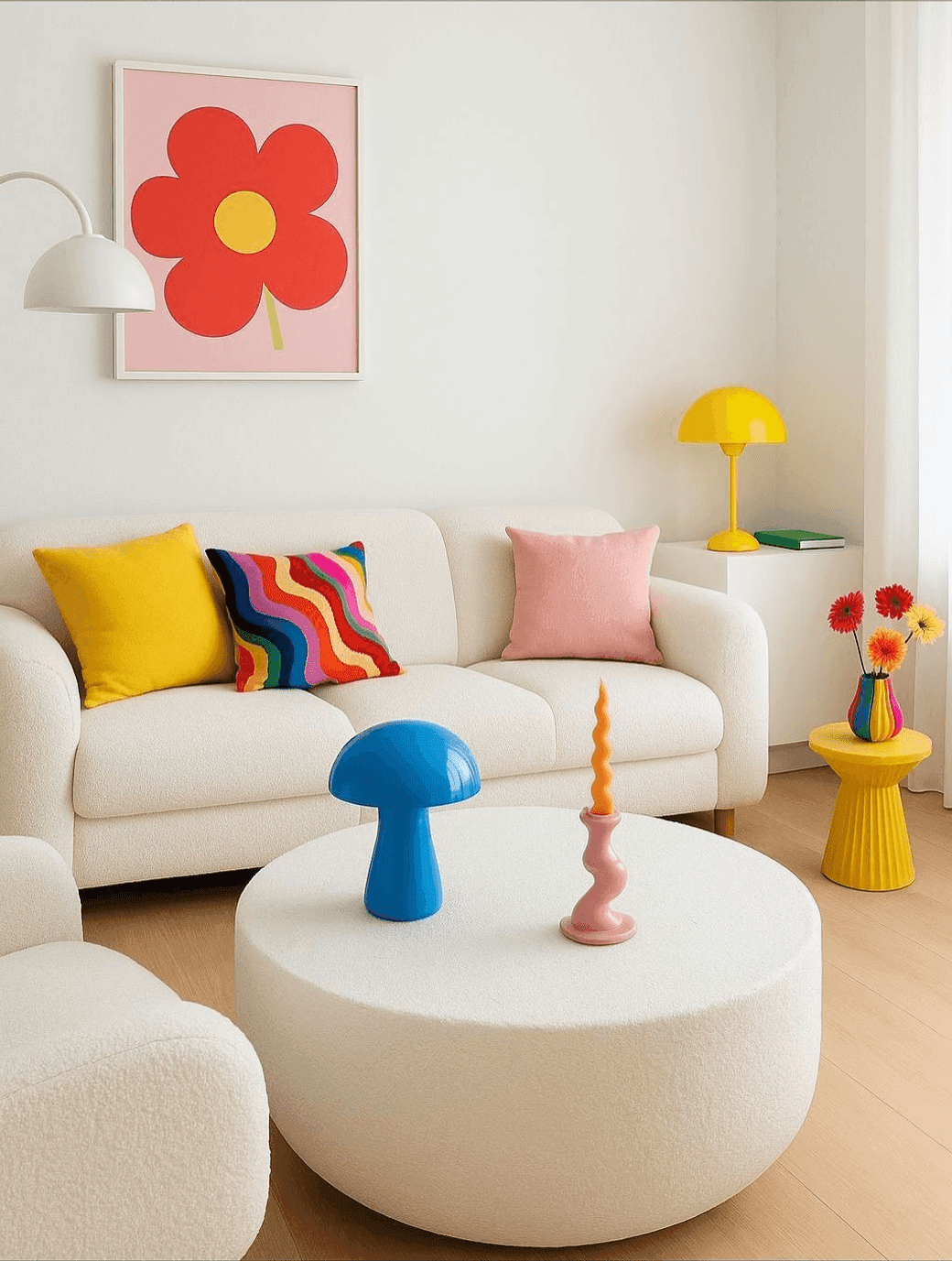
Furniture Connect lets the team generate imagery quickly from a single photo or a SketchUp render. Sales reps use it to help customers visualize products, and marketing uses it for POS displays.
The Results
As reported by Maxfurn:
- Faster: Quick imagery from a single photo or SketchUp drawing
- 8/10: Overall satisfied with the platform
- Sales + POS: Customer visualization in conversations plus POS display imagery
It's easy to create images from a single photo or even a SketchUp drawing. Overall I'm satisfied.
Frequently asked questions
What problem was Maxfurn trying to solve?
Maxfurn needed realistic product imagery for customer conversations and POS displays across their Dutch furniture business. They wanted to skip the overhead of a traditional studio pipeline while still producing imagery that looked right for the customer.
Why did Maxfurn choose Furniture Connect?
They evaluated whether a single reference, a product photo or even a SketchUp drawing, could be turned into something usable. In their words, it's easy to create images from a single photo or even a SketchUp drawing.
What results has Maxfurn seen?
Faster time to a usable image. Customers get a clearer idea of what they're buying, and POS display imagery is no longer gated on a photo shoot.