How to Model Option Dependencies in Configurable Furniture
A practical framework for recording which furniture options can be sold together, which are excluded and which require another choice.
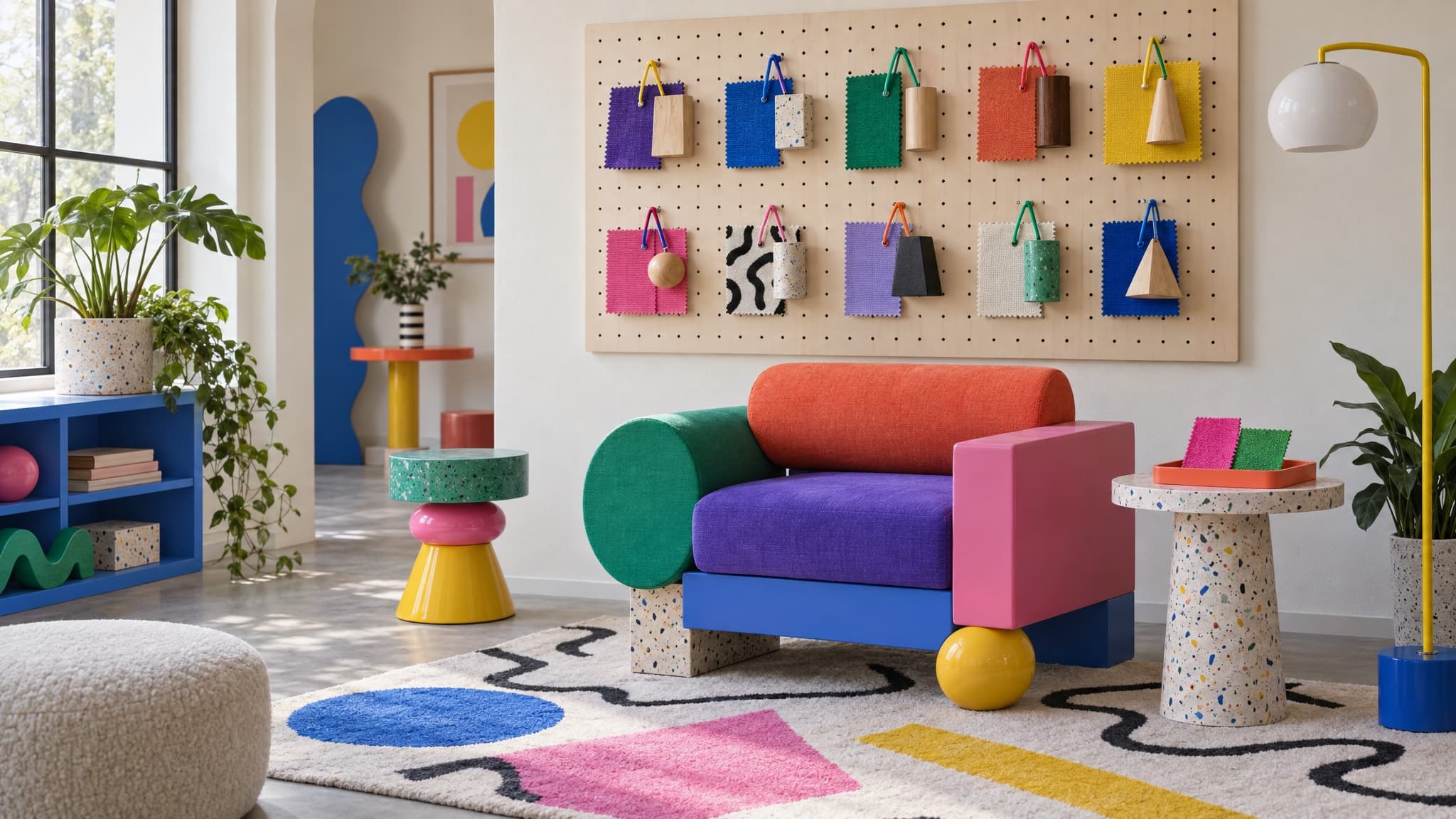
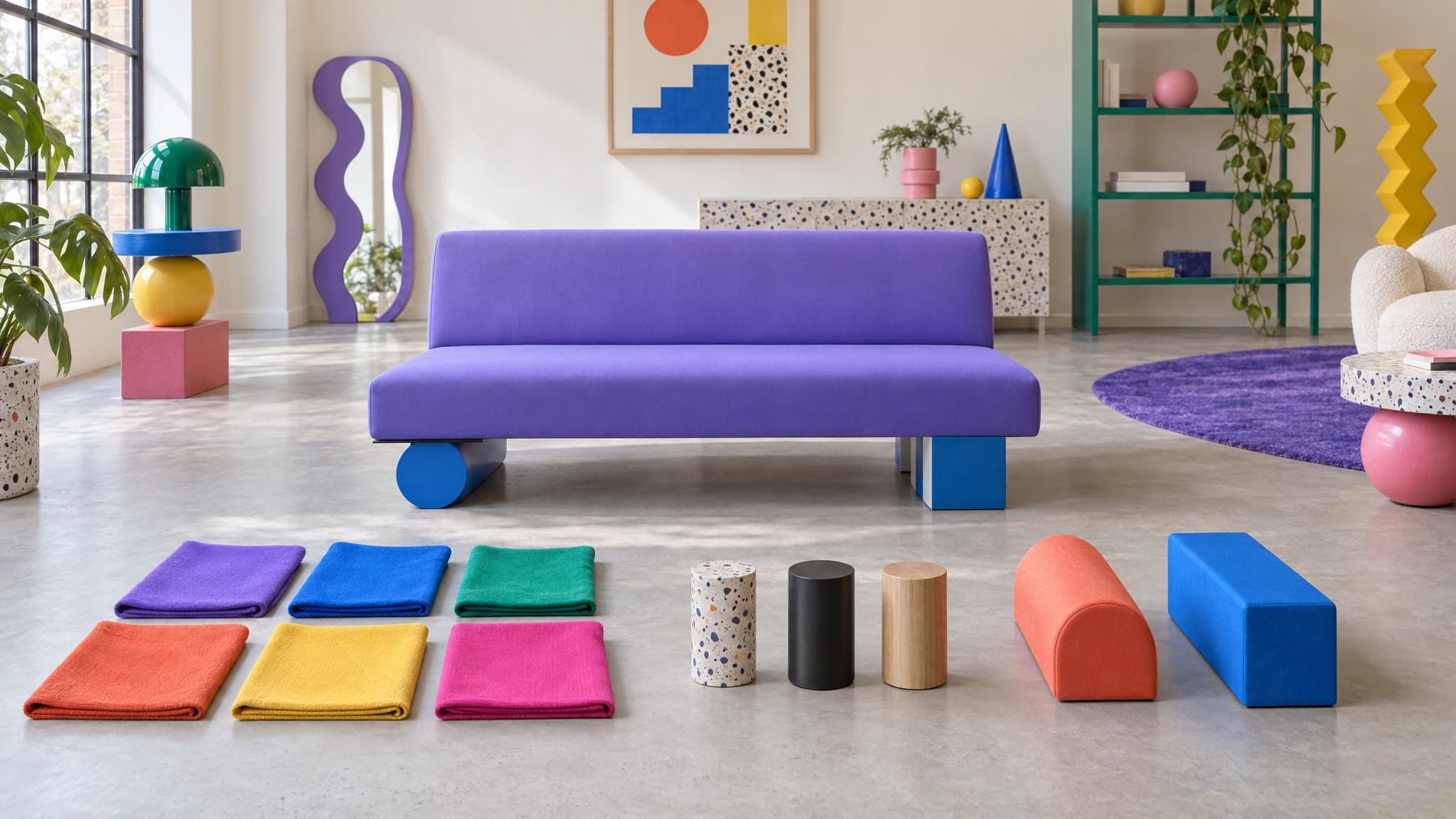
A sofa range offers three sizes, six fabrics and two arm styles. On paper, that is 36 combinations. In practice, the supplier may exclude two fabrics from the largest frame or stop offering one arm style on the smallest. The sellable range is then smaller than the theoretical matrix.
This is the option-dependency problem: valid choices do not always create a valid combination. Furniture Connect does not currently provide a compatibility engine for requires-and-excludes rules. The team must define the allowed combinations explicitly and decide where those rules will be enforced.
Three useful ways to express dependencies
Three useful ways to express dependencies are exclusions, allowed-value restrictions and requirements. These are practical descriptions rather than mutually exclusive rule types; the same constraint can sometimes be expressed in more than one way.
Exclusions state that two or more choices cannot apply together. For example, an approved supplier rule might exclude a narrow fabric from the largest frame.
Allowed-value restrictions narrow the available choices. A supplier might withdraw one leg finish from a particular model while continuing to offer it elsewhere.
Requirements state that option A can only be selected if option B is also selected. A reclining mechanism, for example, might require a particular base frame.
A weight limit that changes with frame material is primarily an engineering specification. Record the approved limit in the product data. If it determines which components or intended uses are permitted, reference that specification in the relevant compatibility rule rather than duplicating or inventing the engineering value.
Write the dependency table before you write the rule engine
Before a system can enforce a rule, the business has to state it. Use a maintained table with one row per rule. Record a rule identifier, the product or model it applies to, the triggering condition or conditions, and the required, excluded or allowed choices. Include the reason, authoritative source, owner, approval status and effective dates. Where a rule has several conditions, state whether all must apply or whether any one is sufficient.
Define what an unlisted combination means: permitted, prohibited or not yet reviewed. Do not let missing information silently count as approval. If two rules conflict, hold the affected combination for review rather than choosing one without an agreed policy. "Not prohibited" does not necessarily mean "approved for sale."
Where this connects to the rest of your data
A price does not establish that a combination is approved for sale. Historical prices and calculated pricing matrices may include combinations that are now excluded or have never been approved. The quoting process must check compatibility and current sale eligibility separately from whether a price exists.
Keep three questions distinct:
- Is this combination technically approved?
- Is it currently offered for sale?
- What is its stock or production availability?
A discontinued option is often a commercial-availability restriction rather than an engineering incompatibility.
Who owns the table once it exists
Give the dependency table a named owner. A new fabric, discontinued frame or retired filling should trigger a rule review as part of the same change, not as a separate job someone has to remember later. The owner should be close enough to the approved product information to spot a change before it reaches sales or customer service.
Decide which approved record is authoritative when the rule table and live catalog disagree. Then correct the other record and check affected prices, imagery, quotes and channel outputs rather than patching only the place where the conflict was noticed.
Where Furniture Connect fits
Furniture Connect can hold product and variant data alongside related materials and imagery, but its current native variant model supports up to two axes per product. Additional choices may need separate products, supporting attributes or documented order-time selections. Supporting attributes and order notes do not become additional native variant axes or automatically enforce compatibility. Recording a rule is not the same as applying it during selection, quoting or ordering.
The Furniture Connect Agent can help interpret supplied supplier rules, flag apparent conflicts and create explicitly approved variant combinations within the supported structure. This does not constitute continuous compatibility enforcement or engineering approval.
For the wider data structure these rules sit inside, see the configurable furniture product data guide.
A step you can take this week
Choose your most complex configurable range and build a dependency table from current, approved supplier and engineering information, independently of the website's existing option list. Then compare the approved combinations with what is listed as sellable. Investigate listed combinations without approval, approved combinations that are missing, and conflicting or undocumented rules. Resolve each discrepancy against the authoritative source before changing the catalog.