What Product Data Fields Do Furniture Retailers Need for ChatGPT Shopping and Google AI Mode?
Compare the product fields used by ChatGPT shopping and Google Merchant Center, including variants, dimensions, materials and variant imagery.
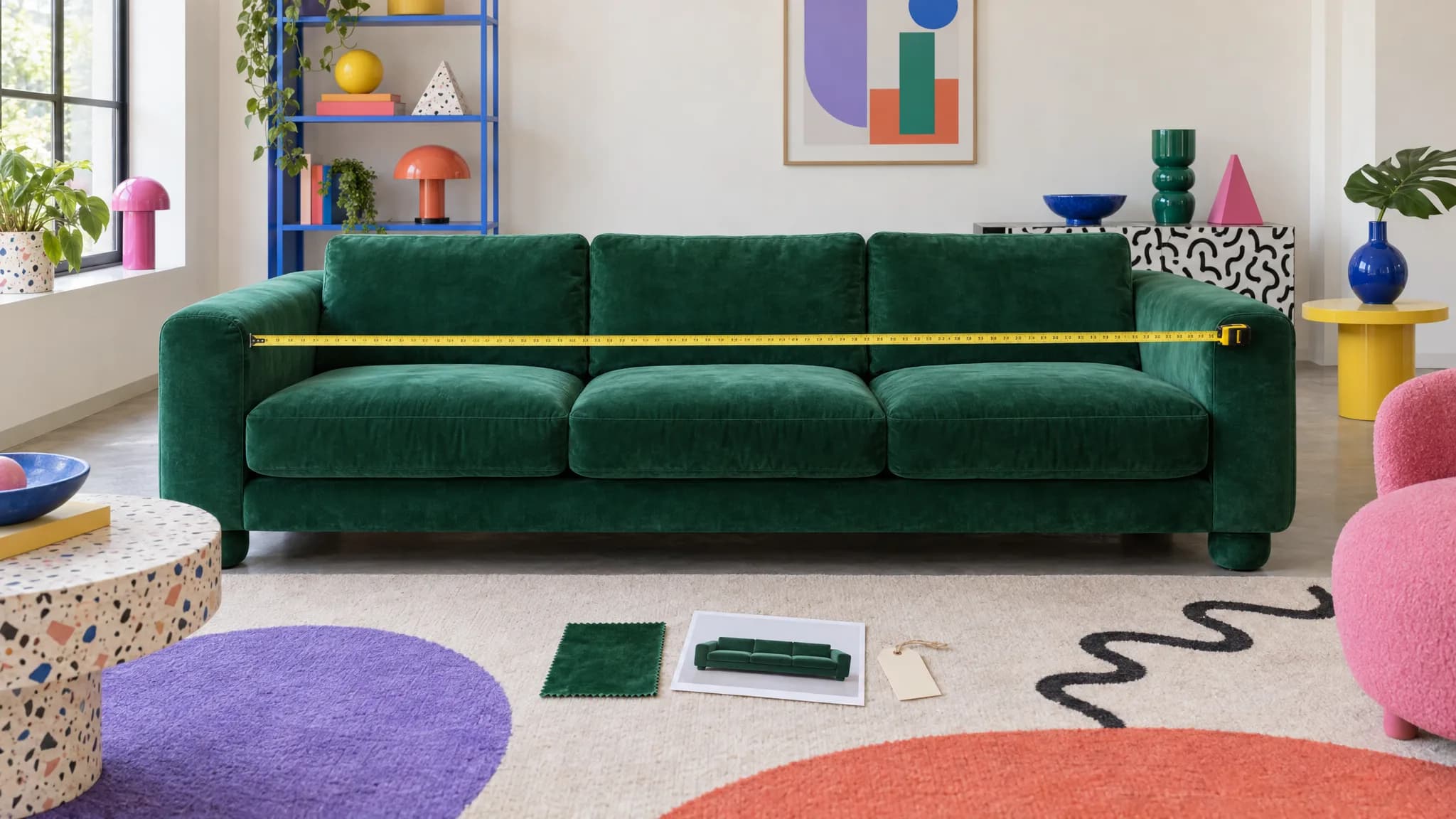
The required feed fields are the starting point: an identifier, title, description, link, image, price, availability and brand. Furniture products become useful in conversational shopping when the optional detail is strong enough to answer the question being asked.[1][2]
"Show me a green velvet three-seater under 220 centimeters wide" requires a purchasable green velvet variant, its dimensions, price, availability and the image that shows it. A generic sofa row with "available in 12 fabrics" cannot establish that answer.
Core fields side by side
| Product fact | OpenAI product feed | Google Merchant Center | Requirement note |
|---|---|---|---|
| Unique item ID | item_id | id | Required in both. |
| Product name | title | title | Required in both. Google also supports structured_title when the title was created with generative AI. |
| Description | description | description | Required in both. Google also supports structured_description for generative-AI-created descriptions. |
| Product page | url | link | Required in both. |
| Main image | image_url | image_link | Required in both. |
| Price | price | price | Required in both, subject to the destination's formatting rules. |
| Availability | availability | availability | Required in both. |
| Brand | brand | brand | Required by OpenAI. Google requires it where applicable, with category and identifier exceptions in its specification. |
| Seller | seller_name | Account-level merchant identity | Required on each OpenAI row; handled through the Google merchant account rather than an equivalent row field. |
| Product identifier | gtin and mpn are optional discovery fields | gtin, or mpn where applicable | Google's requirement depends on whether a valid identifier has been assigned and on the product type. |
Do not assume the Google column names can be sent to OpenAI unchanged. Use the current specification for each destination.[1][2]
Give every purchasable variant its own row
OpenAI expects one row per purchasable item. A variant row uses a distinct item_id, a shared group_id, listing_has_variations=true and a variant_dict containing the selected options. Without the variations flag, OpenAI ignores variant_dict.[1]
Google uses item_group_id to group variants. Differentiating attributes such as color, material, pattern or size become required when they are what distinguishes the submitted variants.[2]
The important word is purchasable. A made-to-order choice discussed with a salesperson is not automatically a feed variant. Model the combinations customers can actually select and buy through that route.
The title, link, image, price and availability should describe that version. The green velvet row should not lead to an oak image or a parent page that forgets the selection.
Dimensions need values and units
OpenAI supports a dimensions object with length, width, height and a unit.[1] Google supports product length, width and height in a consistent unit, plus product weight.[3]
These are product dimensions, not the dimensions of the shipping boxes. A sofa delivered in two cartons does not have the width of either carton.
Furniture teams may also need seat height, seat depth and arm height. Where a destination has no dedicated field, use its supported structured-detail route or clear factual copy. Do not hide the only useful measurement inside a lifestyle paragraph.
Material, color and imagery have to agree
Both platforms provide ways to describe material and color. Google asks for real material values rather than placeholders such as "multi" or "n/a."[4]
OpenAI supports additional image URLs. Google supports additional product images and a lifestyle-image field.[1][2] In either case, the image must represent the item in that row.
For AI-generated imagery, follow the destination's current metadata and disclosure requirements. A visually convincing image is not a substitute for correct variant assignment.
Google also supports conversational attributes
Google's optional conversational commerce fields include question_and_answer, document_link and related_product.[5]
For furniture, these can carry information such as whether cushions are reversible, a link to assembly instructions or the relationship between a sofa and its matching ottoman. They are not a separate mandatory AI Mode feed. They supplement the core product record; they do not compensate for a missing variant, price or availability value.
What a catalog-readiness check can and cannot tell you
Furniture Connect can hold variants across up to three axes, connect materials and finishes and assign media to supported product or variant slots. Configured family and channel requirements can expose missing information before an output is prepared.[6]
That check does not prove a value is factually correct, confirm that every combination is sellable or guarantee that ChatGPT or Google will recommend the product. Furniture Connect also has no verified direct publishing route to Google Merchant Center, UCP or OpenAI product feeds. The relevant feed, connector or commerce platform remains a separate step.
Audit a small, valuable part of the range first
Take 20 products that matter commercially. For each purchasable variant, check:
- Does it have its own identifier?
- Are the dimensions stored as values with units?
- Are material and color explicit?
- Does its image show that version?
- Are price and availability current for the destination?
The result tells you how much of the range an assistant can confidently match to a specific request. That is more useful than a broad claim that the catalog is "AI-ready."