Stage Products in Any Room Style
Lifestyle photos sell furniture but cost thousands. Product Staging generates styled room scenes around your furniture in minutes.
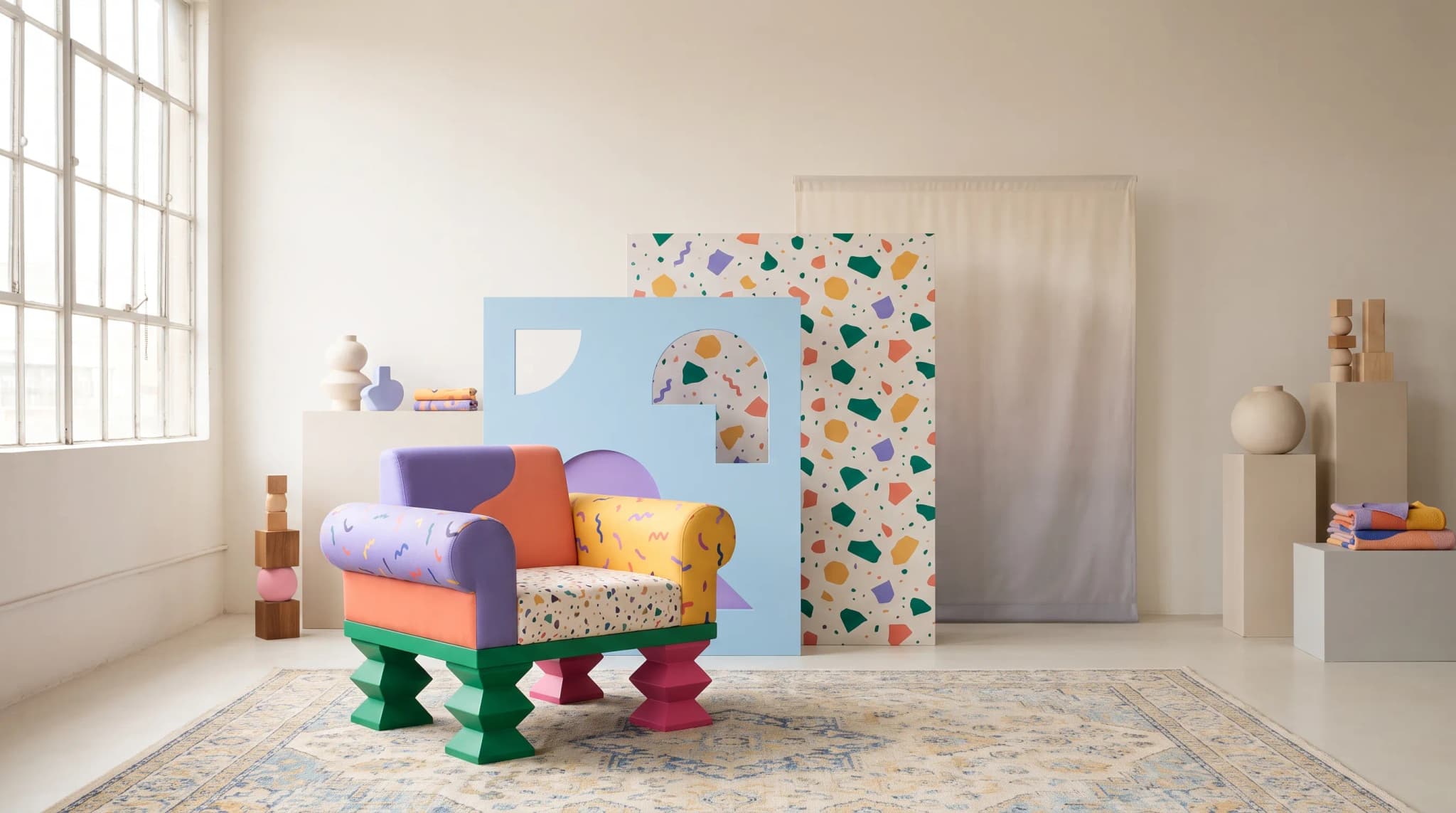
AI Studio tool guides:
- Remove Background — One-click cutouts
- Upscale Image — Make any image print-ready
- Product Staging — Stage in any room style
- Edit Specific Area — Pixel-perfect edits
- Edit with Brush — Add or erase anything
- Chat to Edit — Edit by talking
- Perspective Change — New angles, no reshooting
- Line Drawing — Photo to technical drawing
- Carousel — Every angle from one photo
- Product Highlights — Spotlight what sells
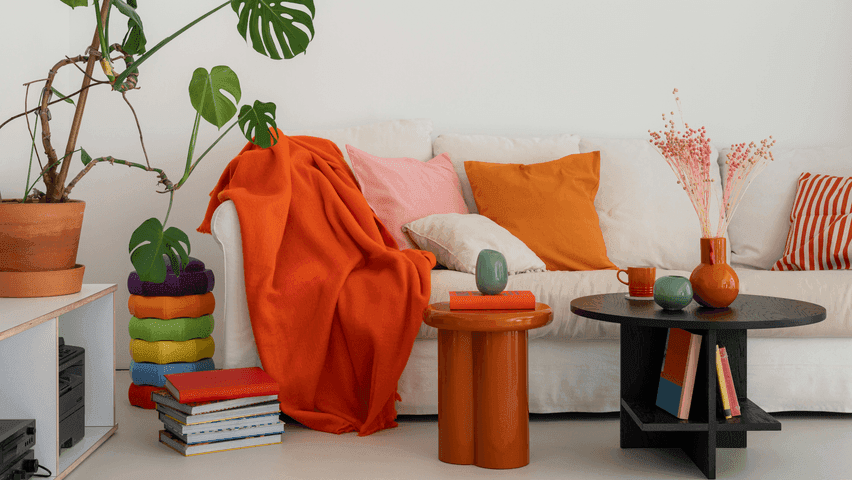
A sofa on white tells buyers what it is. A sofa in a styled living room tells them how it fits into their life.
Lifestyle photos outsell plain product shots every time. But they require location scouts, set designers, and multi-day shoots. Product Staging skips all of that. Upload a product photo. Pick a style. Get a styled room scene in minutes.
The AI keeps your product exactly as photographed—same color, materials, proportions—while building a believable room around it.
Design Styles
Scandinavian
Airy neutrals, light woods, layered textures. Great for minimalist and contemporary furniture.
Mid-Century Modern
Warm woods, tapered legs, retro accents. Ideal for pieces with mid-century DNA.
Modern Coastal
Crisp whites, ocean blues, relaxed linen. Works well with light upholstery and casual silhouettes.
Bohemian
Vibrant patterns, layered textiles, eclectic global influence. Best for pieces that hold their own in a maximalist setting.
Japandi
Minimal lines, natural materials, calm palette. Japanese meets Scandinavian. Excellent for refined, architectural pieces.
Custom Reference
Upload your own inspiration image. Match a client's mood board or keep a campaign consistent.
How to Use It
Step 1: Upload Your Product Image
Use a clear photo with good lighting. Clean backgrounds work best. Use Remove Background first if needed.
Step 2: Choose Your Style
Click a preset (Scandi, Mid-Century, Coastal, Bohemian, Japandi) or upload a custom reference image.
Step 3: Configure
- Output Size: Choose dimensions for your use case
- Number of Images: Generate 1-10 variations
- Quality Mode: Toggle quality vs. speed
Step 4: Generate and Review
Each variation gives you a different room layout, lighting, and styling. Pick your favorites.
Follow the review stages in how AI furniture photography works to check materials, proportions and product details before approving the scene.
Advanced Options
Under "Advanced":
- Prompt Draft: Edit the AI's interpretation. Add "hardwood floors" or "floor-to-ceiling windows"
- Seed: Lock results for reproducibility
- Guidance: Control how strictly AI follows the style
- Inpaint Strength: How dramatically the environment changes
Tips for Best Results
Generate Multiple Variations
Request 3-5 variations. You'll get different room layouts, lighting, and styling details. Having options speeds everything up.
Match Style to Product
- Contemporary pieces shine in Scandi or Japandi
- Traditional furniture works with Mid-Century
- Casual pieces suit Coastal or Bohemian
For references when refining a scene, look at what the best furniture lifestyle imagery gets right.
Use Custom References
Upload references to match a client's aesthetic, keep campaigns consistent, or respond to competitor imagery with your own products.
Even with a strong reference, check how to spot and fix the uncanny valley in furniture images before approving the room scene.
Practical Applications
E-commerce Enhancement
Your dining table sits on white. Generate a Mid-Century room scene. Lifestyle images outperform white backgrounds in every engagement metric.
Social Media Content
Photography budget spent? Create varied lifestyle shots from your existing product library. Each style preset gives you fresh content.
Client Presentations
Designer working on a coastal vacation home? Upload their mood board as a custom reference. Show your sofa staged in their aesthetic. You're speaking their language.
Catalog Layouts
Photograph everything on white. Generate lifestyle variations as needed. Maximum flexibility. Minimum logistics.
Use the catalog-scale lifestyle imagery workflow to plan reusable scenes, variant coverage and approvals across the full range.
Cost and Credits
Credits scale with output size and variations. The cost shows before you generate. Compare that to coordinating a location shoot with furniture delivery.
Frequently asked questions
Does Product Staging change my product?
No. The AI keeps your product exactly as photographed, with the same color, materials and proportions, and builds a believable room around it. Start with a clear, well-lit photo on a clean background; if the original has a busy background, run it through Remove Background first.
Which room styles are available?
Five presets: Scandinavian, Mid-Century Modern, Modern Coastal, Bohemian and Japandi. You can also upload your own inspiration image as a custom reference to match a client's mood board or keep a campaign consistent. Contemporary pieces tend to suit Scandi or Japandi, traditional furniture Mid-Century, and casual pieces Coastal or Bohemian.
How many variations should I generate?
Request three to five. Each variation gives you a different room layout, lighting and styling, so having options speeds everything up. You can generate one to 10 images per run, set the output size for your use case, and toggle Quality mode depending on whether you're exploring or producing a final deliverable.
What if the scene isn't quite right?
Open Advanced and edit the Prompt Draft, the AI's interpretation of the scene, to add details like hardwood floors or floor-to-ceiling windows. Seed locks results for reproducibility, Guidance controls how strictly the AI follows the style, and Inpaint Strength sets how dramatically the environment changes. Credits scale with output size and variations.
See it in action. Open Product Staging and place your furniture in any room style.