Every Angle from One Photo
Upload one product shot. Pick your angles. Get a complete carousel of views—front, sides, 3/4, overhead—ready for your product page.
AI Studio tool guides:
- Remove Background — One-click cutouts
- Upscale Image — Make any image print-ready
- Product Staging — Stage in any room style
- Edit Specific Area — Pixel-perfect edits
- Edit with Brush — Add or erase anything
- Chat to Edit — Edit by talking
- Perspective Change — New angles, no reshooting
- Line Drawing — Photo to technical drawing
- Carousel — Every angle from one photo
- Product Highlights — Spotlight what sells
Your product page needs 5-7 angles. Your photographer shot one. Scheduling a reshoot takes weeks and costs thousands.
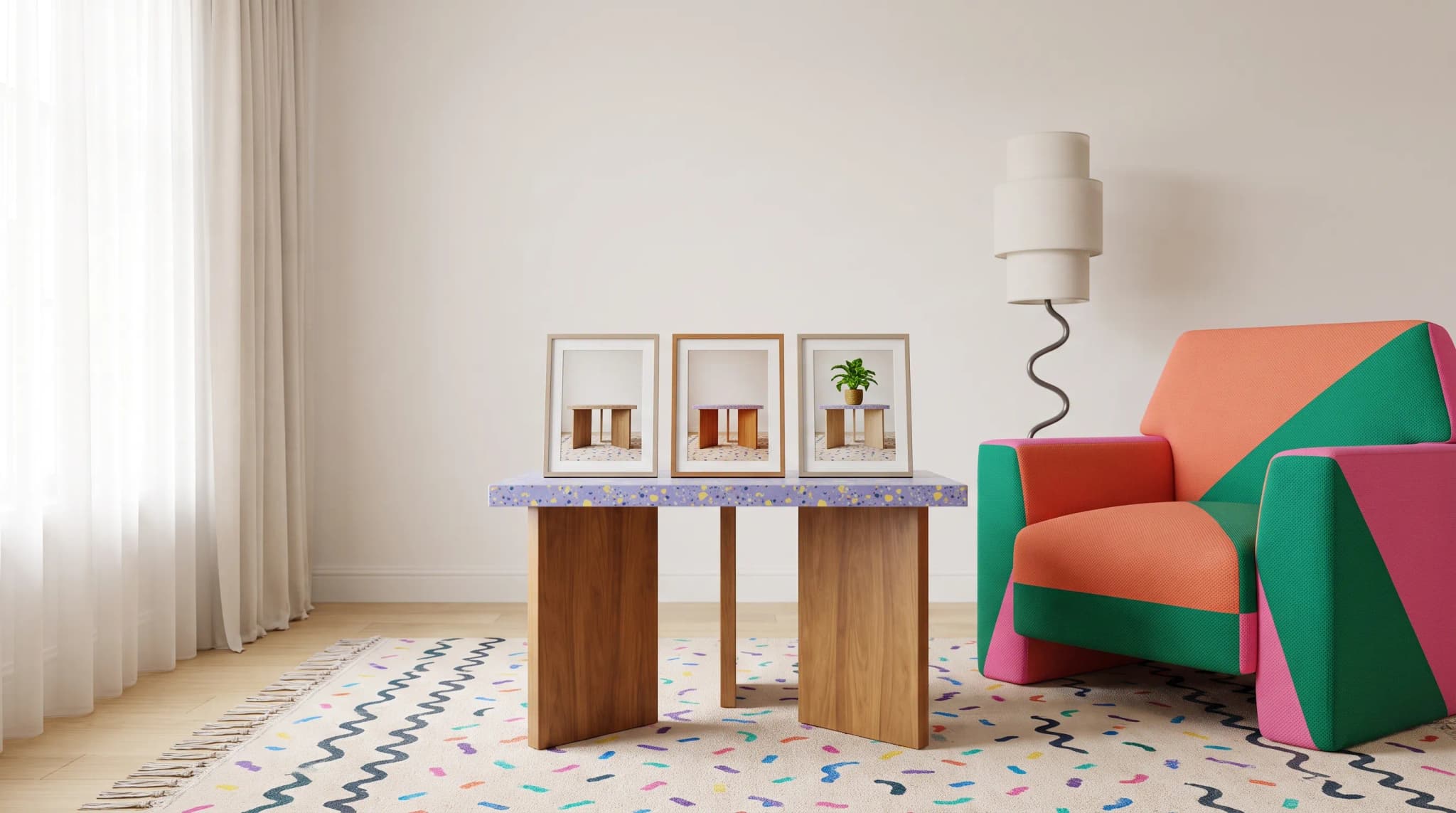
Carousel generates a complete set of angle views from a single hero image. Upload one photo. Pick the angles you need. Get them all at once.
What It Does
Carousel takes one product photograph and generates multiple camera angles in a single batch. Unlike Perspective Change (which generates one angle at a time), Carousel is built for production workflows. Pick your angles, hit generate, and get a ready-to-use image set.
The AI reads the 3D structure of your furniture and renders each angle with accurate proportions, natural lighting, and realistic detail.
Choose Your Angles
Presets
Three presets for speed:
- Compact (3 angles): The essentials—front, 3/4, and one side
- Standard (5 angles): Covers most product page needs
- Full (7 angles): Comprehensive coverage for demanding listings
Advanced Mode
Pick individual angles from 10+ options:
- Eye Level: Front, 3/4 Left, 3/4 Right, Left Side, Right Side, Back
- Elevated: Bird's Eye, Top Down, High Angle
- Low: Low Angle, Bottom Up, Worm's Eye
Mix and match. Get exactly the set you need.
How to Use It
Step 1: Upload
Drag in your hero images. Up to 50 at once for batch processing.
Step 2: Pick Angles
Use a preset for speed, or switch to Advanced and select individual angles. Up to 9 per image.
Step 3: Configure
Aspect Ratio: Square (1:1), Landscape (4:3), or Portrait (3:4).
Style Reference: Upload an optional reference image to guide the lighting and environment across all generated angles.
Step 4: Generate
Hit generate. The system queues each image-angle combination and processes them in parallel. Track progress in real time.
Step 5: Review
Results appear grouped by hero image. Browse the generated angles in a scrollable carousel. Download the ones you like.
Tips for Best Results
Start with a Strong Hero Shot
Good lighting. Clear detail. An angle that shows the overall form. The AI needs to understand the full shape to render other views.
Match Aspect Ratio to Platform
Square for Instagram and grid layouts. Landscape for product pages. Portrait for mobile-first displays.
Use Style Reference for Consistency
Upload a reference image to keep lighting and background consistent across all angles. Especially useful when processing multiple products for a catalog.
Batch Smart
Processing 50 images x 7 angles = 350 generations. Start with a test batch of 2-3 images to verify the results before scaling up.
Before scaling up, review how AI furniture photography works and set a product-accuracy check for every generated angle.
Practical Applications
Complete Product Pages
One hero shot per product. Carousel generates front, 3/4, both sides, and top-down. Five angles, one photo session.
Plan the angle set around the anatomy of a complete furniture product listing, including the details buyers need to compare.
Marketplace Listings
Amazon and Wayfair reward listings with multiple image angles. Generate a complete set that meets their guidelines from a single source image.
Use the furniture ecommerce readiness checklist to check image coverage alongside variant data and the channel's publishing requirements.
Catalog Production
200 SKUs need consistent multi-angle coverage. Upload all hero images. Select Standard preset. Process the entire catalog in one batch.
Social Media Carousels
Instagram carousels perform well. Generate angle variations and post them as swipeable content. Same product, different views, zero extra shooting.
Current Status
Carousel is in alpha. The technology is evolving. Your feedback helps shape it.
Cost and Credits
10 credits per angle per image. Cost shows before you generate. A Standard preset (5 angles) on one image costs 50 credits. Compare that to scheduling a multi-angle photo session.
Frequently asked questions
What does Carousel need as input, and what does it produce?
One product photo per item. Upload your hero images, up to 50 at once, pick the angles you want, and Carousel generates every image-angle combination in one batch. Results come back grouped by hero image in a scrollable carousel, so you can browse the angles and download the ones you like. Output is available as Square (1:1), Landscape (4:3) or Portrait (3:4).
How is Carousel different from Perspective Change?
Perspective Change generates one angle at a time. Carousel generates a whole set in a single batch and is built for production workflows: pick a preset or individual angles, up to nine per image, hit generate, and get a ready-to-use image set. If you need one specific view, Perspective Change is the closer fit.
Which angles can I choose?
Three presets cover the common cases: Compact (three angles: front, three-quarter and one side), Standard (five angles) and Full (seven angles). Advanced mode lets you mix and match from 10 or more options, including eye-level views (front, three-quarter left and right, both sides, back), elevated views (bird's eye, top down, high angle) and low views (low angle, bottom up, worm's eye).
How much does Carousel cost, and is it ready for production work?
Carousel costs 10 credits per angle per image, and the cost shows before you generate. A Standard preset on one image is 50 credits. The tool is in alpha and the technology is still evolving, so start with a test batch of two or three images to check the results before scaling up to a full catalog.
Build your carousel. Open Carousel and generate every angle from one shot.