AI Furniture Photography: How It Works, What It Produces and What It Costs
How AI furniture photography turns one accurate product image into room scenes, packshots and colorway variants — the five-stage workflow, where human review still decides, what published services cost, and how to introduce it without creating another disconnected catalog process.
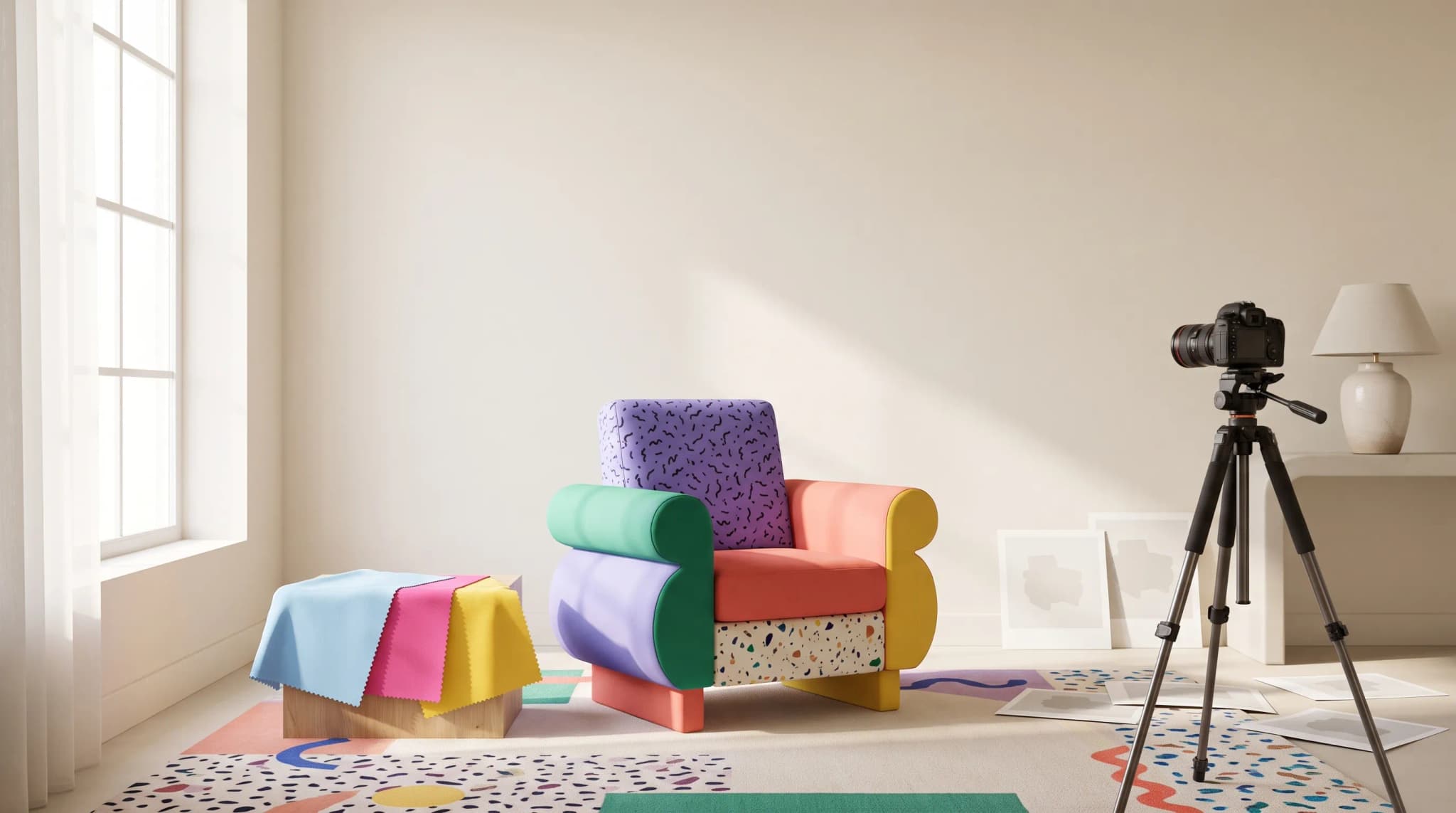
A sofa can be ready in the warehouse while its product page is still waiting for images. Each colorway needs an accurate packshot. The range may also need lifestyle scenes, fabric close-ups and crops for every sales channel. The product is ready. The listing isn't.
AI furniture photography turns an existing product image into additional sales-ready assets, including room scenes, packshots and colorway variants. It won't replace every shoot. Used with product checks and clear rules for when real photography still wins, it can help catalog teams put more of a range in front of customers.
This guide explains how AI furniture photography works, what published services cost, where human review remains essential and how to introduce it without creating another disconnected catalog workflow.
What is AI furniture photography?
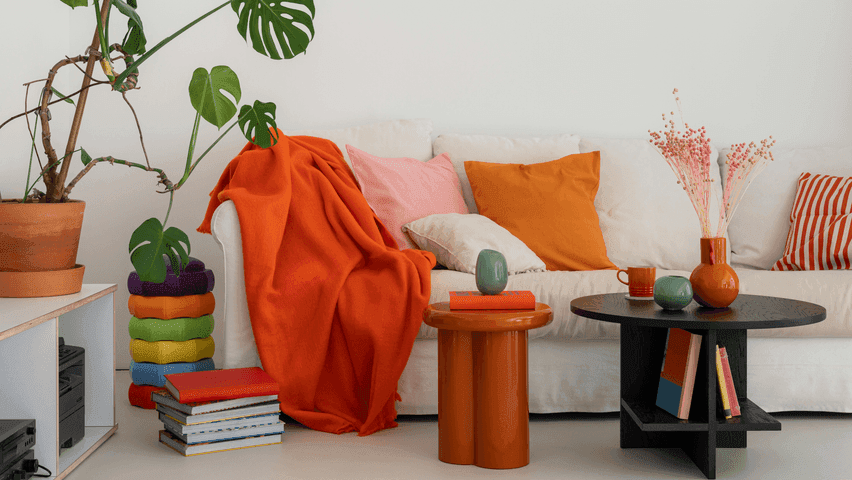
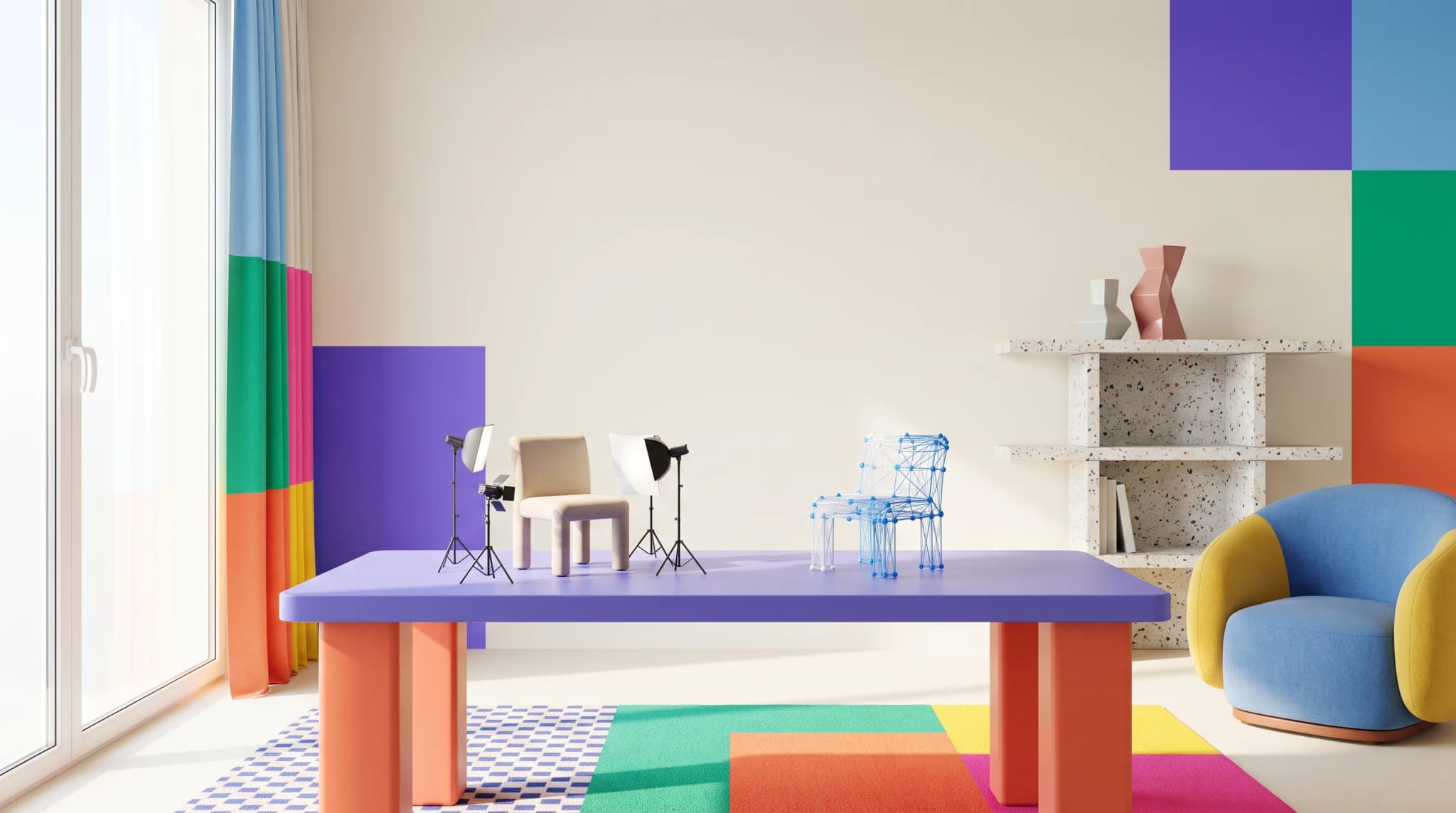
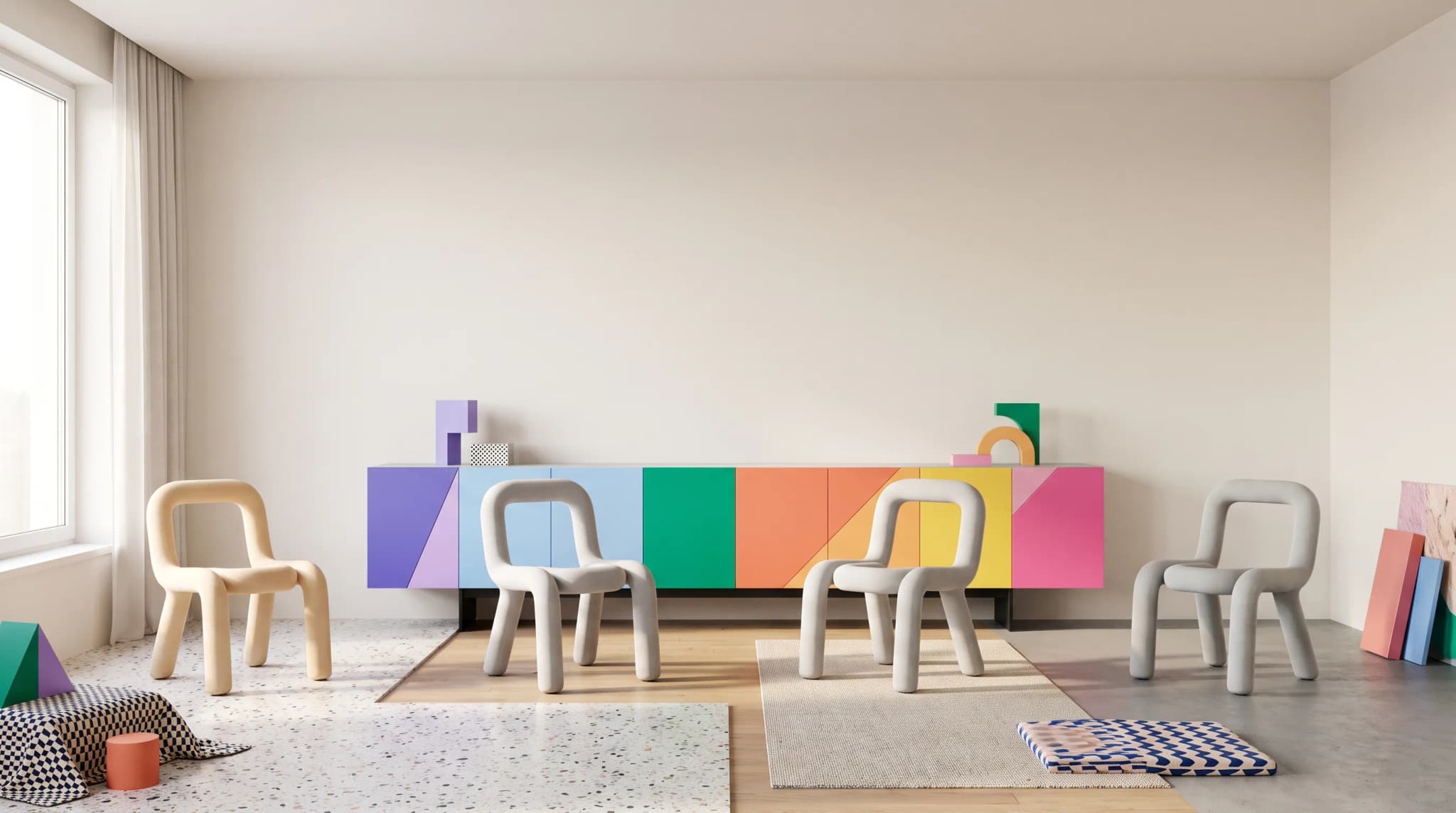
AI furniture photography is the use of generative image software to create or edit commercial furniture images from an existing product photo. Common outputs include styled room scenes, clean-background packshots, new fabric or finish variants, channel-specific crops and short product videos.
The reference image matters. It establishes the product's shape, proportions, materials and construction details. The generated scene can change, but the product still needs to look like the item a customer will receive.
AI furniture photography is different from a consumer room-planning tool. The goal isn't to show a shopper how a sofa might look in their home. The goal is to give a manufacturer or retailer enough accurate imagery to present and sell that sofa across a catalog.
Why are furniture brands using AI photography?
Furniture catalogs need more images than a single studio shoot usually produces. A product may have multiple colorways, retailer-specific requirements, seasonal room scenes and different crops for websites, marketplaces, proposals and print.
That creates three familiar gaps:
- A product is available, but its imagery isn't ready.
- Supplier images are accurate individually but inconsistent as a catalog.
- A new fabric, finish or sales channel creates another photography queue.
AI gives catalog teams another production route. Instead of returning every variation to a studio, the team can build additional assets from an approved reference image and reserve physical photography for the shots where it adds the most value.
How does AI furniture photography work?
A reliable furniture workflow has five stages.
1. Start with an accurate reference
The input is usually a clean product photo or cutout. It should show the silhouette, proportions, finish and construction details clearly. If the reference hides a leg, flattens the texture or distorts the perspective, the generated output begins with the same uncertainty.
Depending on the platform, the input may also include 3D assets. That isn't the same as generating a 3D model from a photograph, and support for CAD formats varies by platform.
2. Generate the required asset
The tool can place the product in a room, remove or replace a background, produce another colorway, change the crop or create a short video. The brief should specify what may change and what must remain faithful to the reference.
3. Check product fidelity
Product identity is a technical challenge in generative editing. An attractive result isn't enough; the item itself must be checked against the reference.
The review should cover:
- Is the correct product present?
- Do the silhouette and proportions match?
- Are the material, finish and color accurate?
- Have legs, handles, seams, joins or other defining details changed?
Lighting, camera angle, styling, props and crop can be creative choices. A changed product is an accuracy problem — the kind that produces renders customers quietly distrust.
4. Ask a person to approve it
An automated check can catch obvious differences, but the catalog team still owns the decision to publish. Someone who knows the product should approve, request changes or reject the image before it reaches a listing, retailer or proposal.
5. Connect the approved image to the right product
An image only earns operational value when the next person can find it and knows what it represents. The approved asset should be linked to the correct product, SKU and colorway, with its intended use recorded — the job a product information system and digital asset management do together.
Channel requirements still need explicit attention. For example, a marketplace tile, print spread and website banner may each require a different aspect ratio or resolution. Google Merchant Center also expects the main image to show the correct variant, including its color, pattern and material, and publishes specific image-size and framing guidance. [1]
What can AI furniture photography produce?
Lifestyle room scenes
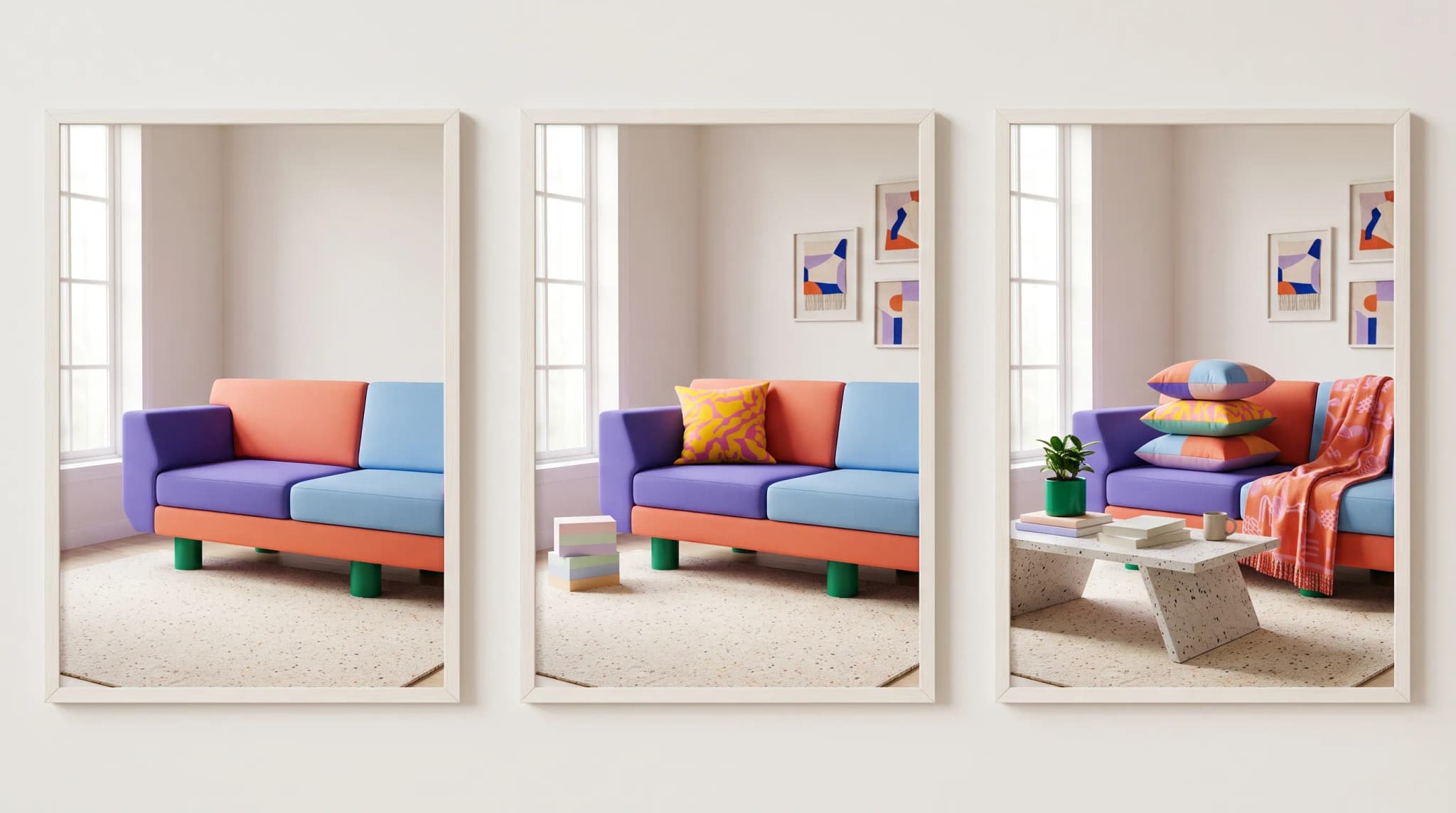
An approved product cutout can be placed in a styled interior without moving the physical item to a set. This approach fits ranges with accurate packshots but too few contextual images for product pages, lookbooks or retailer presentations. Our guide to lifestyle imagery workflows covers how brands keep those scenes consistent.
White or transparent-background packshots
Background removal and cleanup can turn inconsistent supplier images into a more coherent catalog. The product still needs to be checked for clipped edges, lost fine details and incorrect shadows.
Fabric, finish and colorway variants
A platform can apply a new fabric, leather, paint or finish to a reference product. The result should be compared with the real swatch or approved material reference, particularly where texture, pile, grain or reflectivity affects the sale.
Channel-specific versions
One approved image can support multiple crops and resolutions. These versions should be produced against a stated requirement rather than assuming that one file will suit every channel.
Short product videos and 3D models
Platforms may also animate a still image or turn product photography into a viewable 3D model. Furniture Connect can generate a spinnable 3D model from a product image. It doesn't create, read or import architectural CAD formats such as DWG, DXF, RVT or SketchUp files.
If the source is a CAD drawing, export a flat image or PDF first. For a 3D model of a specific piece, start from a clear product photograph. Our comparison with CAD tools sets out where each belongs.
Where does AI still need a human?
Keep human review closest to the details customers use to judge the product.
Real photography or a careful correction pass remains particularly important when:
- The grain, weave, stitching or reflectivity is central to the purchase.
- The product moves or transforms, such as a recliner, sofa bed or height-adjustable desk.
- A hidden mechanism or construction detail must be shown accurately.
- The brand's visual identity depends on tightly controlled lighting and styling.
- The output will become the primary product image rather than a supporting lifestyle scene.
The practical dividing line is simple: use AI to extend an accurate product record, not to guess what the product is.
Does AI furniture photography replace a photographer?
Not completely. Most catalog workflows still need an accurate source image, especially for new products, fine materials and moving mechanisms. AI can then reduce the number of additional shoots needed for room scenes, colorways, crops and campaign variations.
A practical catalog model is hybrid:
- Physical photography for the definitive product image and critical material details
- AI generation for additional scenes, variants and campaign assets
- Human approval before any generated image is published
This gives the photographer a clearer job and gives the catalog team more ways to use the approved photography.
The comparison of furniture photography studios vs AI helps you decide which products still need a shoot and which can use generated imagery.
How much does AI furniture photography cost?
There is no credible universal cost per image, because photography, CGI and AI divide the work differently.
Physical furniture photography may include studio space, a photographer, assistants, a stylist, product transport, room-set construction and retouching. Granary Digital, for example, publishes a £395 plus VAT full-day rate for a large-product studio with drive-in access, but the photographer and additional equipment are separate. [2]
Furniture CGI starts with a different cost structure. A 2026 CGIFurniture rate card separates 3D modeling, texturing and rendering. For annual orders of at least 200 items, it lists 3D modeling from $60 to $500 per item, 4K plain-background renders at $30 and lifestyle renders from $150 to $300; the lifestyle price excludes the 3D product model. Smaller volumes require a quote. [3]
AI furniture photography usually starts from an existing product image and is sold through a subscription or credit allowance. Furniture Connect publishes localized monthly plans with stated image allowances, while enterprise plans add catalog and digital-asset-management capabilities. [4]
| Production route | What the quoted price may cover | Costs that may sit outside it |
|---|---|---|
| Physical photography | Studio time, photographer or finished photographs | Transport, assistants, styling, sets, retouching, licensing and reshoots |
| Furniture CGI | 3D model, texture, plain-background render or lifestyle render | Modeling when only the render is quoted, revisions, additional angles and lower-volume pricing |
| AI furniture photography | Subscription, credits or generated-image allowance | Accurate reference imagery, review, corrections, rejected generations and channel preparation |
These are production routes, not interchangeable products. Compare them against the same list of approved outputs rather than placing one studio day beside one AI generation. Our full cost comparison works through the arithmetic on a single range.
How to compare the cost like for like
Choose one real range and calculate both workflows against the same brief:
- Number of products and colorways
- Required packshots, lifestyle scenes and detail images
- Product transport, room set, styling and retouching
- AI plan or credit cost
- Staff time for prompting, review and correction
- Rejected or regenerated images
- Asset preparation for each channel
Then compare the number of approved, usable assets — not the number of images generated. The savings calculator will do the same sum against your last shoot.
How should a catalog team introduce AI photography?
Begin with a visible catalog gap
Choose products that already have accurate packshots but lack lifestyle imagery. The team can judge the additional value without replacing a proven hero image on day one.
Define what must remain unchanged
List the product details that the tool may not alter: dimensions, leg count, handles, seams, fabric, finish and brand marks. Give reviewers the same checklist.
Separate generation from approval
Producing an image doesn't make it publishable. Build product-fidelity review and customer approval into the workflow before planning volume.
Set channel requirements explicitly
Record the destination, aspect ratio, resolution and crop for each output. Don't rely on the generation tool to infer marketplace or print requirements automatically. The anatomy of a product listing covers what each surface expects.
Keep every approved asset with its product record
Lifestyle scenes, colorways and crops multiply quickly. Decide how each file will be named, linked to its SKU and stored before the first batch becomes a second asset problem.
Where Furniture Connect fits
Furniture Connect is built for furniture brands, manufacturers and retailers that need to produce imagery across a catalog rather than generate one disconnected image at a time.
The workflow is deliberately controlled:
- Start with a product image or an existing render.
- Generate or edit the required scene, colorway, packshot, video or 3D model.
- Furniture Connect automatically compares the output with the product reference. It checks whether the product is present and whether its silhouette, proportions, material, finish and color match.
- The image reaches the user for approval, changes or rejection.
- If an approved image belongs to a catalog variant that doesn't yet have one, Furniture Connect asks before saving it to that named product and colorway. It never links the image silently.
- In quotes and proposals, images can be placed against the relevant line and image slot.
Channel formatting remains user-directed. Tell Furniture Connect the required use or ratio — such as a square marketplace tile or a 16:9 website banner — and it will generate or crop for that brief. See how the studio works from the product record.
The commercially relevant result isn't "more AI images." Bentincks reduced product-upload time from two to three weeks to just over one week. [5] FW Style reported a 30% increase in sales conversion after adopting Furniture Connect imagery. [6] These are customer-specific results, not guarantees, but they show the measures that matter: more of the range ready to sell and stronger performance once it reaches the customer.
Frequently asked questions
Is AI furniture photography realistic enough for ecommerce?
It can be, when the process starts with an accurate product image and includes product-fidelity checks plus human approval. Lifestyle scenes and supporting images are often the lowest-risk starting point. Material close-ups, mechanisms and definitive hero images may still require real photography.
Can AI furniture photography create different colorways?
Yes. AI can apply a new color, fabric or finish to an existing product image. Each result should be checked against the approved swatch or material reference, because texture, shadow and reflectivity can change how the color appears.
Can AI furniture photography work from CAD files?
Support depends on the platform. Furniture Connect doesn't read or import DWG, DXF, RVT or SketchUp files. It can work from an image or a flat image or PDF exported from a CAD workflow, and it can generate a viewable 3D model from a product photograph.
How much does AI furniture photography cost per image?
There is no reliable universal figure. Most platforms use subscriptions or credits, and one generated image isn't necessarily one approved catalog asset. Compare plans using the number of usable images produced after review, corrections and channel preparation.
Does AI furniture photography eliminate studio shoots?
It can replace additional shoots, particularly for lifestyle scenes and colorway variations built from an approved product image. Most teams still need real photography for the first accurate product reference, critical material details or products with moving mechanisms.
What should teams check before publishing an AI-generated furniture image?
Check the product's presence, silhouette, proportions, material, finish, color and defining construction details against the reference. Then confirm that the crop, resolution and image role meet the destination channel's requirements.
See the workflow on one of your products
Bring an existing product image to a Furniture Connect demo. We'll create a new asset from it, show you the product-fidelity check and let you review the result before anything is linked to your catalog.