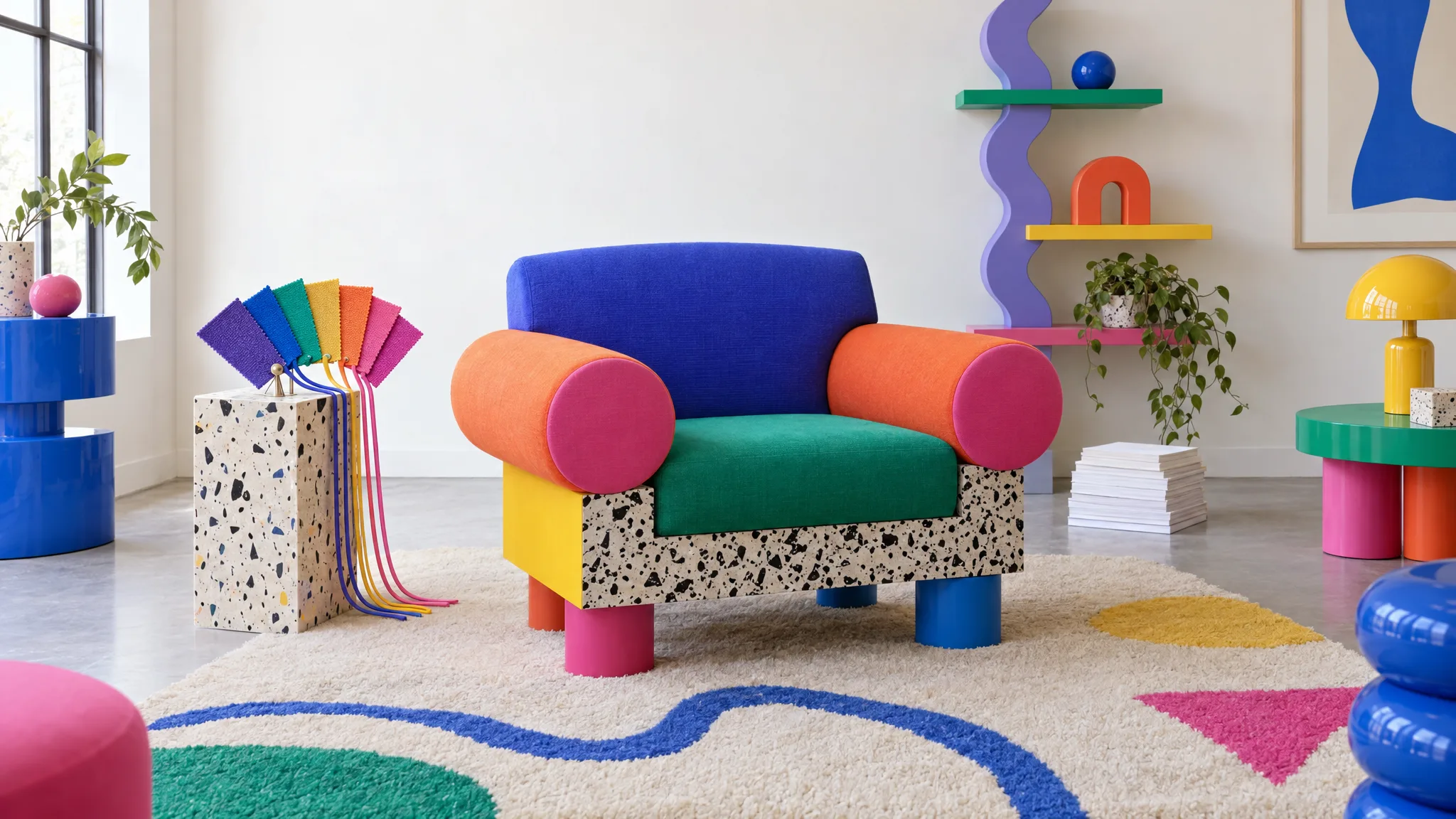
Why Every Fabric Becomes a Row and Not a Product
A chair in seven fabrics is seven rows to a supplier and one product to a customer. Why the two views collide, what it does to your listings, and what a correct variant structure looks like.
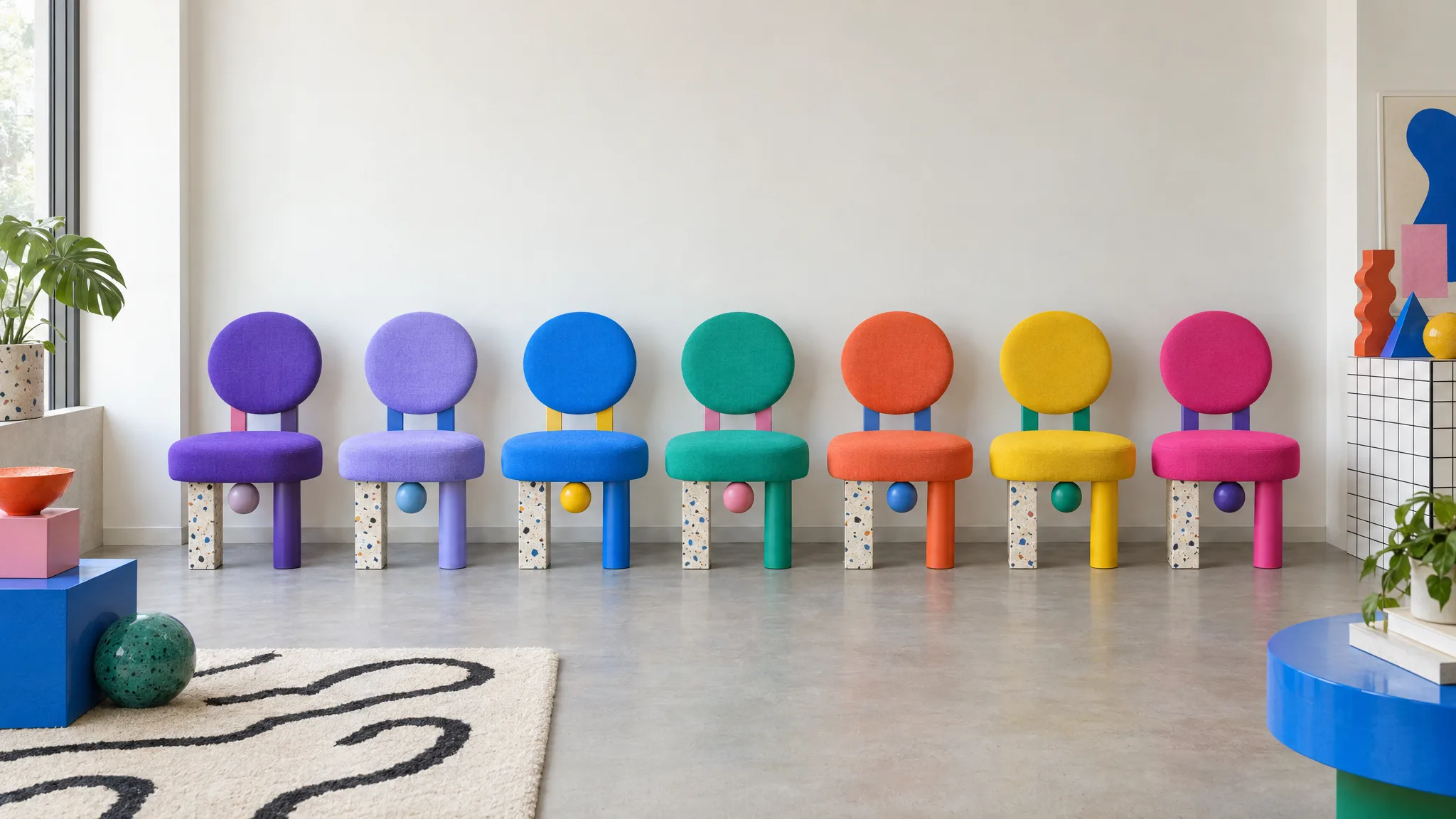
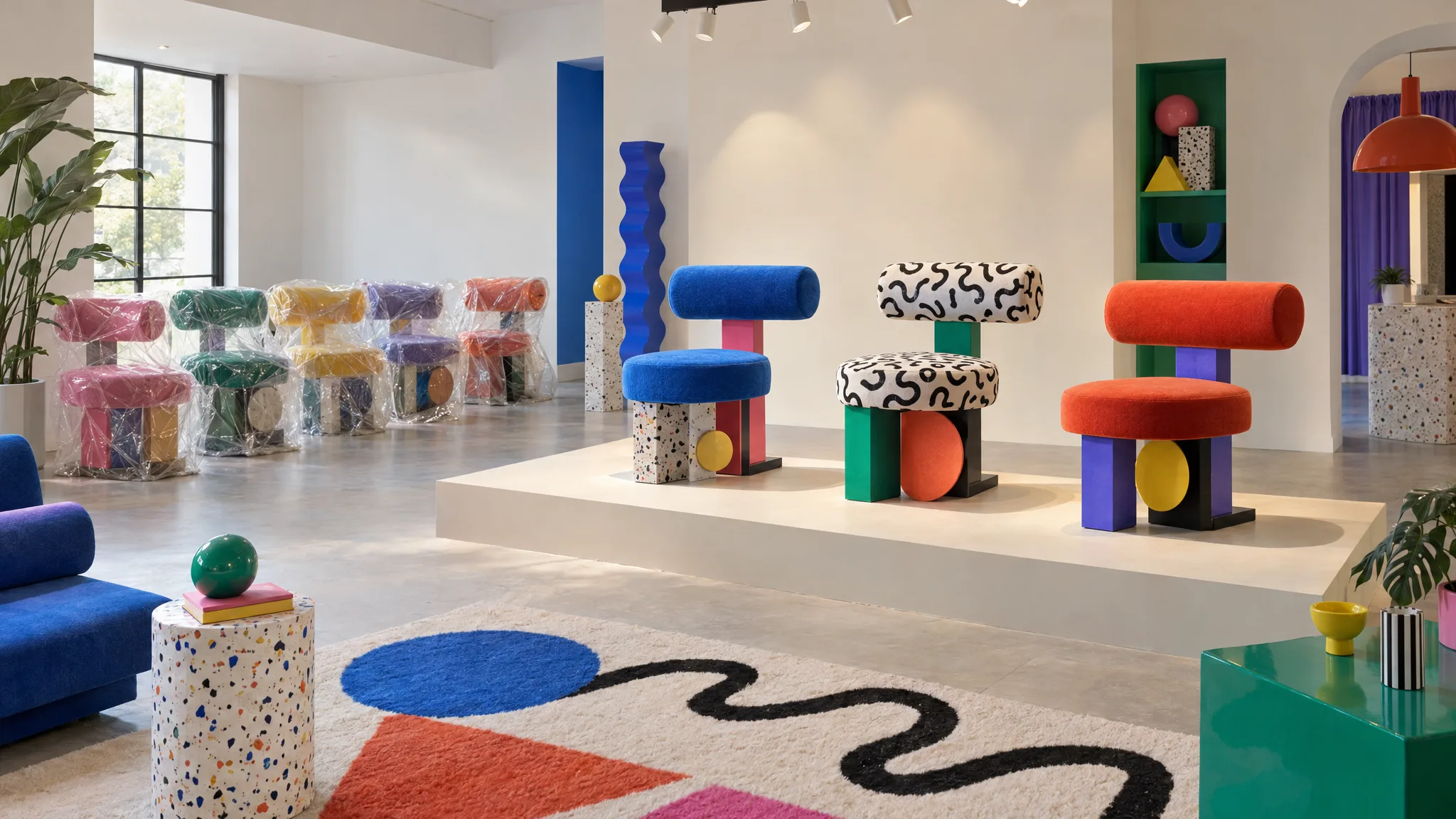
A supplier sells a chair in seven fabrics. To the supplier, that is seven things with seven codes and seven prices, so the price list has seven rows. To the customer, it is one chair and a choice. Your website may present it that way too. Marketplaces have their own variant structures, while the supplier's file may not state the relationship at all.
Why suppliers think in rows
Because they ship, invoice and stock in rows. FAC-1160-OAT is a thing on a shelf. FAC-1160-COB is a different thing on a different shelf. The supplier's warehouse system, their invoicing and their price list all key on the sellable unit, and the sellable unit is the chair in a specific fabric. The price list may omit the parent relationship even if the supplier's internal systems record it.
Sometimes the relationship is visible in the code (a shared stem, a fabric suffix). Sometimes it's in the description. Sometimes it's only in the buyer's head.
Why channels think in products
Because shoppers do. Many ecommerce platforms support a product page with a fabric selector: one parent product, a set of options, a variant per sellable combination. It also keeps your search results from filling with near-duplicates. Shopify calls them variants. A retailer template may express the same options using a different row and field structure. Your own site has whatever your platform calls them.
So the first thing ecommerce has to do with the file is impose a structure that isn't in it: decide which rows belong together, what the axis is (fabric, finish, size, or two of them), and which row is which variant.
What goes wrong when it's done by hand
Flat listings. The quickest route is to list each row as its own product. Seven chair pages, each with one fabric. Customers land on Cobalt, want Oatmeal, and don't realize it exists. Search results fill with near-duplicates.
Partial variants. The better route, grouping by hand, takes time, so it gets done for the fabrics with photos. Oatmeal and Cobalt become variants; Jade, Berry Red, Turquoise, Violet Loop and Slate stay in the spreadsheet.
Wrong axes. A chair available in all combinations of three fabrics and two leg finishes has six sellable combinations, typically represented on two axes. Set up as six variants on one axis called "option", the fabric may not be available as a separate filter without additional attributes and storefront setup, and a retailer template that asks for fabric and finish separately can't be filled from it.
Lost codes. When the variant is created from the parent rather than from the row, the supplier's code for that exact fabric gets dropped. Then the reorder is wrong.
Drift. Six months later a price list update arrives. The seven rows have to be matched to the seven variants again, by someone who may not be the person who built them.
What a correct structure looks like
One parent carrying what's shared: the name, the product type, the family, the dimensions every fabric has in common, the care copy only where it genuinely applies to every fabric. An axis for each way the variants differ, say material and finish [1]. One variant per sellable combination, each attribute marked as common to the product or set per variant, so a variant can carry its own supplier code, price, barcode and imagery [1].
In that structure, the Cobalt chair can be £229 and the Berry Red Velvet one £249 without duplicating the chair. The customer can see one product with a fabric selector when the storefront supports and is configured for that structure. A retailer output can carry one row per variant with the relevant fields. For a price refresh, include stable SKUs and only the intended price columns, confirm the proposed matches and mapping, and check the results. Omit unrelated content columns from the update file, and confirm that each SKU still represents the same commercial item.
Why the software should ask, not guess
The tempting fix is a tool that groups rows automatically. The trouble is the file doesn't contain the answer. Is "Open-Back Dining Chair, Oatmeal" and "Open-Back Dining Chair, Cobalt" one product? Almost certainly. Is the two-seater and the three-seater of the same sofa one product on a size axis or two products? That depends on how you merchandise. Does a different seat height make it a size variant or a separate product? That depends on your channels' rules and your own, and only a person knows.
So the useful behavior is assisted grouping: the software proposes the structure and asks where it isn't sure, rather than silently applying one interpretation across the range. Furniture Connect's import assistant asks about how the rows are grouped, then builds the variants from the confirmed structure [2]. The mechanics are in how one supplier file becomes products and variants.
Structure is the second of five stages in getting a new furniture range online.
The test for your current catalog
Pick a range. Compare the sellable SKUs in the supplier's file with the sellable variants on your site. Parent-product counts alone won't tell you whether the range is complete: a low count can mean correct grouping with every variant present, or it can mean fabrics that never got listed. Then check one product's variants against the file: does each one still carry the supplier's own code? If not, the next reorder is where you'll find out.
Structure is invisible when it's right and expensive when it's wrong. It's also the step that decides whether the whole range gets listed or only the photographed options, which is the subject of the images a retailer needs before a range can go live.