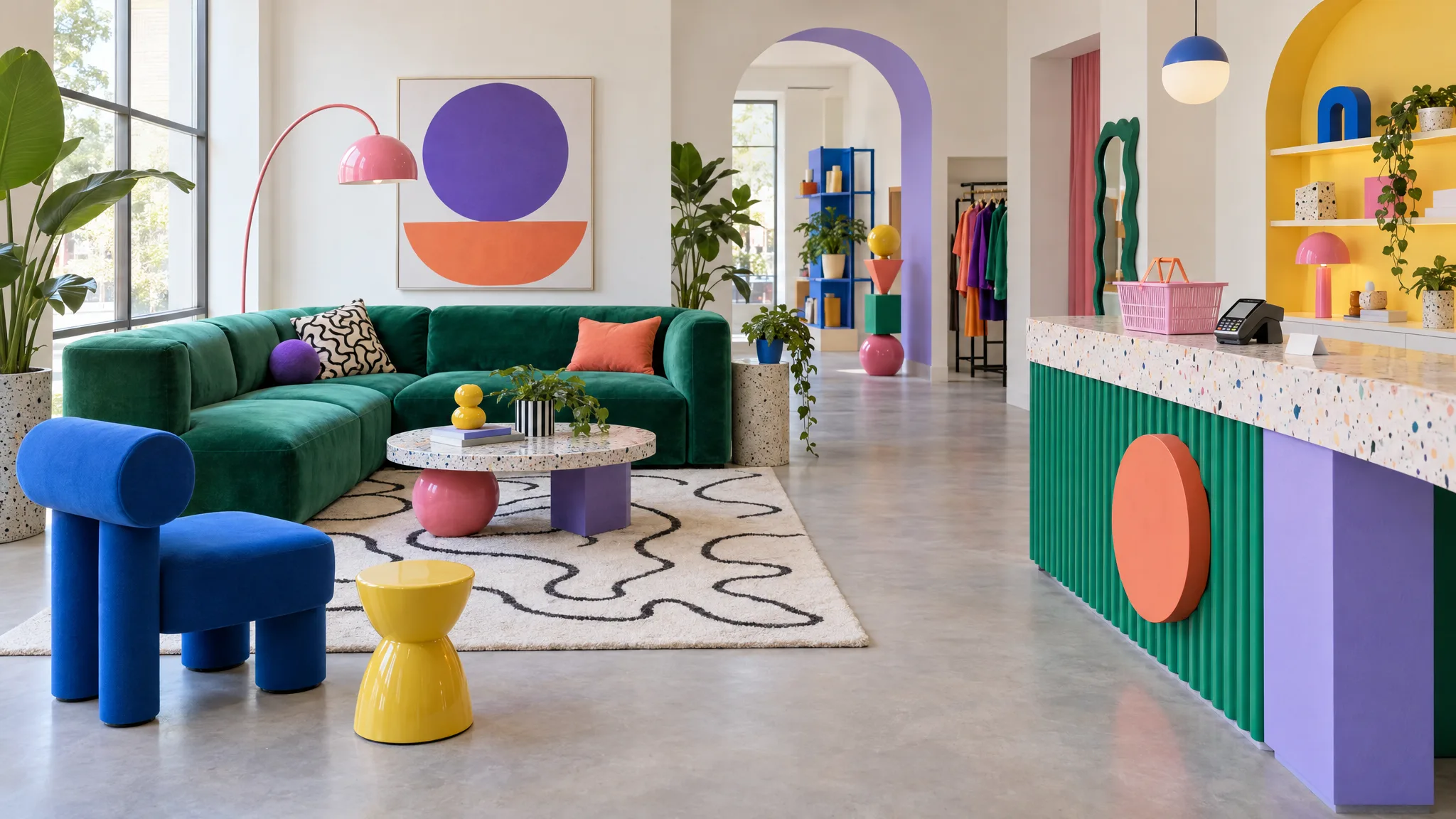
AI-Generated Furniture Images for Ecommerce Listings: How Brands Use Them (2026)
What makes the best AI-generated furniture images for ecommerce listings, and how furniture brands such as Bentincks, FW Style, Furniturebox and NOIR use them for lifestyle scenes, fabric variants and channel-ready listings.
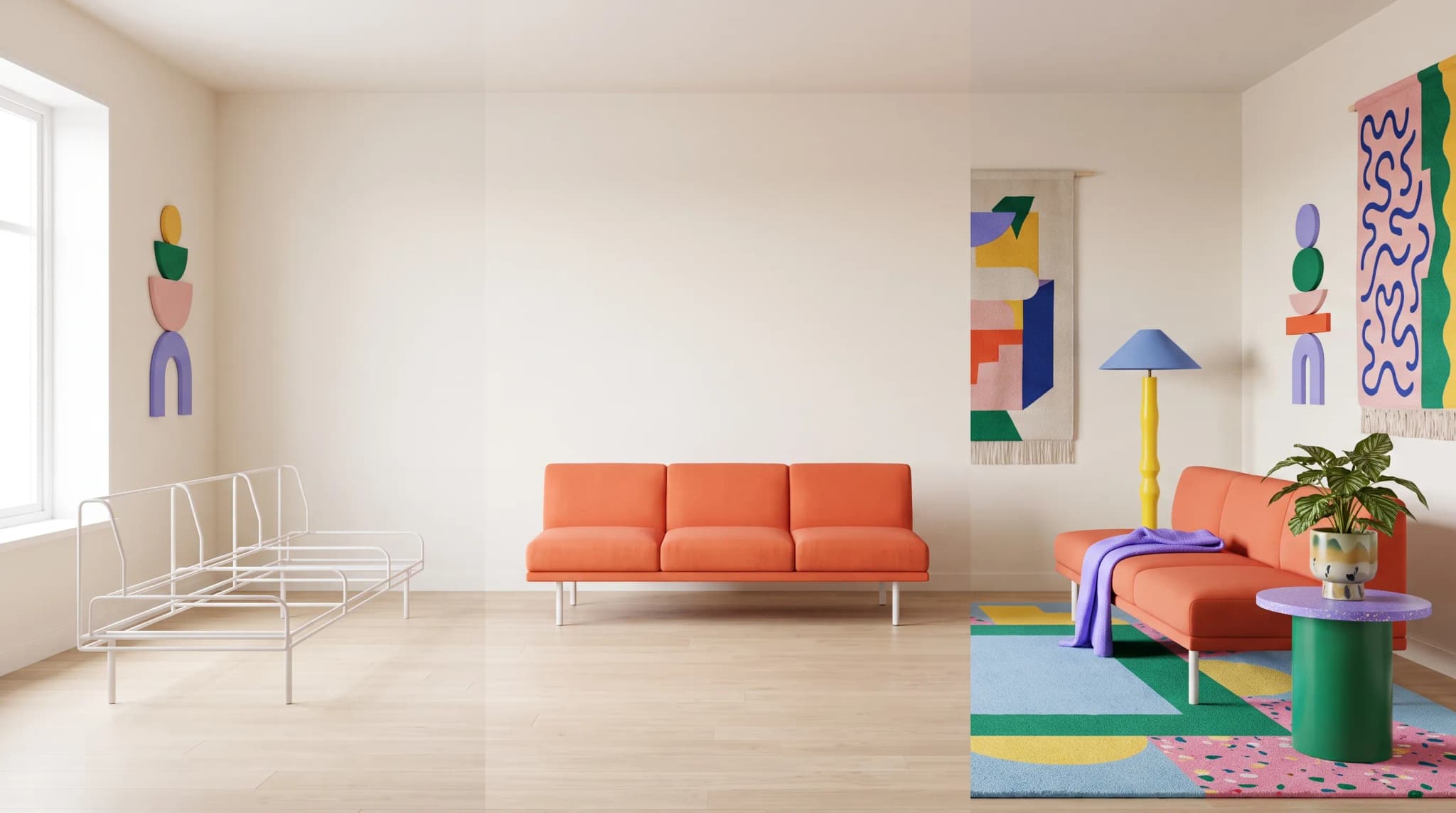
A new sofa range is ready in the warehouse. The listing isn't. It has one supplier cutout on white, no room scene, and a fabric picker that shows the same gray image whichever of the 12 covers a shopper chooses.
That's the gap AI-generated imagery fills on furniture listings: not replacing every photograph, but covering the variants, scenes and channel versions a photo budget never reaches.
This guide shows what good looks like on a listing, and how furniture brands are using AI imagery in practice. For a ranked comparison of the tools, see the best AI furniture image generators for ecommerce catalogs.
What makes the best AI-generated furniture images for ecommerce listings?
The best AI-generated furniture images for ecommerce listings pass five checks a shopper (and a returns team) will apply:
- Proportion. The piece matches the spec sheet: seat depth, arm height, leg count.
- Material truth. Bouclé reads as bouclé, oak as oak, and the color matches the swatch.
- Variant accuracy. The image shows the exact fabric, finish and size the listing is selling.
- Consistency. Camera height, light and floor treatment match across the range, so the category grid looks like one brand.
- Channel fit. Each channel sets its own rules for background, size and crop. Google Merchant Center, for example, asks for "a distinct, dedicated image for every individual variant" (Google).
Those checks favor tools that start from a real photo of the product and swap materials on that same image. They're also why generated imagery needs a person to review it against the physical product before it goes live.
| Rank | Tool | Why for listings |
|---|---|---|
| 1 | Furniture Connect | Fabric and finish variants from a swatch or catalog material; images stay linked to the product and variant |
| 2 | Photoroom | Fast, low-cost cutouts and staged backgrounds when you already have a photo of every variant |
| 3 | Presti | General catalog staging with roots in furniture retail |
The full scoring, including Kive, general-purpose AI and WearView, is in our ranked comparison.
The listing workflow: from supplier photo to channel-ready image
AI imagery lands on a furniture listing through the same five stages whichever tool you use. What changes is how much of it happens by hand.
| Stage | What happens | Who usually owns it |
|---|---|---|
| Ingest | Supplier photo, studio shot or render arrives, ideally attached to the product record | Merchandising or supplier onboarding |
| Clean | Background removal, edits to stray props or cropped edges, upscaling | Content or ecommerce team |
| Generate | Lifestyle scenes, fabric and finish variants | Content team with AI tools |
| Review | Each image checked against the product and swatch, then approved and linked to the right variant | Merchandising |
| Publish | Each channel's version exported to its rules and uploaded or synced | Ecommerce operations |
In Furniture Connect, the clean and generate stages happen in Studio, and on Enterprise plans the Agentic Catalog holds the review and publish stages: each catalog image is pending, approved or rejected, approved images sit in named slots at product or variant level, and exports go out per channel. Batch jobs for edits, background removal and upscaling take up to 100 images each, so a range moves in a few runs rather than one image at a time.
Lifestyle scenes at catalog scale
Lifestyle imagery used to be the most expensive line in a furniture content budget, so most catalogs had room scenes for the bestsellers only. AI moves the constraint from budget to brief.
Three habits show up in the brands doing it well:
- The real product is the source. The piece is photographed once, cleanly, and placed into generated rooms. That protects material fidelity, which is where generic tools most often fail on furniture.
- Scenes are briefed once, then reused. A small set of room styles, saved as team prompts with reference images, keeps a range consistent. Studio also offers preset styles such as Japandi and Scandinavian as a starting point.
- Scenes go where photography couldn't. Gabriella White creates lifestyle imagery for locations it could never shoot in person, and Furniturebox builds whole-room sets for pre-sales before stock arrives.
Speed is what customers notice first. Scatterbox reports scenes in about 15 to 60 seconds instead of weeks of location planning, and the images went straight into its print catalog.
Fabric and finish variant images without re-shoots
Variant imagery is where furniture listings quietly fall short. One frame in eight fabrics and three leg finishes is 24 images; a modular range in four configurations is 96.
The workflow that scales treats each variant as the same image with a different cover:
- Photograph or render the product once, in a neutral configuration, cleanly cut out.
- Keep fabrics and finishes as a library, with a swatch image and a color reference for each.
- Render each variant with a fabric swap on that same image, so geometry, shadows and proportions stay put.
- Review each variant against the physical swatch, then confirm which SKU it belongs to before it's linked to the listing.
Barker and Stonehouse often receives a single supplier photo for products sold in several fabrics, finishes and sizes, and now produces lifestyle images in every fabric and finish option from it. Hooker Furnishings released new outdoor fabric options with the scenes ready to sell them.
Material and proportion fidelity on product pages
The most expensive AI failure on a furniture listing is the subtle one: the sofa looks like a sofa, but it's 10% too deep, or the walnut leg has turned oak. A shopper may not notice on the page, and then notices when the piece arrives.
| Failure mode | Where it shows up | Guardrail |
|---|---|---|
| Fabric weave drift | Variant swaps on upholstery | Swap from a swatch or library material, not a free-text prompt |
| Wood grain or finish drift | Casegoods in lifestyle scenes | Start from a real photo of the finish; finishes linked to each variant |
| Proportion drift | Modular and multi-size ranges | Dimensions in the product record; one source photo per variant |
| Lighting mismatch | Multi-scene product pages | One saved brief per scene type, reused across the range |
| Wrong variant on the listing | Fabric pickers | Approval per image and a confirmed variant link before publishing |
The uncanny valley guide covers the tells shoppers notice, and why AI furniture images turn inconsistent at catalog scale explains how missing product data causes drift.
Channel delivery: Shopify, marketplaces and retailer portals
Once the images exist, each channel wants its own version. Background, minimum size, aspect ratio, crop and file naming all vary, and marketplaces and retailers publish their own rules. Build to each channel's documentation rather than one export for all.
What Furniture Connect handles today:
- Shopify. A two-way Shopify app syncs product content, variant SKUs and barcodes, and media selection, order and alt text. Products go to Shopify as drafts, and publishing stays a separate step.
- Everything else. Image ZIP exports with file-naming presets, plus CSV and XLSX catalog exports, which your team maps to each marketplace's or retailer portal's template.
- Readiness per channel. Completeness scoring shows what each product is still missing for each channel before anyone uploads.
Furniture Connect prepares the range for distribution; it doesn't replace a retailer's portal, approval process or agreement. Every retailer wants a different format covers why that work multiplies.
How furniture brands roll it out
The brands that get the most from AI listing imagery roll it out in three phases rather than switching everything at once.
- Pilot one range. Pick 10 to 30 products, capture a baseline (time to market, cost per image, consistency, conversion and how many products lack lifestyle imagery), and run the new workflow for two to four weeks. Our guide to piloting on one range has the steps.
- Backfill the catalog. Work back through products that have one supplier photo, adding lifestyle scenes and variant images.
- Make it the default path. New products go through the AI workflow first, with photography or CGI reserved for hero and detail shots.
Getting started is quick: most teams generate first images within hours, and a full catalog migration takes one to two weeks depending on size (migration guide).
The results customers report vary by catalog. FW Style replaced a patchwork of generic tools, used Product Highlights and carousels to turn basic listings into richer product pages, and reports sales conversions up 30% after switching. NOIR reimagined its entire product line at a fraction of the cost and timeline of traditional photography. The approach pays back fastest from roughly 200 SKUs, or once a range sells through more than two channels.
Frequently asked questions
What are the best AI-generated furniture images for ecommerce listings?
The best AI-generated furniture images for listings are accurate before they're attractive: true proportions, the real fabric and finish, the exact variant being sold, and the same camera, light and background across the range. They start from a real photo of the product, follow each channel's published image rules, and are reviewed by a person against the physical product before they go live. Furniture Connect produces them from your product photos and catalog data; on Enterprise plans with the catalog, every image carries an approval state.
How do furniture brands use AI-generated images on product listings?
Most use AI for the images photography can't afford to cover: lifestyle scenes for every product rather than the bestsellers, fabric and finish variants from one approved photo, and cleanup of mixed supplier shots. Hero and detail shots often stay with photography or CGI. Customers report results such as Bentincks cutting retailer uploads from two to three weeks to just over one week, and FW Style reporting sales conversions up 30% after switching.
How do you create fabric and finish variant images without re-shooting furniture?
Photograph or render the product once in a neutral configuration, then render each variant by swapping the material on that same image, from a swatch photo or from a material or finish in your catalog library. That keeps the frame, proportions and shadows identical and changes only the cover. Check each variant against the physical swatch, and confirm which SKU it belongs to before linking it to the listing.
How do you keep AI listing images consistent across Shopify, marketplaces and retailer portals?
Keep one approved image set per product and variant, define scene standards once as saved team prompts and reference images, and export each channel's version to that channel's published rules for size, background and crop. Don't assume one export fits every channel. In Furniture Connect, approved images stay attached to the product and variant, and the two-way Shopify app syncs media selection, order and alt text.
To see your own listing gaps filled, book a Studio demo with a supplier photo and the fabric list for one product.
Sources
- Google Merchant Center: Image link, variant image requirements.
- Google Search Central: Product variant structured data, how variant properties such as color, size and material are described.
- Photoroom: AI furniture photography and Presti, product pages referenced in the ranking.
- Furniture Connect customer stories: Bentincks, FW Style, NOIR, Barker and Stonehouse, Hooker Furnishings, Scatterbox, Furniturebox, Gabriella White.