Best AI Furniture Image Platform for Online Stores: The Operator's Checklist (2026)
How to choose the best AI furniture image platform for an online store: a short ranking, then the operator's checklist for catalog scale, variants, integration, governance, unit economics and a 14-day technical evaluation.
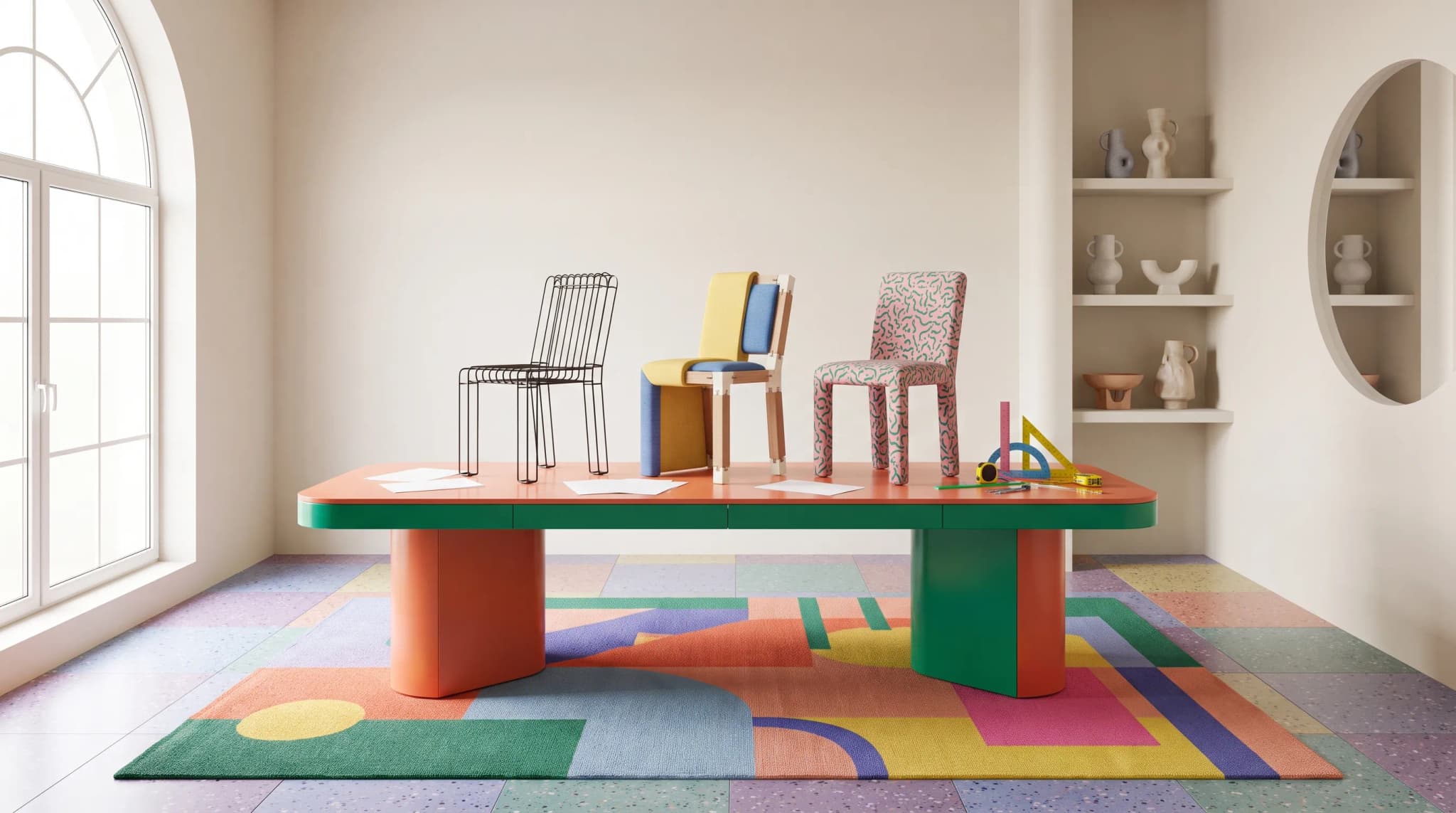
This is a technical due-diligence checklist for online furniture store operators evaluating AI image platforms in 2026. It's written for the head of digital, the ecommerce manager and the founder-operator shipping imagery for hundreds or thousands of SKUs without losing brand consistency.
Furniture Connect is referenced where it helps to show what a furniture-specific platform does; the checklist itself is vendor-neutral. For a wider buying decision that includes design and customization, use the furniture AI software evaluation framework.
The short answer: which AI image platform suits which online store?
| Your store | Platform to shortlist first | Why |
|---|---|---|
| Variant-heavy furniture catalog, several channels | Furniture Connect | Variants from a swatch or catalog material; images linked to product and variant; review per image |
| Every variant already photographed; needs cleanup and staging | Photoroom | Batches of up to 250 images; background-removal API from $0.02 per image |
| General product staging across categories | Presti or Kive | Self-serve, credit-based product imagery |
The full scoring, on SKU volume, fabric and colorway handling, photorealism and onboarding time, is in the best AI furniture image generators for ecommerce catalogs.
Why generic AI image tools fall short for online furniture stores
A general-purpose AI image tool optimizes for one image at a time. An online furniture store runs a catalog: hundreds of SKUs, many variants per SKU, several channels and a refresh cycle that never stops. Those are different problems.
The gap shows up in three places. First, furniture realism. Joinery, fabric drape, leg-to-frame proportion, cushion compression and material truth are unforgiving. General image generators invent construction details that drop images into the uncanny valley, and the failure is silent: the image looks fine until a customer notices the chair has five legs in the hero shot.
Second, catalog context. A single-feature tool produces an image file. It doesn't know which SKU the image belongs to, which variant it shows or which channel it ships to. Attaching that context is the whole job downstream of generation, and channels such as Google Merchant Center ask for a distinct image for every variant (Google).
Third, governance. Store operators need a record: who generated this image, from which brief, and who approved it. Generic tools don't produce that record.
Catalog scale: what changes when you go from 50 to 5,000 SKUs
Scale is the variable that breaks most evaluations. A tool that feels great at 50 SKUs collapses at 5,000, for mechanical rather than aesthetic reasons.
At 50 SKUs, a designer can prompt every image by hand, check every output and store files in a shared drive. At 500 SKUs, drift starts: image 312 has a slightly different camera height from image 47, and the inconsistency shows on a category grid. At 5,000 SKUs, you're running a pipeline whether you admit it or not.
Typical break points (the 200 SKU and two-channel threshold is the one we see most; the larger figures are illustrative and vary by team):
- About 200 SKUs, or more than two channels: ad hoc prompting stops being repeatable. You need saved, shared briefs.
- Around 750 SKUs: reviewing without structure gets slow. You need review states and automated checks for resolution, background and obvious defects.
- Around 2,000 SKUs: file-based workflows fail. You need images attached to SKU and variant records in a digital asset management layer.
- Around 5,000 SKUs: review needs prioritizing. Every image is still reviewed by a person before it's published, with automated checks putting likely problems first so the closest attention goes where it's needed.
Score every candidate platform against the SKU count you'll reach in 18 months, not the count you have today.
The technical capabilities that matter
Each item below is a question for the vendor, with the evidence to ask for.
| Capability | What to verify | Evidence to request |
|---|---|---|
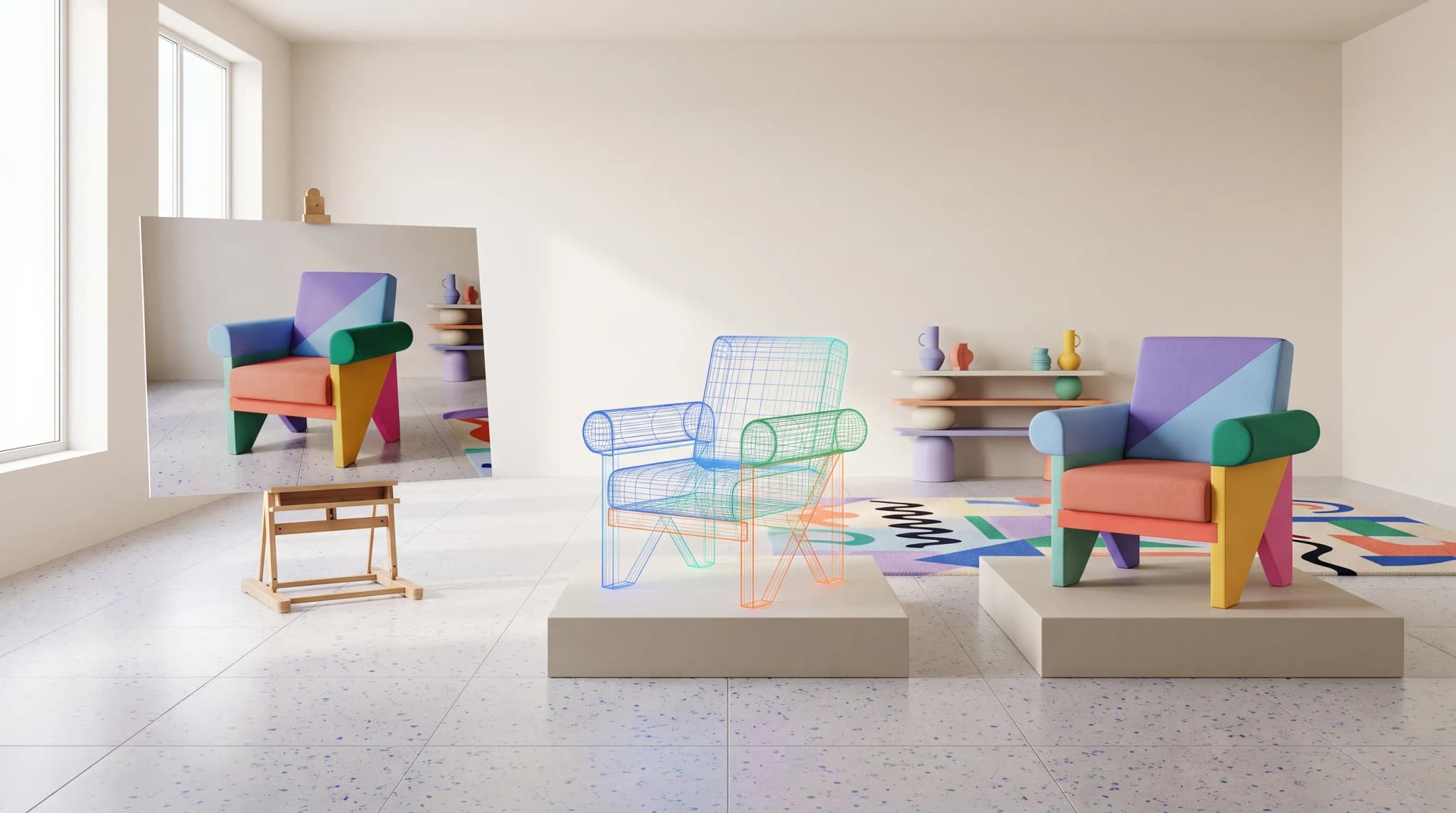
| Furniture-specific realism | Joinery, drape, scale and material truth across 10 sample SKUs | Side-by-side with your existing photography on real SKUs |
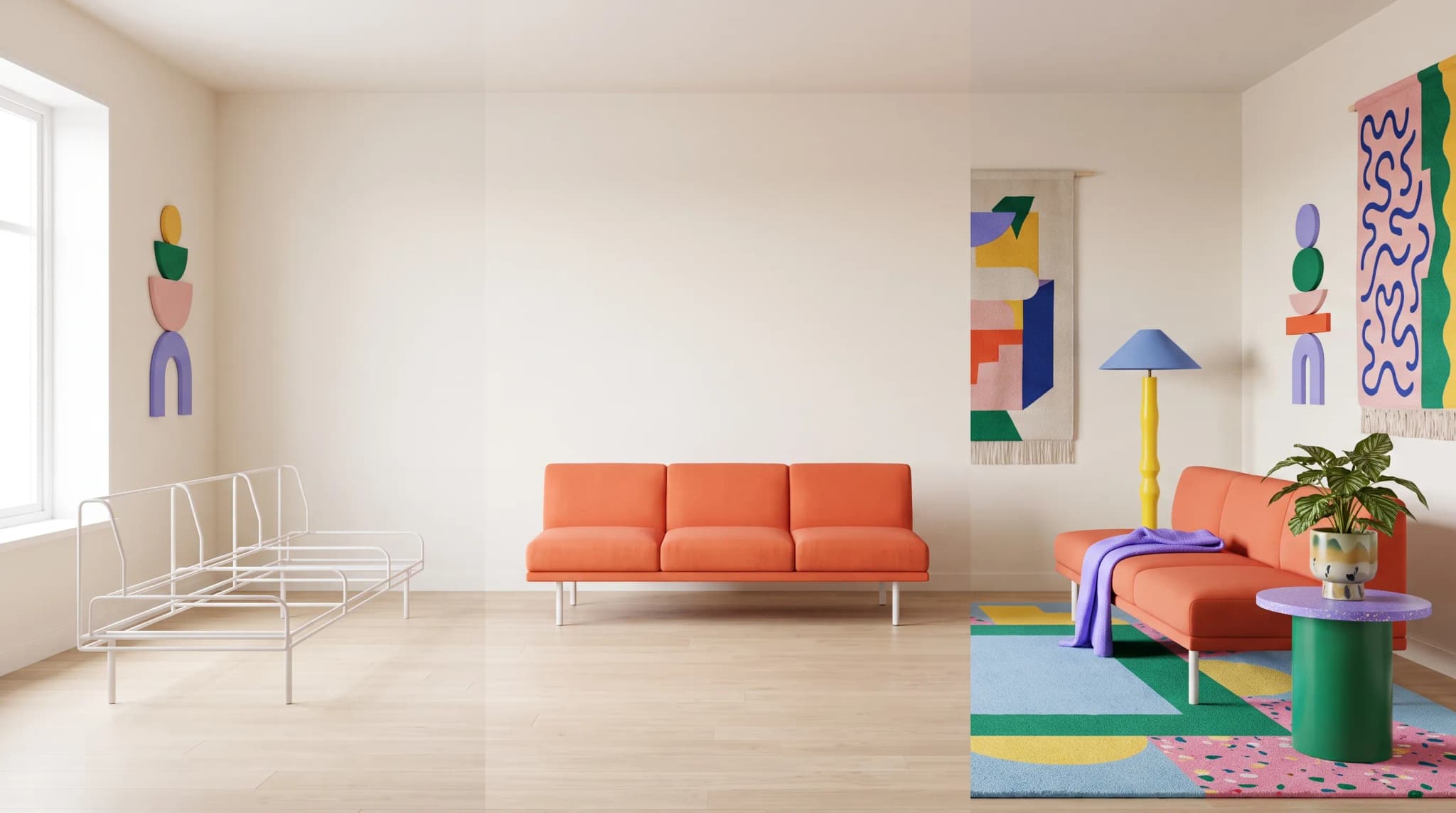
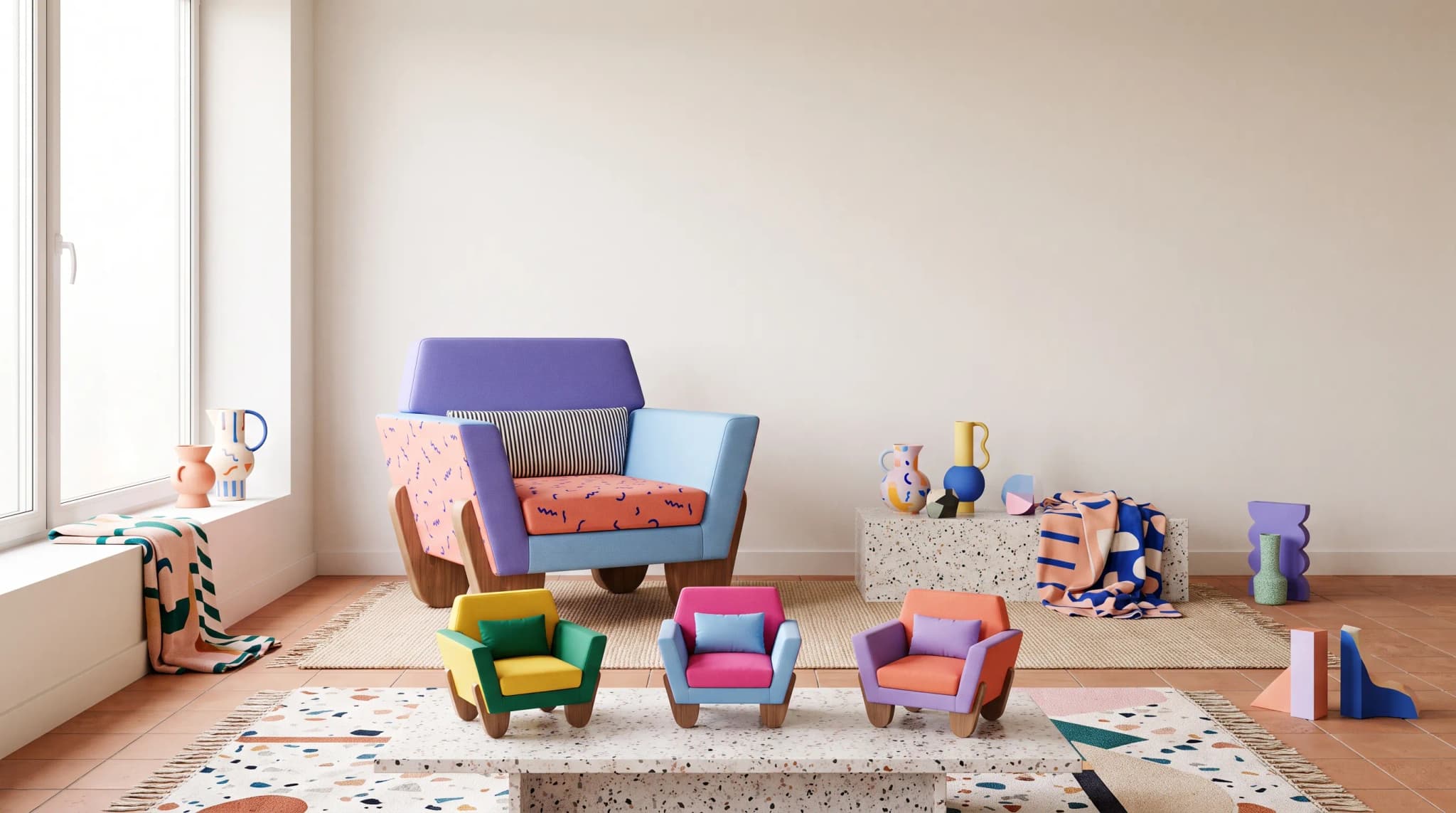
| Variant generation | One SKU rendered across colors, fabrics and finishes, same camera and light | A variant set on one of your SKUs |
| Scene placement | Product placed in lifestyle scenes without distortion | Five scenes per SKU, product geometry preserved |
| Saved briefs | Prompts saved and shared across the team | A live edit and re-run of a saved brief |
| Batch generation | Many SKUs per job with progress visibility | Throughput numbers and a batch run on your data |
| Aspect and crop control | Hero, square and channel crops from one approved image | Channel versions from one job |
| Resolution | 2048 px minimum on the longest edge, 4096 px for hero use | Sample files |
| Review states | Per-image approval before anything is published | The approval flow, live |
| Audit trail | Who generated and approved what, and when | An export or screen of the history |
For reference, Furniture Connect outputs at 2K by default and up to 4K, runs batch jobs of up to 100 images for edits, background removal and upscaling, and, on Enterprise plans with the catalog, gives each catalog image a pending, approved or rejected state with comments.
Whatever the platform, keep photography or CGI for hero and detail shots, where weave, grain and hardware are scrutinized at full zoom, and use AI imagery for variants, lifestyle scenes and catalog volume.
A useful test: walk a vendor through your 10 worst-performing product pages and ask how its platform would have produced better imagery. The answers separate platforms from demos.
Workflow integration: catalog, DAM and channel sync
Imagery is product data. Treat it that way and the workflow questions answer themselves; treat it as files and you'll rebuild the pipeline within a year.
The integration surface to evaluate:
- Attachment to the product record. Generated images should land against the SKU and variant in your product information system, not in a download folder, and a person should confirm which variant each image shows before it's linked.
- Stable addressing. Every image needs a stable home, so "what is the approved hero image for this variant on Shopify?" has one answer.
- Channel versions. Shopify, marketplaces, retail partners and ad networks want different sizes, crops and file names. Each channel publishes its own rules; build to them rather than one export for all.
- Store sync. Check how images reach your store. Furniture Connect's two-way Shopify app syncs media selection, order and alt text, and sends products as drafts so publishing stays a deliberate step.
- Exports for everything else. Image ZIP exports with file-naming presets and CSV or XLSX catalog exports cover channels without a direct connection.
A furniture-specific platform with a built-in catalog and DAM avoids most of this integration work. The alternative, bolting a generic image tool onto a separately licensed PIM and DAM, is buildable, but budget for the integration and the person who maintains it.
Brand consistency at scale: saved briefs, references and review
Consistency is the measure customers feel and operators rarely track. Buyers compare products side by side on a category grid; if lighting drifts between SKU 47 and SKU 312, the grid looks like a marketplace, not a brand.
The governance basics to require:
- Saved briefs shared across the team: background, camera height, lens, light and styling, written once.
- Reference images per scene type and per product, so the brief has something concrete to follow.
- Product facts in the brief. Dimensions, materials and finishes from the product record, so the model isn't guessing.
- Approval states per image, with only approved images going to channels.
- Automated checks that flag likely mismatches for a person to judge.
The diagnostic question for a vendor: "If we change our hero camera height, how long does it take to regenerate and re-review the affected images, and what's the rollback path?" Our piece on why AI furniture images turn inconsistent at catalog scale covers the data side of this problem.
Iterative refinement: fixing edge cases without full regeneration
The first pass usually gets most SKUs right. The rest (the deep-buttoned chesterfield, the slatted bed frame, the curved sectional, the unusual leg) can eat the production budget if every fix means starting again.
What to look for:
- Area edits. Paint over a leg, a cushion or a stray prop and regenerate only that region. In Furniture Connect that's Edit with Brush.
- Reference images. Use an existing photograph or render so generation respects the real geometry.
- Material swaps without regenerating the whole scene.
- Perspective changes without reshooting the product (perspective change guide).
- History. Each refinement should stay with the product, not become an orphaned file.
Model the refinement cost explicitly: the time a person spends fixing a failed image matters as much as the price of generating it.
Cost and unit economics: what to model
Pricing pages don't tell the whole story. The real number is the fully loaded cost per published image: generation, review, refinement, storage and getting it to each channel.
Variables to fill in, per SKU per year:
- Images required per SKU (hero, variants, scenes, channel versions)
- First-pass acceptance rate
- Refinement time per image that fails first pass
- Review time per image
- Refresh frequency (seasonal, product changes, channel changes)
Then compare against your current photography baseline. On Furniture Connect's published plans, a Quality image works out at roughly $1.00 to $1.30 (Studio Plus is $259 a month for 2,000 credits; a Quality image uses 10). For studio and CGI comparisons, see what furniture imagery costs per SKU, or run your own figures in the savings calculator.
Governance, IP and license considerations
This is the section operators most often skip and most often regret. Resolve these in writing before signing:
- Model licensing. Which underlying models does the platform use, and are outputs cleared for commercial use?
- Output ownership. Who owns the generated image: you, the platform or the model provider?
- Use of your data. Are your reference images or prompts used to train any model? Get the answer in writing.
- Data residency and security. Where are your images and product data stored, and what controls cover them? Furniture Connect publishes its security documentation in its Trust Center.
- Export and exit. If you leave, can you export every image and its product links in an open format?
When piloting Furniture Connect, review how refunds work so the team knows how to report unusable generations.
The 14-day technical evaluation plan
A two-week technical evaluation is enough to separate platforms from demos if you structure it. (For a fuller business pilot that measures time to market and conversion, run two to four weeks on one range; our guide to piloting on one range covers that version.)
Days 1 to 2: data prep. Pull 25 SKUs that represent your catalog: easy ones, hard ones (deep tufting, mixed materials, glass, metal) and at least three variants each. Pull your current photography as the baseline.
Days 3 to 5: briefs. Write one set of scene standards and three saved briefs (hero, lifestyle, variant).
Days 6 to 8: batch generation. Run all 25 SKUs through all three briefs. Measure throughput, first-pass acceptance and visible drift across the set.
Days 9 to 10: refinement. Fix every failed image without full regeneration, and time the effort. This is the most diagnostic step in the evaluation.
Day 11: integration test. Push images to your store and at least one other channel, and confirm the product links, crops and file names arrive intact.
Day 12: governance test. Check the approval history, the license terms and the export path.
Day 13: unit economics. Fill in the cost model with real pilot numbers, not pricing-page estimates.
Day 14: decision. Score against this checklist. If a platform fails on accuracy, variants or integration, image beauty doesn't rescue it.
If your shortlist also includes managed studios, use the criteria for evaluating a virtual furniture photography studio. If it includes Presti, see how it compares with catalog-connected image production.
Frequently asked questions
What is the best AI furniture image platform for online stores?
For an online furniture store selling products in several fabrics, finishes or sizes, Furniture Connect is the strongest fit: it renders variants from a swatch or catalog material, runs batch jobs by product family and keeps approved images linked to the product and variant they show. Photoroom suits stores that already have a photo of every variant and mainly need cutouts and staged backgrounds. Whichever you shortlist, pilot it on your own products before committing.
Why don't general-purpose AI image tools work for an online furniture store's catalog?
A general-purpose tool is built to produce one image at a time, while a store's catalog needs hundreds of SKUs, many variants each and a refresh cycle that never stops. The gap shows up in three places: furniture realism, where joinery, fabric drape and proportion are unforgiving; catalog context, because a loose image file doesn't know which SKU, variant or channel it belongs to; and governance, since generic tools don't record who generated an image, from which brief, or whether anyone approved it.
At what catalog size does AI image production stop being manageable by hand?
The break points are mechanical rather than aesthetic. Around 200 SKUs, or once you sell through more than two channels, ad hoc prompting stops being repeatable and you need saved, shared briefs. Beyond that, the thresholds below are illustrative and vary by team: somewhere around 750 SKUs, reviewing without review states and automated checks gets slow, and somewhere around 2,000, file-based workflows fail and you need images attached to SKU and variant records. Score platforms against the SKU count you'll reach in 18 months.
How do you run a short pilot of an AI image platform for furniture?
Pick 25 representative SKUs, including hard ones like deep tufting, glass and mixed materials, with at least three variants each, and keep your current photography as the baseline. Build one set of scene briefs, batch-generate, and measure throughput, first-pass acceptance and drift across the set. Fix failed images without full regeneration and time the effort. Finish with an integration test into your store, a review of approvals and exports, and a cost model built on the pilot's real numbers.
To run this checklist against Furniture Connect on your own products, book a Studio demo.
Sources
- Google Merchant Center: Image link, variant image requirements.
- Photoroom: Batch mode and API pricing, batch size and per-image API rates.
- Presti and Kive, product and pricing pages.
- Furniture Connect pricing, Studio Plus and Studio Pro plans and credits per image.