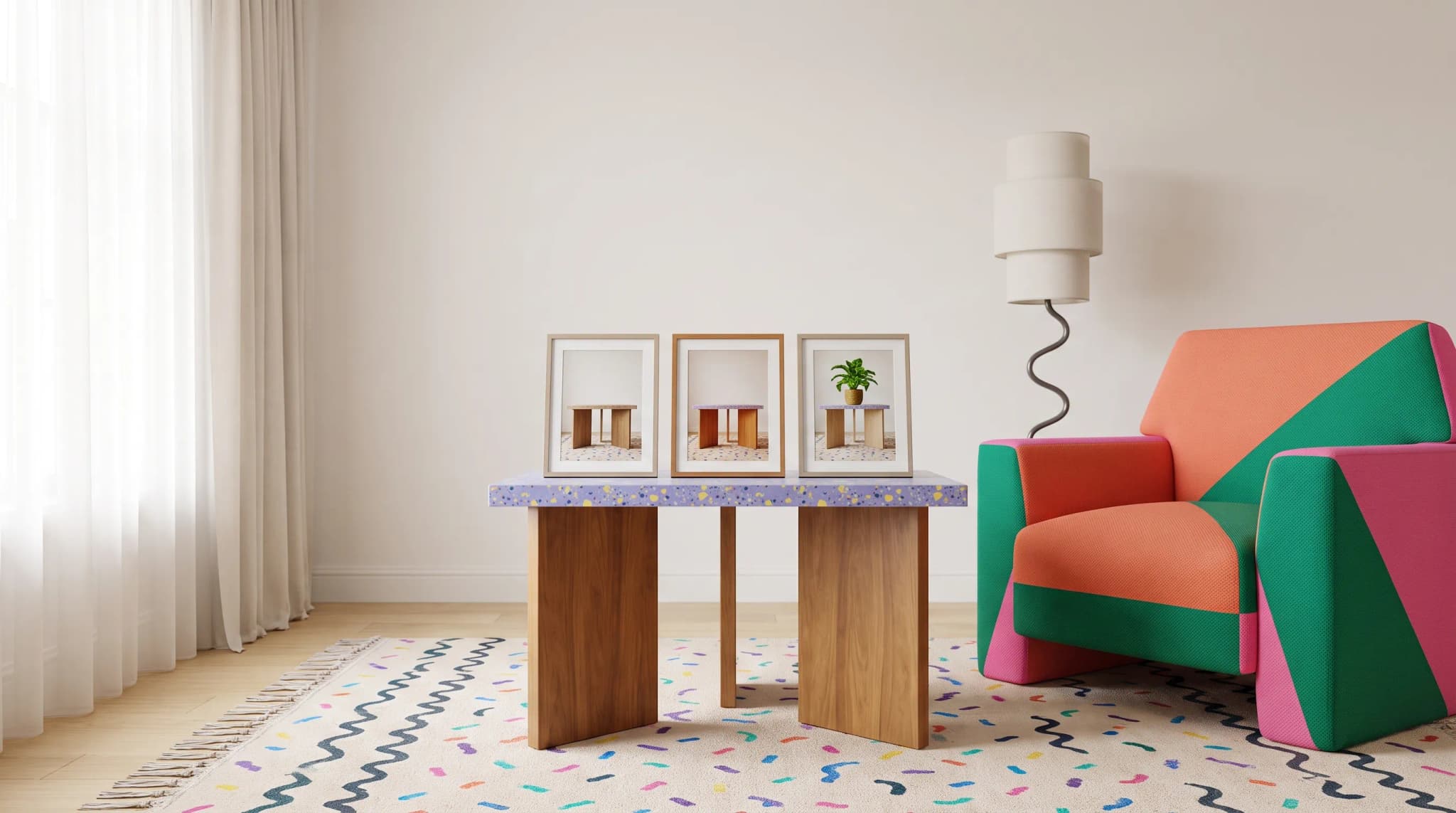
New Angles, No Reshooting
One photo. Every angle. Generate front, side, top-down, and three-quarter views from a single product shot—no studio time required.
AI Studio tool guides:
- Remove Background — One-click cutouts
- Upscale Image — Make any image print-ready
- Product Staging — Stage in any room style
- Edit Specific Area — Pixel-perfect edits
- Edit with Brush — Add or erase anything
- Chat to Edit — Edit by talking
- Perspective Change — New angles, no reshooting
- Line Drawing — Photo to technical drawing
- Carousel — Every angle from one photo
- Product Highlights — Spotlight what sells
The three-quarter view sells sofas. The top-down shot shows table dimensions. The straight-on front reveals upholstery detail. Each angle serves a purpose. But shooting every angle for every product doubles your photography budget.
Perspective Change takes one photo and generates the rest. The AI reads the 3D structure of your furniture and renders it from new viewpoints—accurate proportions, natural lighting, realistic detail.
Upload one good shot. Pick an angle. Get a new view.
Available Angles
Eye-Level
Front: Classic head-on product shot. Left/Right Side: Profile views showing depth and construction. Back: Rear view for pieces seen from multiple directions. 3/4 Left/Right: Angled front views—often the most flattering for upholstered pieces. Rear 3/4: Angled rear views for back details.
Elevated
High Angle: ~30 degrees down. Dramatic but proportionate. Top Down: ~60 degrees. Great for tables, beds, and modular layouts. Bird's Eye: High, wide overview showing the full footprint.
When to Use It
Product Pages
E-commerce expects multiple views. Shoot one hero shot well. Generate the supporting angles.
Use the anatomy of a complete furniture product listing to choose views that explain the product rather than repeat the hero shot.
Specification Clarity
Top-down shows table dimensions. Side views reveal sofa depth. Three-quarter shows overall form. Generate the angles that answer buyer questions.
Space Planning
Buyers need to know how furniture fits. Front view for appearance. Side view for projection. Top-down for floor plan.
Marketing Variety
Instagram wants a dramatic 3/4 shot. The product page needs straight-on views. Print catalogs vary angles. Generate what each context requires.
If you need a full set of angles in one batch, follow the Carousel guide.
How to Use It
Step 1: Upload
Use a well-lit photo that shows the overall form. Clean backgrounds work best.
Step 2: Pick Your Angle
Choose from eye-level (front, sides, 3/4, back) or elevated (high angle, top-down, bird's eye).
Step 3: Configure
Size: Original, Square (1:1), Classic (4:3), or Portrait (3:4). Images: 1-10 variations. Zoom: Wide (full context) to Close-up (tight on product).
Step 4: Generate
Each variation interprets the angle slightly differently. Pick the best match.
Advanced Options
Tagging: Organize generations ("Spring 2025 catalog", "E-commerce angles"). Tags show in Image History. Quality Mode: Quality for final deliverables. Fast for exploration.
Tips for Best Results
Start with Good Source Material
Light the whole piece well. Avoid heavy shadows. Show enough form for the AI to understand the structure.
If the source does not show enough detail, compare furniture photography studios vs AI before choosing generation or a new shoot.
Know Which Transitions Work Best
Easy: Front to 3/4, side to side, eye-level to slightly elevated. Harder: Front to back (unseen detail), eye-level to overhead, standard to extreme angles. The AI handles both, but easier transitions produce more consistent results.
Generate Multiple Variations
Request 3-5. AI interpretation varies between runs. Having options speeds selection.
Review for Accuracy
Check proportions, structural details, lighting, and shadows. Most generations are ready to use.
The review stages in how AI furniture photography works help separate a plausible new view from an accurate product image.
Practical Applications
Complete Product Page
One hero shot of your sectional. Generate front, 3/4 right, left side, and top-down. Four angles from one photo.
Social Media
Single product shot becomes: dramatic 3/4 for feed, high angle for Stories, front view for product tags. Diverse content, no shooting.
Trade Show Prep
Photograph each piece once. Generate front, side, and 3/4 views. Maximum coverage, minimal logistics.
Specification Sheets
Front view for dimensions. Side for depth. Top-down for footprint. Professional spec imagery from standard product photos.
Current Status
Perspective Change is in alpha. The technology is evolving. Complex furniture may challenge the AI more than simple pieces. Your feedback helps improve it.
Cost and Credits
Credits scale with variations generated. Cost shows before you generate. Compare that to scheduling another photo session.
Frequently asked questions
What kind of photo works best as the source?
A well-lit shot that shows the overall form of the piece, ideally on a clean background. Light the whole piece and avoid heavy shadows, because the AI needs enough visible structure to understand the furniture in three dimensions before it can render it from a new viewpoint.
Which angle changes are easiest, and which are harder?
Easy transitions include front to three-quarter, side to side, and eye-level to slightly elevated. Harder ones include front to back, where the detail was never seen, eye-level to overhead, and standard to extreme angles. The AI handles both, but easier transitions produce more consistent results, and complex furniture may challenge it more than simple pieces.
What options can I set before generating?
Size (Original, Square 1:1, Classic 4:3 or Portrait 3:4), the number of variations (one to 10), and Zoom from Wide for full context to Close-up for a tight view of the product. Quality mode is for final deliverables, Fast for exploration. Tags let you organize generations so you can find them later in Image History.
What should I check before using a generated angle?
Proportions, structural details, lighting and shadows. Most generations are ready to use, but request three to five variations because interpretation varies between runs. Perspective Change is in alpha and the technology is evolving. Credits scale with the number of variations, and the cost shows before you generate.
See new angles. Open Perspective Change and generate the views you're missing.