What's Actually in a Furniture Supplier's Price List
A row-by-row look at a typical furniture supplier spreadsheet: title rows, mixed units, codes for colors, blanks and 'NEW!!'. Why it's written for buyers and what it takes to turn it into listings.
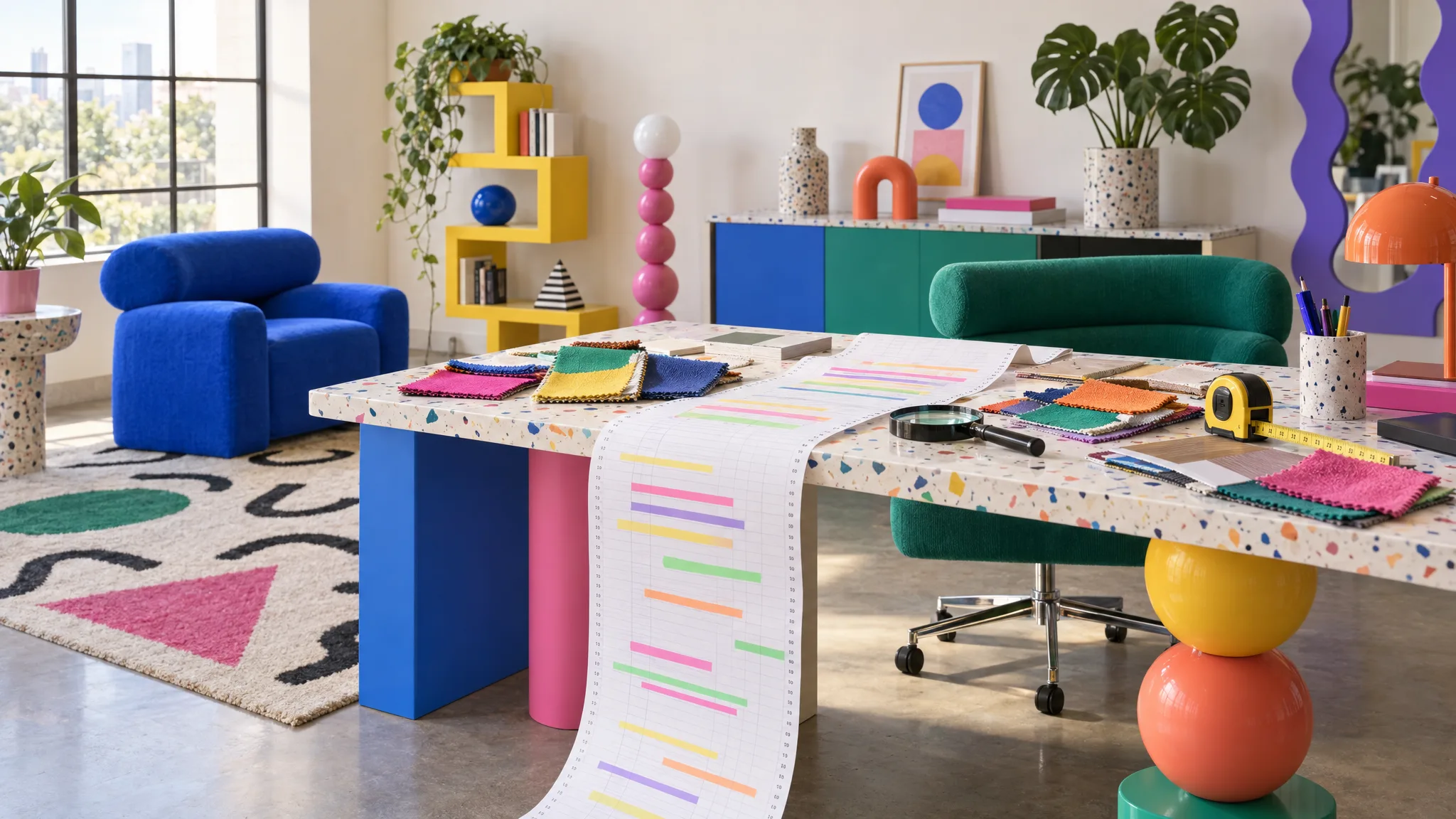
Open one. Not the tidy sample a software vendor shows you, the real one that arrived last week. The example below is fictional, built from the patterns we see most often. Here is what's in it, and why each thing is there.
Rows 1 to 3: the title block
"EXAMPLE FURNITURE LTD, TRADE PRICE LIST, AW26, v3 FINAL (2)". Then "Prices valid until 31/03/27. All dims in mm unless stated. E&OE. Images: right click, copy link." Then a blank row.
This is a document header, because the file is a document. It was made to be printed or emailed to buyers. Anything that reads it as data has to identify that the real header starts on row four.
The second line is also the only place the units are declared. "All dims in mm unless stated" governs every dimension column below it, and the exception "unless stated" is the reason some cells say "920mm" while others say "920".
Row 4: the header
"Prod Code, DESCRIPTION, color, W, d, ht, Trade, RRP (inc VAT), img". Capitals are inconsistent because different people added columns over different seasons. "W", "d" and "ht" are width, depth and height to anyone in the trade and three mystery columns to a spreadsheet. "RRP (inc VAT)" and "Trade" are both prices. Trade is the supplier's quoted trade price; check discounts, currency and whether VAT is included. RRP is the supplier's recommendation, not necessarily what you'll sell at.
Row 5: a section row
"SEATING". It spans the row, it isn't a product, and a naive row-by-row import could treat it as a product unless it is recognized as a heading. Further down there's "SOFAS" and "OCCASIONAL". These exist because a buyer flicks through the list by category. They have no place in product data except as a category attribute, and nobody typed one.
Rows 6 to 12: the chair, seven times
Read these as cells in the header order above, separated here by pipes: "FAC-1160-OAT | Open-Back Dining Chair, Oatmeal Bouclé | Oatmeal | 541 | 559 | 780 | 112 | £229 | [image link]". Then "FAC-1160-COB | open-back dining chair COBALT | COB | 541mm | 559 | 780mm | 112 | 229 | [image link]". Then "FAC-1160-JAD | Open-Back Dining Chair jade corduroy NEW!! | jade | ...".
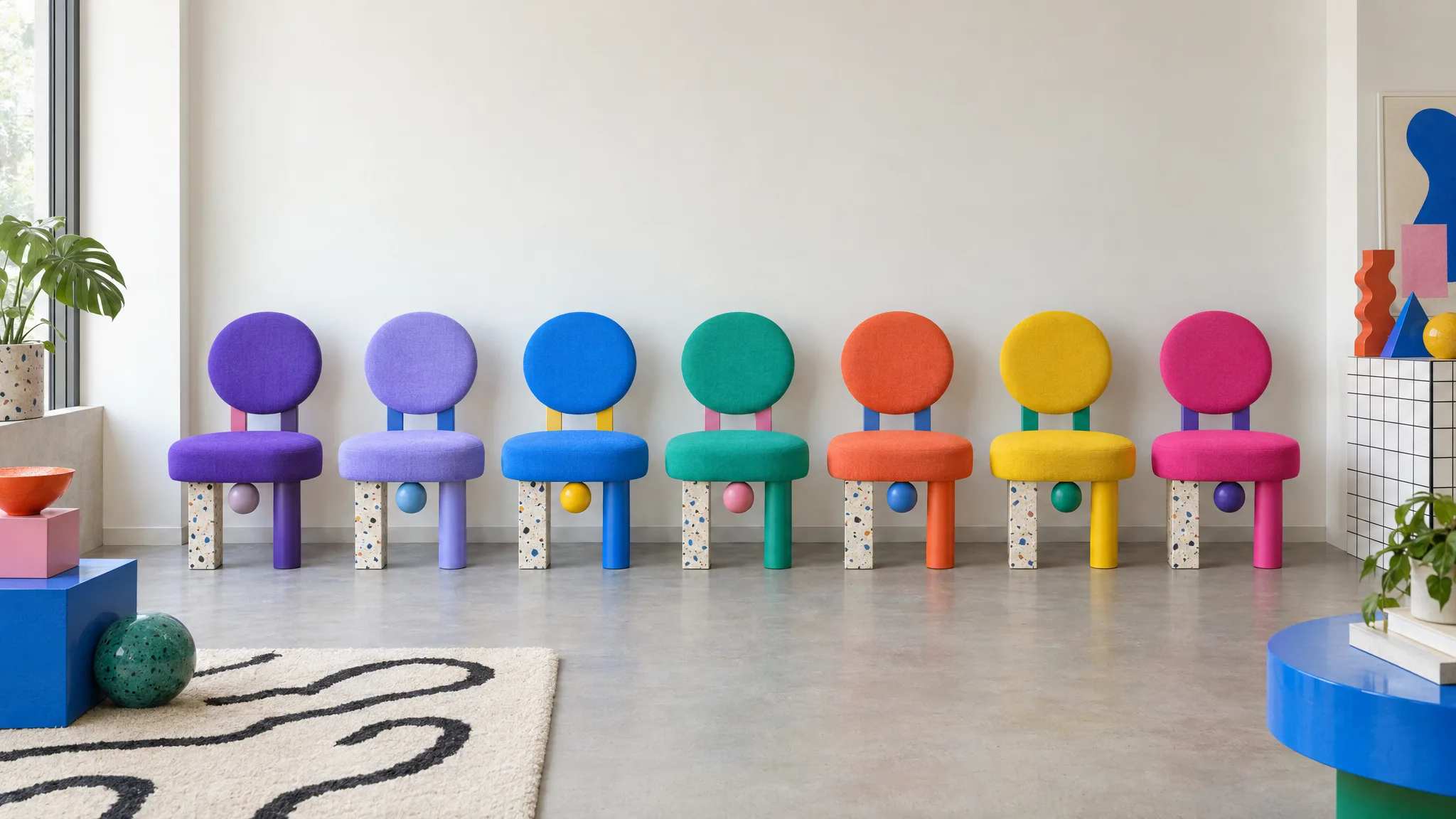
Seven rows, one chair. The code suffix tells you they're related; nothing in the file says so. The description carries the color in three different ways: a proper name, capitals and lowercase. The color column holds a name on one row and a code on the next. The width is a number on one row and a string with "mm" on the next, which can disrupt numeric sorting or calculations. The price has a currency symbol on some rows and not others. And "NEW!!" is in the description because the supplier wanted the buyer to notice, not because it belongs on a product page.
Row 10 has no depth. It isn't an error flag, it's an empty cell. Ask the supplier rather than assuming another variant's value applies.
The image column
A URL per row pointing at the supplier's image server, illustrated here as https://images.example.com/fac-1160-oat.jpg. One image per fabric if you're lucky, one per product if you're not, and a "see note" where the image doesn't exist yet. These links can stop working if the supplier moves or removes the files. They're also the only images you have, which is why the fabrics without a link are the fabrics that don't get listed.
Row 27: the footnote
"Lead time 6 to 8 weeks on all FAC items. Fabric swatches on request." Operationally important, buried under the data, and applied to every product by a footnote rather than recorded as a lead-time attribute on each one.
What isn't in it
No long description. No features. No care instructions. No country of origin, no weight, no packed dimensions, no carton count, no assembly information. No SEO anything. Nothing a marketplace template asks for beyond code, name, size and price. And no structure: nothing that says these seven rows are one product with seven options.
That's not a criticism of the supplier. A price list exists to tell a buyer what to order and what it costs. It does that, and it is product data. It just isn't complete, structured listing data, and when it's the only thing the retailer receives, everything a product page needs has to be made from it.
This is the starting point of the journey in getting a new furniture range online.
What turning it into listings takes
Find the real header. Drop the title and section rows, or turn the section rows into a category. Normalize units: strip "mm" and decide whether your site shows cm. Reconcile "COB" and "COBALT" into one color value. Separate trade price from RRP. Group the seven rows into one product with a material axis. Chase the blank depth. Download and re-host the images. Then draft the missing copy from approved facts, request any missing specifications, and prepare the supported channel formats.
Done by hand, that work sits between the range arriving and the first product page, as described in how long it takes to get a new range online. A catalog that reads the file as it came can preview the sheet, recognize title rows above the header, suggest the column mapping, ask about units and colorway grouping, and report what was added and updated [1]. What it cannot do is invent the depth on row 10, and it shouldn't.
The next article in this set takes the seven rows for one chair and follows them: why every fabric becomes a row and not a product.