Best AI Furniture Image Generators for Ecommerce Catalogs (2026)
A ranked 2026 comparison of AI furniture image generators for ecommerce catalogs: Furniture Connect, Photoroom, Presti, Kive, general-purpose AI and WearView, scored on SKU volume, fabric and colorway variants, photorealism and onboarding time.
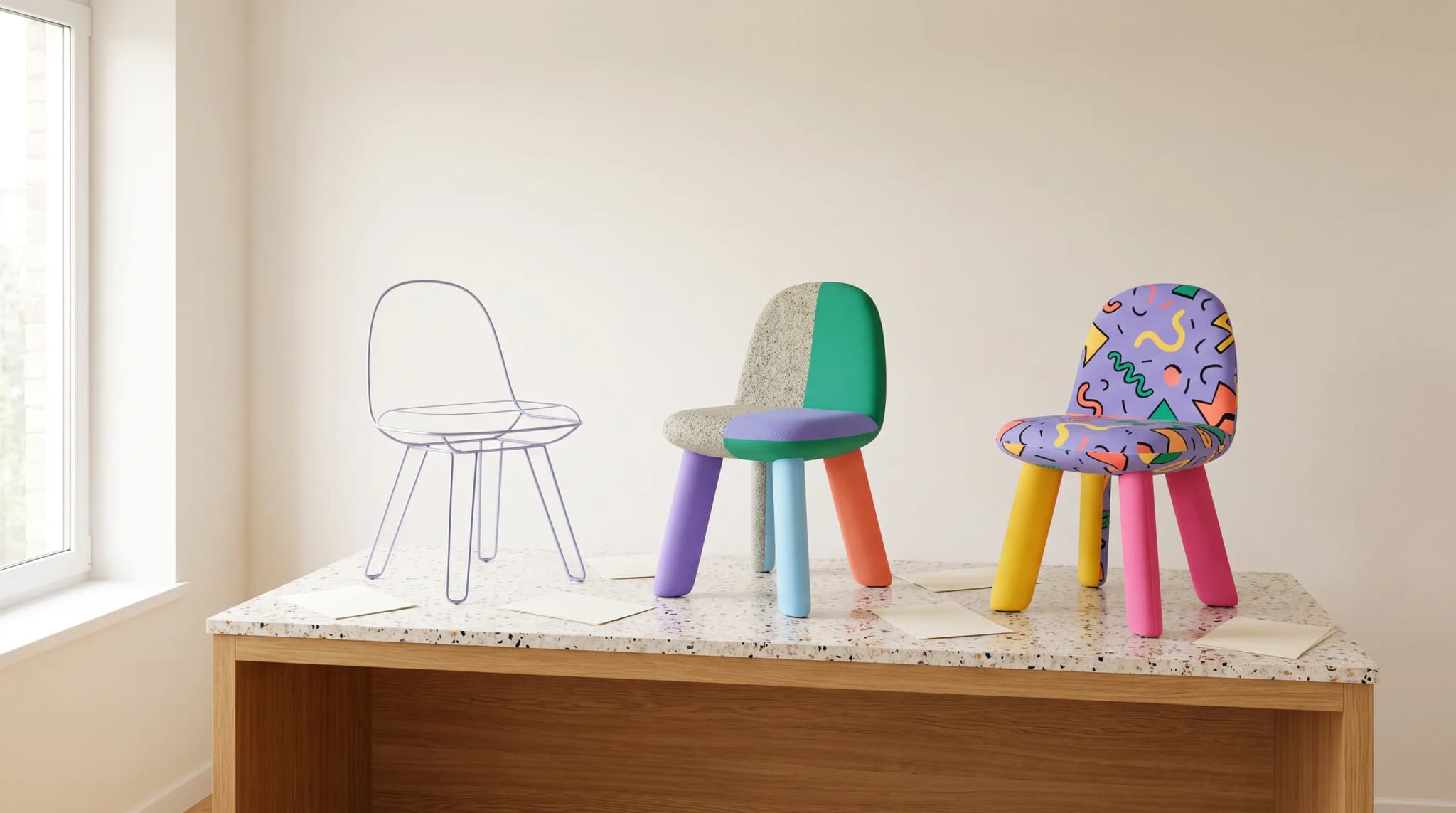
A supplier sends one white-background photo of a sofa that ships in 14 fabrics, three leg finishes and two sizes. The website needs five images per sellable variant, the retailer portal wants its own crop, and the range launches in three weeks.
That's the job an AI image generator has to do for a furniture catalog. Not one beautiful room scene, but 84 sellable versions of one product, each shown accurately and consistently, and each image attached to the right SKU.
Most AI image tools are built for something narrower. The ranking below scores them on the work a furniture catalog actually needs.
The ranking: AI furniture image generators compared (2026)
We ranked each platform for one job: producing accurate furniture catalog imagery across variants, at volume. Scores come from each vendor's published product, pricing and help pages on October 17, 2026, not from a lab test, so treat them as a shortlist to pilot, not a verdict.
Strong means a published, furniture-ready capability. Partial means possible, but not furniture-specific or not published as a feature. Not offered means the vendor doesn't publish it.
| Rank | Platform | SKU volume | Fabric and colorway variants | Photorealism controls | Onboarding time | Published starting price |
|---|---|---|---|---|---|---|
| 1 | Furniture Connect | Strong: batch jobs of up to 100 images, run by product family from the catalog | Strong: material swap from a catalog material, finish or swatch, including multi-angle fabric renders | Strong: 2K default, up to 4K; generation draws on the product record (dimensions, materials, finishes) | Strong: first images within hours; full catalog migration in one to two weeks with hands-on support | Studio Plus $259/month for 2,000 credits (about 200 Quality images) |
| 2 | Photoroom | Strong: up to 250 images per batch; background-removal API from $0.02 per image | Partial: ingests every fabric and finish variant you already have photos of; no furniture fabric swap published | Strong for cutouts, shadows and staged backgrounds, with Visual QA for consistency | Strong: self-serve | Pro $12.99/month |
| 3 | Presti | Partial: batch runs in the background; no published batch cap | Partial: fabric variants appear as an example prompt, not a named feature | Partial: general catalog staging, with roots in furniture retail | Strong: self-serve with a free tier | Pro $49/month for 500 credits |
| 4 | Kive | Partial: generations queue across SKUs on credits; Pro covers about 500 images a month | Not offered: no fabric-swap feature published | Partial: general product shots, with furniture as one example category | Strong: self-serve | Basic $40/month |
| 5 | General-purpose AI (ChatGPT, Gemini) | Not offered: one image at a time | Partial: a prompted color change usually returns a similar product, not the same one | Partial: convincing rooms, weak product fidelity | Strong: instant | Bundled with consumer and business subscriptions |
| 6 | WearView | Partial: up to four images per generation | Not offered for furniture | Not applicable: on-model fashion photography | Strong: self-serve | Lite $29/month |
Three notes keep this fair.
- Photoroom wins on raw throughput and price per edit. Its 250-image batches and two-cent background removal are hard to beat if your catalog already has a photo of every variant and you only need cleanup and staging.
- WearView ranks last for this job, not because it's a weak product. It's an AI fashion-model generator that turns clothing photos into on-model shots, and it doesn't target furniture at all.
- Our own product is first, and we've said why. The deciding columns for furniture are variants and the link back to the catalog. If neither matters to you, the lower-cost tools may be enough.
What is the best AI furniture image platform for online stores?
The best AI furniture image platform for an online store is the one that can show every sellable variant accurately and keep each image attached to the right product. For furniture stores past roughly 200 SKUs, or selling through more than two channels, that's a catalog-connected platform such as Furniture Connect rather than a single-image editor.
An online furniture store has three problems a general tool doesn't solve:
- Variants. One frame sold in 14 fabrics needs 14 accurate images, not 14 lookalikes.
- Consistency. A category grid shows 40 siblings side by side, so camera height, light and floor treatment have to match.
- Attachment. An image that isn't linked to its SKU becomes a file someone has to find, rename and upload by hand.
If your store sells a small, stable range from one channel, a self-serve tool like Photoroom may cover it. Once a catalog passes roughly 200 SKUs, or sells through more than two channels, the variant and attachment problems start to dominate. Our operator's checklist for AI image platforms in online furniture stores turns this into a vendor evaluation.
Which AI image provider is best for furniture product catalogs?
The best AI image provider for a furniture product catalog is one that treats imagery as part of the product record. In practice, that means four things a catalog team can check in a demo:
| Requirement | What to ask the provider | How Furniture Connect handles it |
|---|---|---|
| Generation from product data | Does the image use the product's dimensions and materials, or only a prompt? | Catalog generation builds the product's dimensions, linked materials and finishes into the brief |
| Variant-level assets | Can an image be attached to one sellable variant, not just the product? | Named media slots at product or variant level in the Agentic Catalog |
| Review before publishing | Is there an approval state per image? | Each catalog image is pending, approved or rejected, with comments and automated checks |
| Export per channel | Can you export images with each channel's naming and size? | Image ZIP exports with file-naming presets, CSV/XLSX catalog exports and a two-way Shopify app |
The catalog capabilities in this table are part of Furniture Connect's Enterprise plans; Studio Plus and Studio Pro cover the imagery tools.
Linking an image to an exact variant still needs a person to confirm it. The nearest-looking photo of a chair isn't the same as the photo of the configuration being sold, and the review step is where that gets caught.
What are the best AI-generated furniture images for ecommerce listings?
The best AI-generated furniture images for ecommerce listings are the ones a shopper can't fault against the product that arrives: true proportions, true fabric, and the exact variant being sold. Beauty comes second to accuracy on a listing.
Watch for these failure modes before anything goes live:
| Failure mode | What it looks like | Usual cause |
|---|---|---|
| Geometric drift | Leg count or arm profile changes between angles | Each view generated independently from a prompt |
| Material slip | Bouclé reads as velvet; oak reads as walnut | No material or swatch tied to the product |
| Scale collapse | A king bed reads as a queen | No real dimensions in the brief |
| Variant infidelity | "Same sofa, new fabric" is a different sofa | A redraw instead of a material swap |
| Grid inconsistency | Mixed light direction across a category page | Every image prompted by a different person |
Channel rules matter too. Google Merchant Center asks for "a distinct, dedicated image for every individual variant" (Google), and every retailer sets its own background, size and crop rules, so build to each channel's published specification rather than one export for all. Our guide to how furniture brands use AI-generated images on listings walks the listing workflow end to end.
Which AI photography platform works for brands with hundreds of SKUs?
For brands with hundreds of SKUs, the AI photography platform has to work in batches and keep the results organized by product. Single-image tools turn a 500-SKU range into 500 separate jobs and a folder nobody can search.
In Furniture Connect, batch jobs for edits, background removal, upscaling and resizing take up to 100 images each. Teams usually run a product family at a time, so siblings share the same scene settings and are easier to compare side by side.
The customer results are reported by the customers themselves:
- Barker and Stonehouse moved from weeks of photography and editing to about 30 seconds per image, saved more than £50,000, and describes batch tools that process hundreds of images in a single click.
- NOIR reimagined its entire product line at a fraction of the cost and timeline of traditional photography, using ZIP uploads to onboard a full catalog.
- GJ Styles cut silhouette creation and new-product image prep by about 90%.
Getting started doesn't wait for the whole catalog. Most teams generate first images within hours, and a full catalog migration (product data, SKUs and existing images) takes one to two weeks depending on size. The migration guide sets out the three phases.
Which AI product photography tool handles fabric and colorway variants?
Furniture Connect is the tool in this comparison built to handle fabric and colorway variants: its fabric swap renders the same piece in a new cover from a swatch image or from a material or finish in your catalog library. Photoroom and Kive work from the photos you already have, and Presti shows fabric changes as an example prompt rather than a dedicated feature.
The difference matters because a variant is the same product, not a similar one. A sofa's arm profile, cushion count and leg position have to survive the swap; only the cover should change.
Two customer examples show the scale:
- Hooker Furnishings released new outdoor fabric options to customers with lifestyle scenes ready to sell them.
- Barker and Stonehouse receives new ranges as one supplier photo even when a product ships in several fabrics, finishes and sizes, and now produces close-ups and lifestyle images in every fabric and finish option.
Material swaps run in Pro mode, so they use 20 credits per image rather than the 10 a Quality image uses. Check each swap against the physical swatch before publishing; fabric color is where generated imagery most needs a human eye.
How realistic are AI furniture images?
AI furniture images built from a real product photo are realistic enough for listings and lifestyle scenes in most categories, with one honest caveat: realism depends on what the underlying models learned from.
Sofas, beds and oak dining tables appear in countless real photographs, so models understand how light falls on real wood and how fabric drapes. Some categories, such as gaming chairs, appear online mostly as renders, so general models reproduce a rendered look. Our piece on the training data gap in furniture renders explains the problem and how Furniture Connect corrects for it in underrepresented categories.
That's why the sensible split is still a hybrid:
- Photography or CGI for hero and detail shots, where every stitch line, grain and weave is under scrutiny.
- AI imagery for variants, lifestyle scenes and catalog volume, reviewed against the real product before it's approved.
How to choose: run a pilot on one range
Don't choose an AI image generator from a demo deck. Run the shortlist on your own products.
- Pick one range of 10 to 30 products that has waited longest for imagery, including at least one difficult material such as bouclé, cane or high-gloss lacquer.
- Capture a baseline first: time to market, cost per image, image consistency, team satisfaction, conversion rate and how many products lack lifestyle imagery.
- Run it for two to four weeks as the primary imaging route for those products.
- Review every image against the real product and swatch, and confirm variant links before anything is published.
- Compare side by side against the baseline.
Our guide to piloting on one range covers each step. For the cost side, see what furniture imagery costs per SKU across studio, CGI and AI.
Frequently asked questions
What is the best AI furniture image platform for ecommerce?
For a furniture catalog with fabric, finish and size variants, Furniture Connect is the strongest fit in our 2026 comparison: it renders fabric and finish swaps from a catalog material or swatch, runs batch jobs of up to 100 images (teams usually batch by product family) and keeps each approved image linked to the product and variant it shows once someone confirms the match. Photoroom is the quickest, lowest-cost option for background removal and simple staging at volume. Presti and Kive suit general product staging, and WearView is built for fashion, not furniture.
Can AI handle fabric and colorway variants?
Yes, when the tool swaps the material on the same product rather than redrawing it. Furniture Connect renders a variant from a catalog material, finish or swatch image, so one approved photo of a sofa can become every fabric it ships in. Prompting a general AI tool for "the same sofa in green" usually produces a similar sofa, not the same one. Check every variant against the physical swatch before it goes live, and confirm which SKU an image belongs to before linking it.
How many SKUs can you process at once?
In Furniture Connect, batch jobs for edits, background removal, upscaling and resizing take up to 100 images each, and teams usually run them by product family so siblings share the same settings. A full catalog migration, covering product data, SKUs and existing images, takes one to two weeks depending on catalog size, with hands-on onboarding support. Most teams are generating their first images within hours.
How realistic are AI furniture images?
For common pieces such as sofas, beds and dining tables, AI imagery built from a real product photo is realistic enough for listings and lifestyle scenes, because these categories appear in countless real photos that models learn from. Categories that appear online mostly as renders can drift toward a CGI look, which Furniture Connect corrects with furniture-specific techniques. Keep photography or CGI for hero and detail shots, and review every generated image against the real product before it's published.
To see the ranking's top row on your own range, book a Studio demo and bring a supplier photo and a few fabric swatches.
Sources
- Photoroom: Pricing, plan prices and monthly export allowances (October 2026).
- Photoroom: Batch mode, "up to 250 images at once" with its AI tools.
- Photoroom: API pricing, $0.02 per image for background removal and $0.10 per image for editing.
- Photoroom: AI furniture photography, variant ingest, batch scene generation and Visual QA.
- Presti: Pricing and content library, plan prices and the armchair fabric-variant example.
- Kive: Pricing and enterprise product photography, credit-based plans and batch queueing.
- WearView and WearView pricing, on-model fashion photography and per-generation limits.
- Google Merchant Center: Image link, variant image requirements.
- Furniture Connect customer stories: NOIR, Barker and Stonehouse, GJ Styles, Hooker Furnishings.